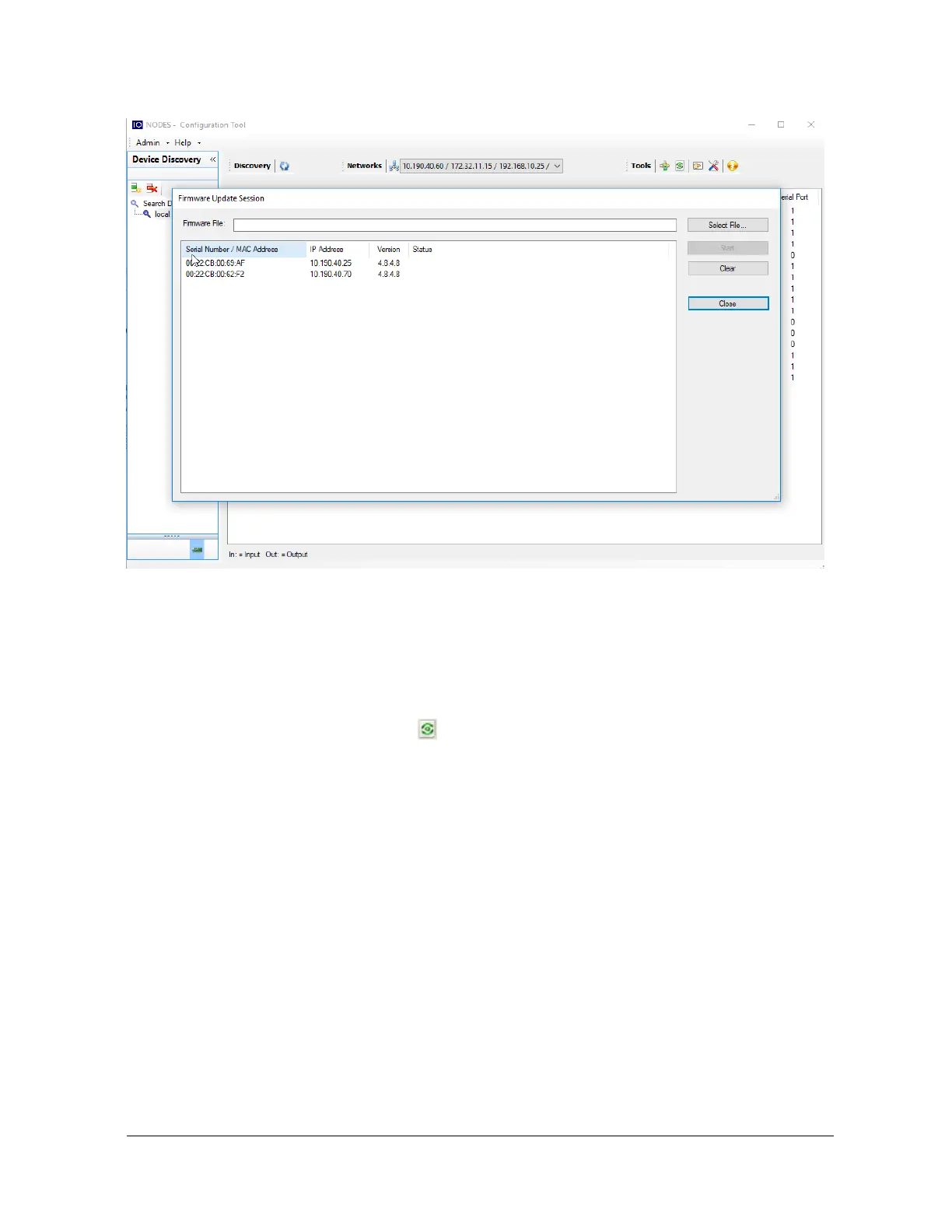
Once started, the “Firmware Update Session” window shows the progress of the firmware
update. This window can be closed at any moment without losing the current session.
If closed, the progress of the current session can be followed by reopening the “Firmware
Update Session” window by clicking the button from the “Tools” toolbar.
Once done, clear the current session from the “Firmware Update Session” window and restart a
new session if needed.



 To Next Page