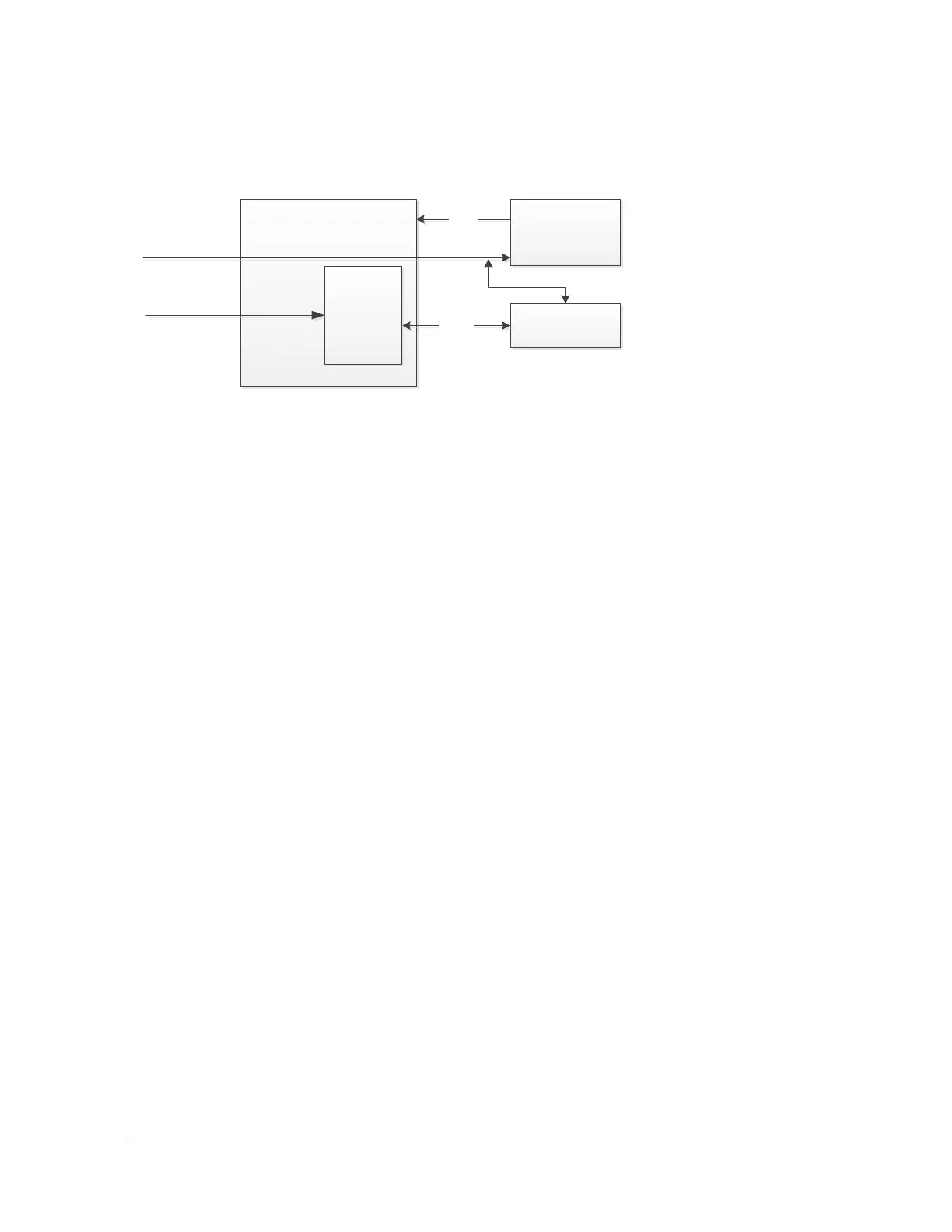
x Camera block connected to the video input port (YUV, LVDS, HD-SDI, MIPI)
x PTZ controller connected to the serial port
x Requirements: No sensor selection or custom from the web management interface: Con-
figuration / Video In / General / Select Sensor
x Requirements: PTZ protocol selection from the web management interface: Configura-
tion / Video In / PTZ
In this scenario, the firmware manages the PTZ commands (ex: PelcoD). The PTZ Controller
needs to manage the conversion of the commands coming from the serial port and going to the
camera block. For example, the command PelcoD zoom, has to be converted by the PTZ
Controller to a VISCA command.
The Transparent TCP can be activated if the Custom sensor is selected. In this case, the
management of the commands to control the sensor have to be done strictly via the Transparent
TCP. PTZ can be used via the ION API, Genetec API or OnVif. It is important to note that even
though a sensor may have various serial ports, only one may be available at the same time.
Additionally, this particular scenario is not recommended when a sensor has one serial port only
because in this scenario the Atomas does not have a mechanism to manage the collisions on
the serial port.



 To Next Page