Chapter 9 PROGRAM MODE
4.
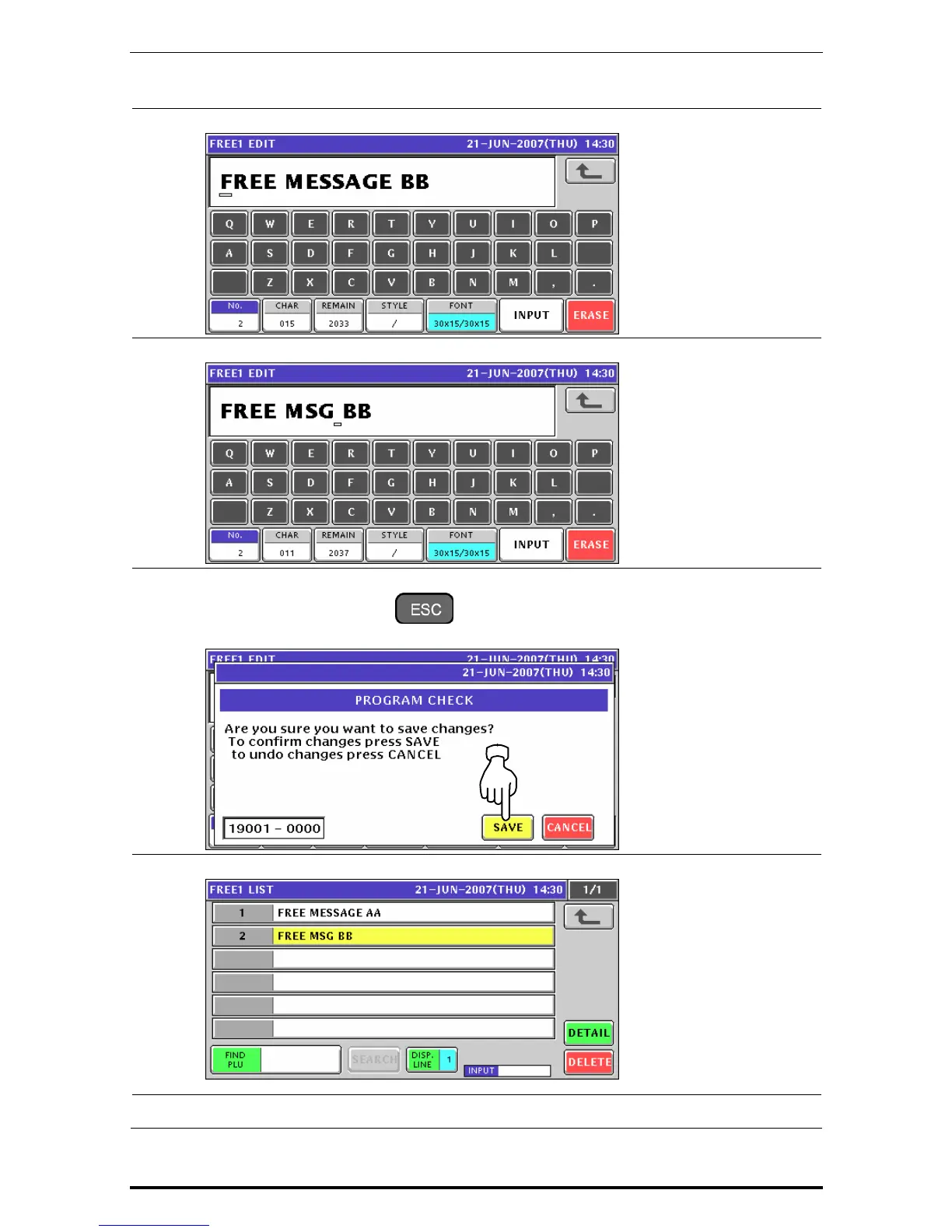
The Free Message Edit screen appears.
5.
Edit a text according to the procedures described in Appendix “Text Editing”.
6.
Press the [ESC] key on the key sheet to escape from text editing mode.
The confirmation screen appears. Then, press the [SAVE] button.
7.
The edited text has been registered.
8.
Repeat steps 3 through 7 for more registrations.
Uni-7 User’s Manual 9-119


 To Next Page
 Loading...








