22
Specifying Continuous POCT-1A Communication
Note: Communication is initiated from the instrument only when the CLSI POCT-1A compliant
communication protocol is used. If the ITC proprietary communication protocol is used,
communication is initiated from a personal computer or network.
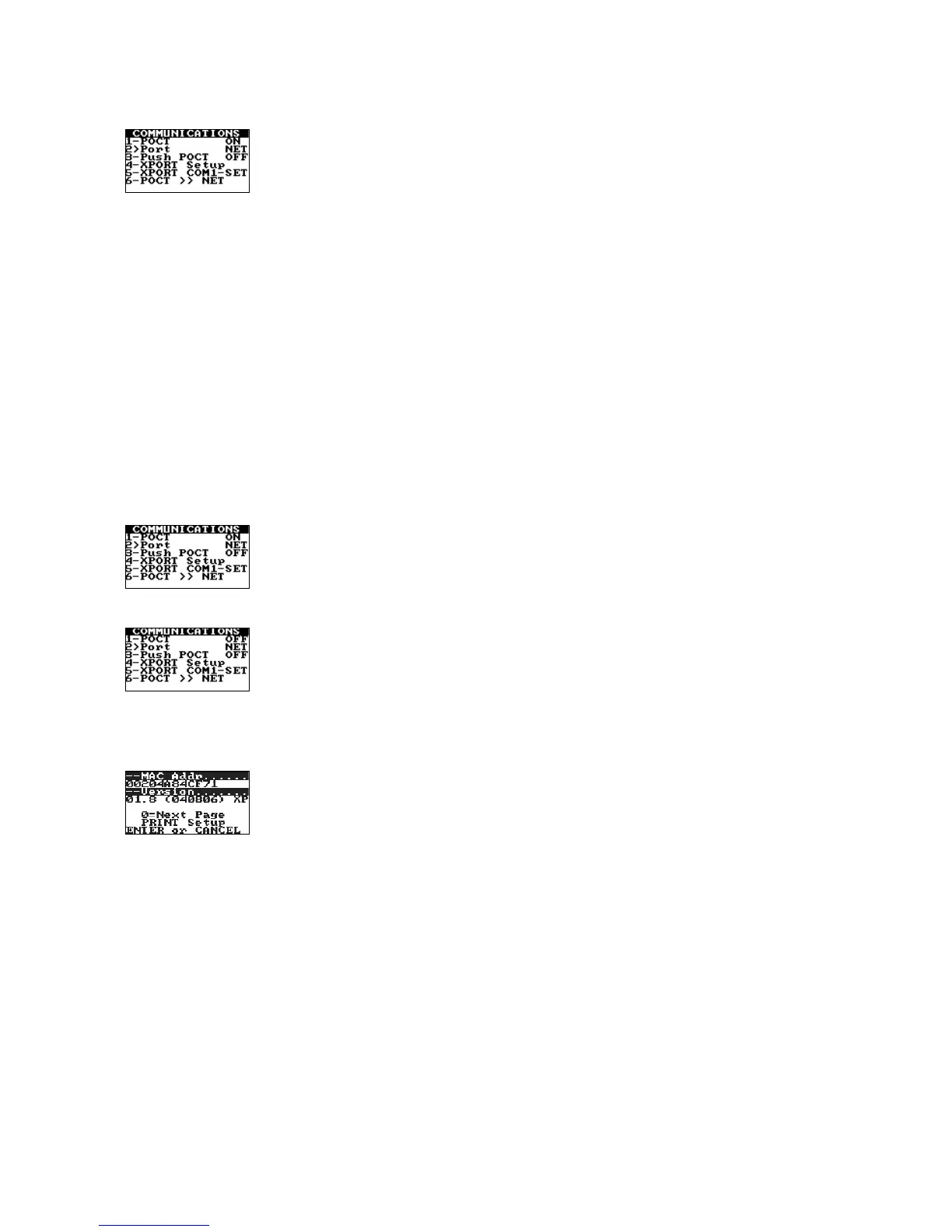
1. From the Supervisor menu, press 7 to display the Communications menu:
2. Press 3 to select the desired communication option when the CLSI POCT-1A compliant
communication protocol is used. (Display OFF to initiate communication only if requested, or
display ON to initiate continuous communication whenever the instrument is started.)
Note: Specifying the communication option acts as a toggle. If initiation of communication upon
startup is already specified (Push POCT ON is displayed), this can be cancelled by pressing 3 again
to display Push POCT OFF.
Entering Network Communication Parameters
Some or all of the following parameters may need to be entered in order for the instrument to
communicate over a network:
• IP Address
• Gateway
• NetMask
• Remote IP
• Remote Port
Note: Consult with the network administrator for your facility to determine which parameters
must be entered and what those settings should be.
1. From the Supervisor menu, press 7 to display the Communications menu:
2. (If the CLSI POCT-1A compliant communication protocol is currently selected): Press 1 to toggle the
communication protocol to the ITC proprietary communication protocol:
Note: The CLSI POCT-1A compliant communication protocol must be OFF when running XPORT
Setup.
3. Press 4 to start the XPORT Setup module. The message XPORT Setup Please Wait is displayed,
followed by the first page of the XPORT Setup module:
Note: If the message XPORT Setup NOT RESPONDING! is displayed, contact ITC Technical Support
at (800) 631-5945 or (732) 548-5700, or by e-mail at techsupport@itcmed.com.


 To Next Page
 Loading...