Function and Features
Copyright © ITECH Electronic Co., Ltd. 23
3.2.1 Constant current operation mode (CC)
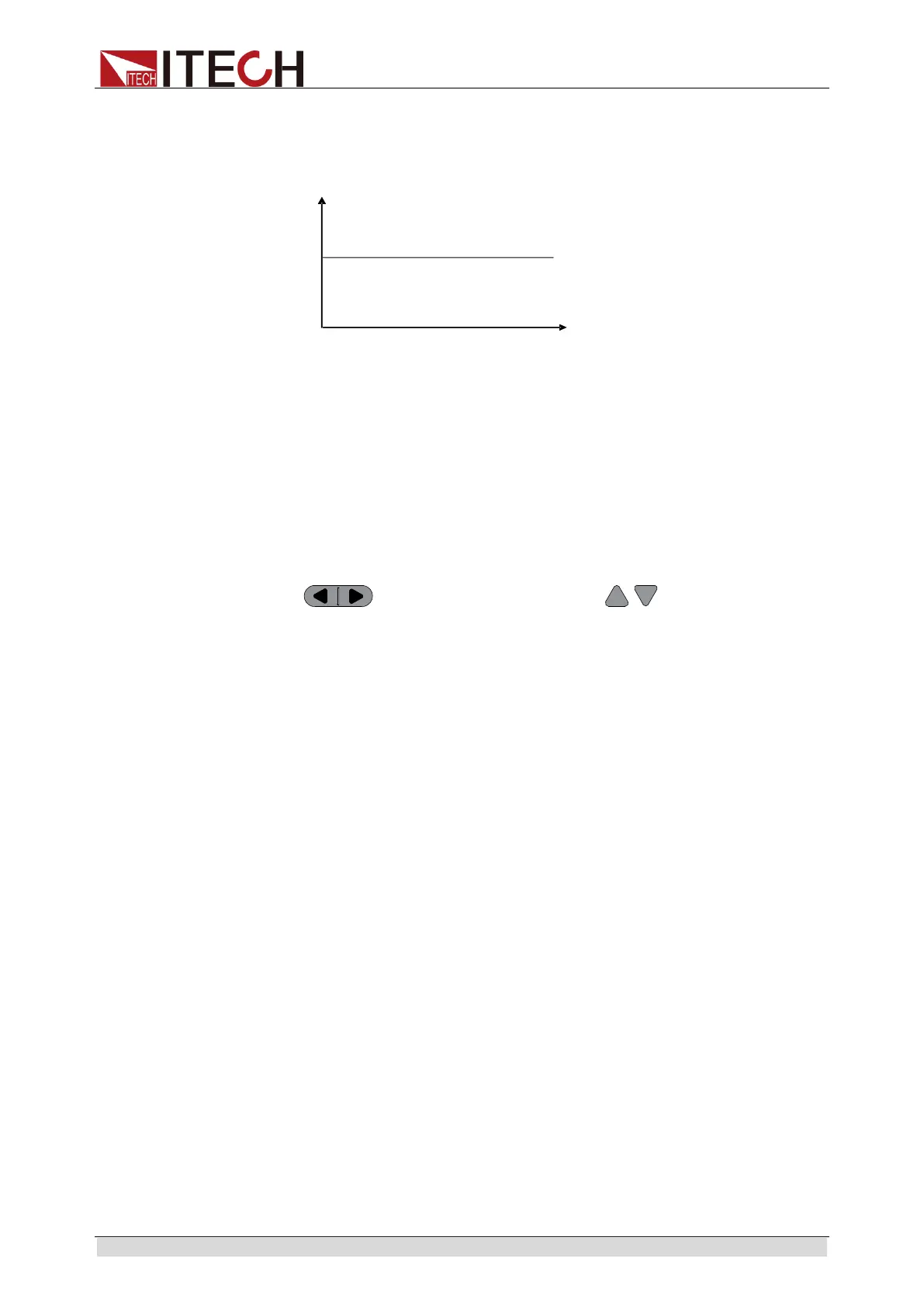
Under CC mode, the electronic load will consume constant current in regardless
of whether the input voltage changes or not, as shown in Fig. 3-1.
Fig. 3-1 Voltage-Current Relation Schema under CC Mode
Under CC mode, the electronic load provides three ways to set constant
current.
Rotate adjusting knob to set constant current value.
Use numeric keys to input current value and press [Enter] key to confirm
set constant current value.
Use moving cursor and press to adjust values at
corresponding positions.
Operation steps
1. Press [CC] key and [Shift] + [CV] to enter parameter setting screen.
Constant Current
Range=0.000A
2. Set maximum working current value and press [Enter] for confirmation.
Constant Current
Range =1.000A
3. Set maximum voltage value and press [Enter] key.
Constant Current
High=0.00V
4. Set minimum voltage value and press [Enter] key.
Constant Current
Low=0.000V
5. Set high and low rate and press [Enter] key.
Constant Current
High-Rate Low-Rate
6. Set ascending slope and press [Enter] key.
Constant Current
Rise up=0.000A/uS
7. Set descending slope and press [Enter] key.
Constant Current
Load voltage



 To Next Page