References of Load Communication Interfaces
Copyright © ITECH Electronic Co., Ltd. 82
Chapter5 References of Load
Communication Interfaces
IT8900 series electronic load is provided with five communication interfaces to
communicate with a computer for selection, including S232, USB, GPIB, CAN
and LAN.
5.1 RS232 Interface
Cable connection load with both ends of COM interface (DB9) and computer.
Composite key [Shift] + 8(System) on front board can be used to enter system
menu for activation.
In RS-232 interface, all SCPI commands can be used for programming. If
RS-232 interface is selected, in accordance with internal connection of data
terminal equipment (DTE) and data communication equipment (DCE) as
defined in EIA RS-232, the load is connected to another DTE (e.g., PC COM
interface) with direct-connected Modem cable.
Note
RS-232 setting in procedure should be consistent with that in system menu of front board.
Press composite key [Shift] + 8(System) to change (if necessary). Send a ^C or ^X character
string to the load to pause data transmission. It will clear any uncompleted operation and
waive any uncompleted output.
RS-232 data format
RS-232 data comprises start bit, odd and even parity check bit, stop bit and
8-bit data bit. Start bit and stop bit are not editable. However, next odd or even
item can be selected by front board [Shift] + 8(System). The odd and even
items are saved in NVM.
Baud rate
Through front board [Shift] + 8(System), the user may select one Baud rate
saved in NVM: 4800 /9600 /19200 /38400 /57600 /115200
RS-232 Connection
Use RS-232 cable with DB-9 interface because the RS-232 serial port can be
connected controller (e.g. PC) serial port. Do not use modulating cable of
air-conditioner.
If your computer is provided with a RS-232 interface with DB-25 plug, a cable
and a adapter with DB-25 plug (one end) and DB-9 plug (the other end) are
required (not the modulating cable of the air-conditioner).
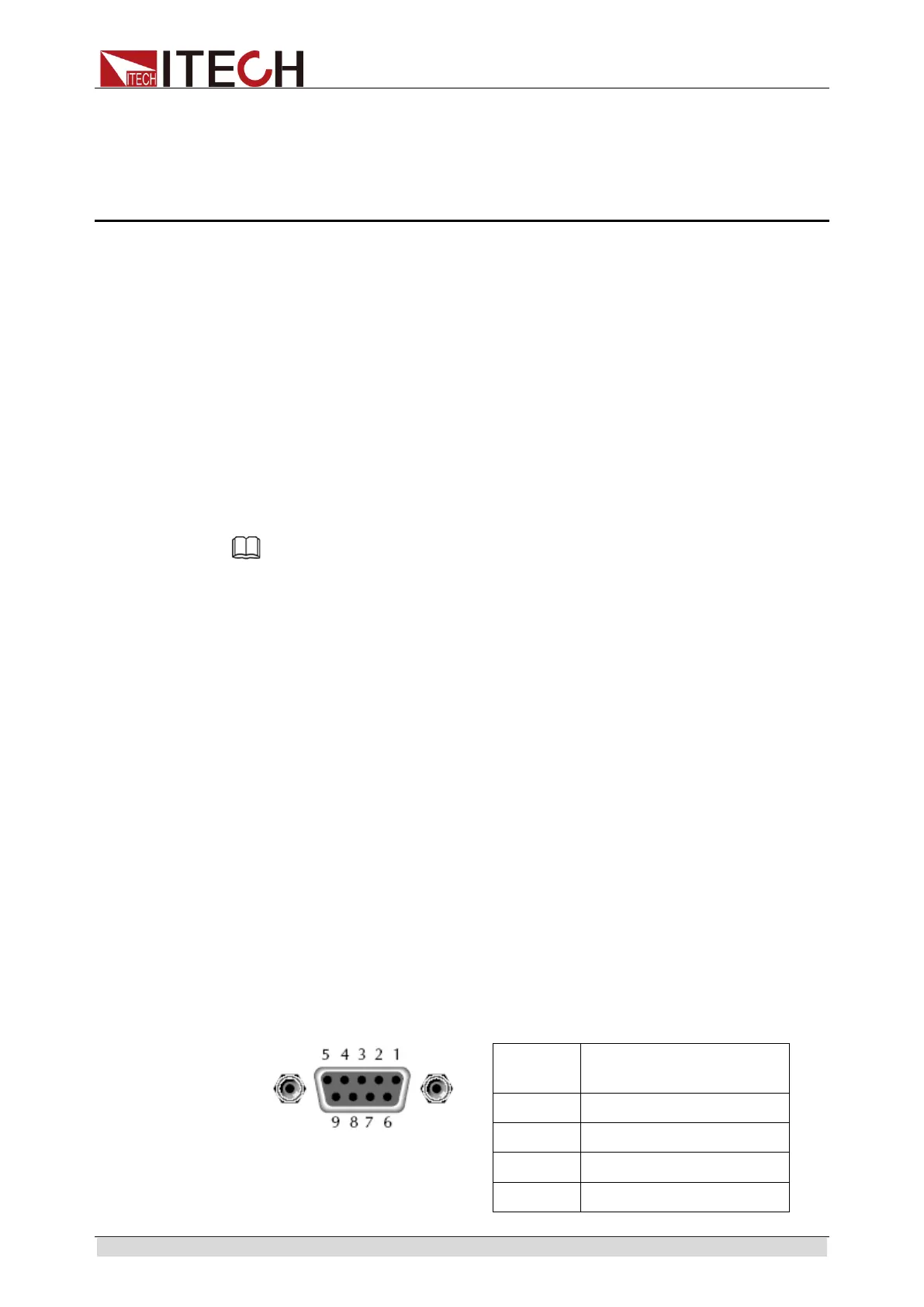
RS232 Pins of Plug
number
4 No conjunction



 To Next Page