Function and Features
Copyright © ITECH Electronic Co., Ltd. 29
automatically recall the input parameters setting saved in 0 register.
Key Sound Set (>Buzzer)
This item can set the key sound state. If in On mode, the electronic load will
issue beeper sound when you press any button. If in Off mode, the beeper will
not make a sound. The default set is in on mode.
Rotary Knob Set (>Knob)
This item is used to set rotary knob state. In Update mode, you can use this
rotary knob to set the input value and overturn the menu items. In Old mode,
this knob can’t be used. The default setting is in Update mode.
3.7 Configuration menu function (Config)
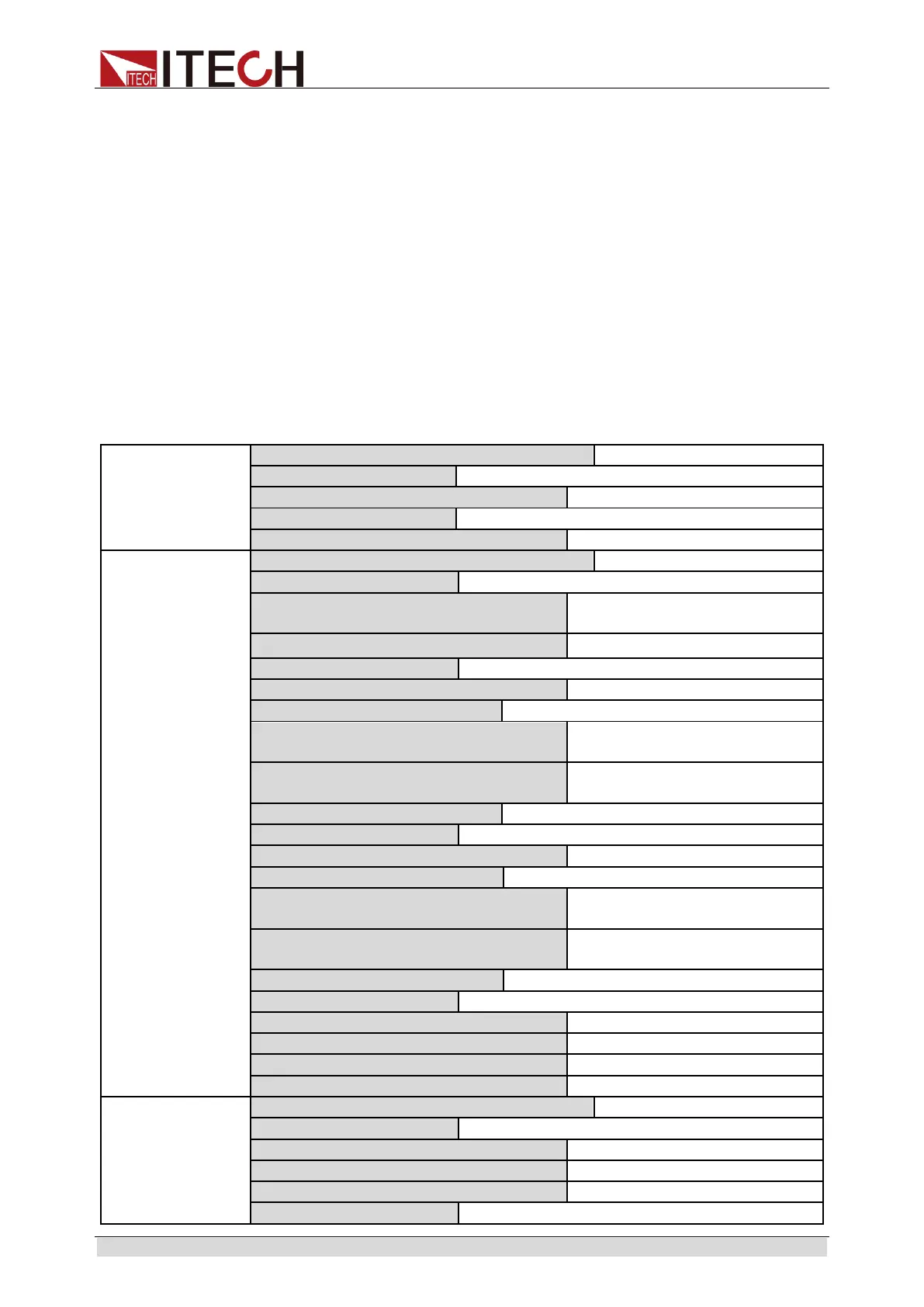
Press [Shift] + 9(Config) to enter menu configuration (CONFIG MENU).
Von
Von point living state, ON /OFF
Von point latch state, ON /OFF
Protect
Set hardware power protection.
MAX POWER
Set hardware protective power
value.
Point= 149.99W
Set software current protection.
Point=30A
Set software current protective
value.
Delay= 3S
Set software current protective
delay.
Set software power protection.
Point=150W
Set software power protective
value.
Delay= 3S
Set software power protective
delay.
Measure
Auto switch function of voltage range.
Start auto voltage range.
Measure voltage rise/fall time.



 To Next Page