Function and Features
Copyright © ITECH Electronic Co., Ltd. 36
If not, there is FAULT and the board will display as follows:
9.9973V 0.0005A
0.01W 5.100A FAULT STOP
3. End test. Press [Esc] to return to setting screen. Press [Esc] again to exit.
Note
If the set OCP voltage value is higher than the power voltage value, the OCP will fail to
operate and the board will display as follows:
9.9990V 0.0009A
0.01W 0.100A FAULT STOP
3.11 OPP test function
The IT8900 series electronic load is provided with overpower protection test
function (OPP). Under OPP test mode, when input voltage reached Von value,
delay for a while for the electronic load to latch. Ascend value by step value at
regular interval. At the same time, check the load input voltage and judge
whether it is higher than standard voltage value. If higher, it indicates that OPP
does not occur. Repeat power stepping operation till the load operates to the
cutoff power; if lower, it indicates that OPP does occur. Check whether the
existing power value is within target scope again. If yes, PASS the test.
Operating steps:
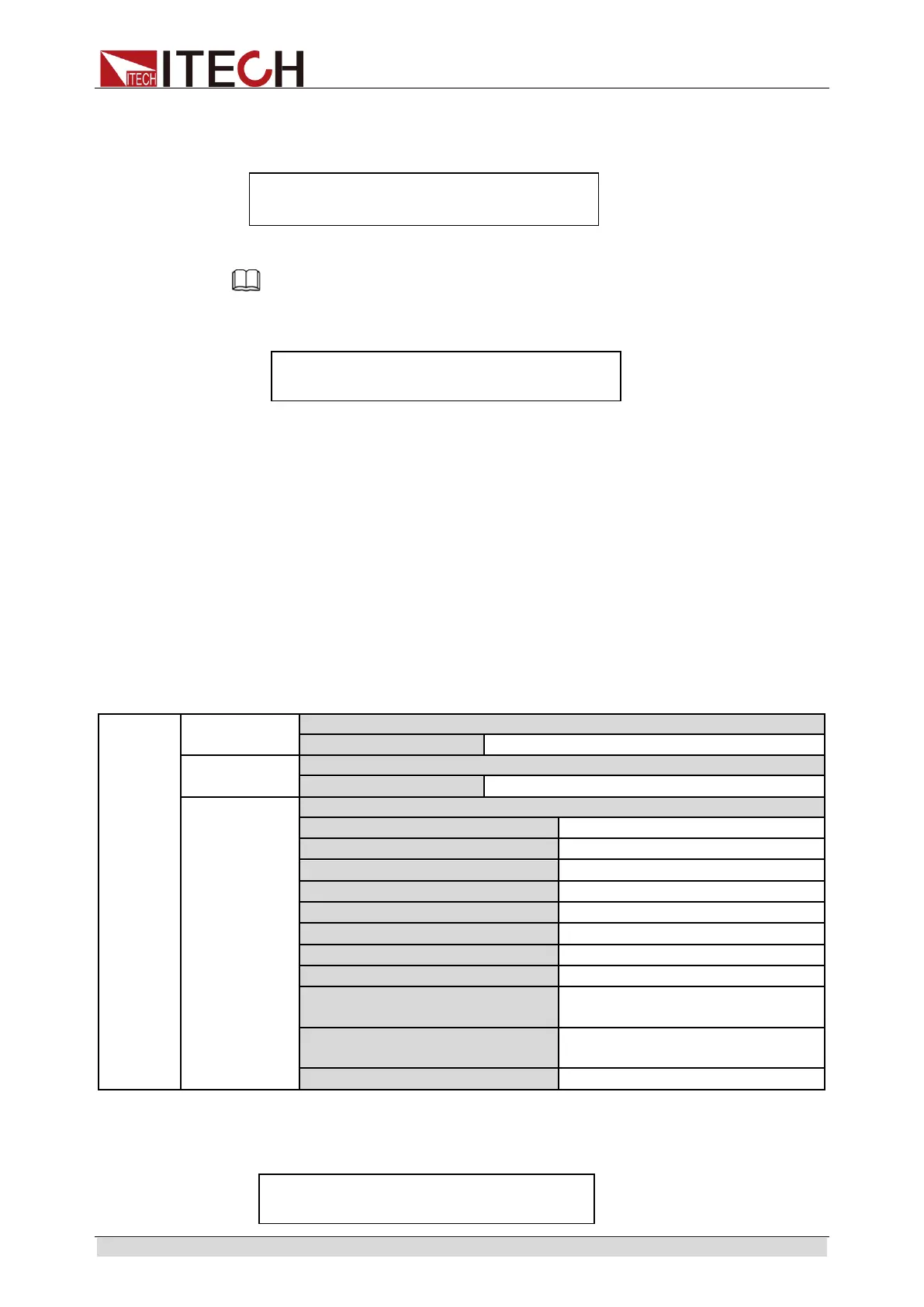
1. Press [Shift] + [CW] (OPP) keys to enter OPP test function setting screen:
OPP
TEST
Run
Operate OPP test documents.
Recall
Recall OPP test documents (1-5).
Edit
1: Voltage on level=0.000V
2: Voltage on Delay=0.00S
Set Von voltage delay time.
9: Max Trip Power =0.000W
Set overpower range (maximum
value).
10: Min Trip Power =0.000W
Set overpower range (minimum
value).
2. Press [Shift] + . (Trigger) key to start OPP test. If within range, PASS the
test and the board will display as follows:
9.996V 0.0007A
0.01W 49.10W PASS STOP



 To Next Page