Function and Features
Copyright © ITECH Electronic Co., Ltd. 44
Overtemperature protection (OTP)
Overtemperature protection: When internal power device of load is
higher than about 85 °C, the load is under temperature protection. At this
time, the load will automatically be OFF and VFD will display OTP. At the
same time, OT and PS bits of the status register will be set and keep till
reset.
Clear overtemperature protection: When load temperature is decreased
to protection point, press any key on load front board (or send command to
PROTection:CLEar), the load front board (OTP) word will get cleared and
the load will exit OTP protection status.
Input reverse polarity protection (LRV)
Input reverse polarity protection: The load will be immediately OFF and
the buzzer will sound in case of input reverse polarity. The (LRV /RRV) and
(VF) bits of status register will be set; and (LRV) will be displayed on the
screen. VF will keep till resetting. In case of reverse polarity, VF pin outputs
a high level.
Clear reverse polarity protection: Check whether the load has reverse
polarity. If yes, disconnect the object.
3.18 List Operation
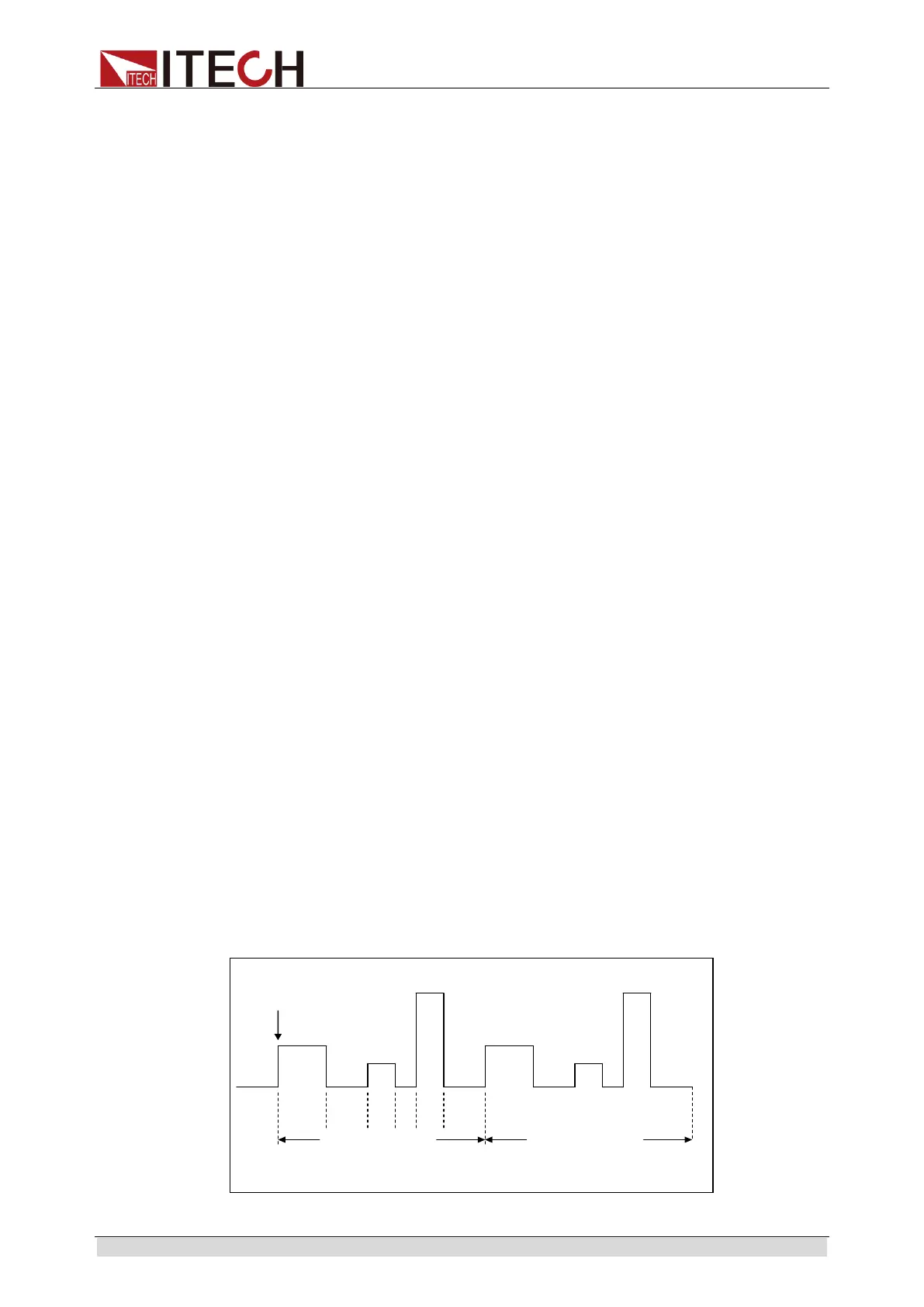
LIST mode provides an accurate, fast and low-cost way to complete any
complicated current change mode, which enables synchronization of internal or
external signals in multiple quasi-bit load precision tests.
When different trigger sources are selected, the LIST function will form a variety
of complex sequences by editing step value, pulse width and slope of each step
to meet complicated test requirements. LIST parameters comprise designation
of input list file, input step count (2-84 steps at maximum), step time (0.00002s
– 3600s) as well as setting value and slope of each step. The list file can be
stored in non-volatile RAM available for a quick output in case of usage. The
user can edit 7 groups of list files at maximum.
If the load operation mode is at List operation, the load will start List operation
when it receives a trigger signal till completion or receipt of another trigger
signal.
Before List operation, be sure to edit List operation files and save them in load
non-volatile RAM. Refer to examples below to know how to execute List
operation through board. It is assumed that output voltage and current of the
tested instrument are 10V and 3A respectively and the load is under CC mode.
Edit the LIST file and trigger to operate this file. Operation steps:
Trigger
10 2 3 4 5
List count=1 List count=2
List sequence



 To Next Page