SeapiX – Operation Manual
SSD-C-1302 Ed. A – 01/2020 29
5 SeapiX Graphical User Interface (GUI)
5.1 Basics to SeapiX GUI
SeapiX GUI consists of a Windows®-based interface. The system is entirely configured
through the software. Most of the controls are accessed via toolbars.
5.1.1 PREREQUISITE
Before starting SeapiX GUI on the VPU, please check that all system units are correctly
connected and have been powered on. If you have to power on the system units:
• On the BFU front face, open the door and press the Start button.
• On the ITU front face, press the Start button.
• On the VPU front face, press the Start button.
CAUTION: DAMAGE TO THE ANTENNA (SAU)
You must never power up the SeapiX when the ship is in dry dock: the antenna (SAU)
could be damaged. To prevent inadvertent use of the SeapiX, always pull out the power
supply mains plug from the ITU – located in the sonar/technical room - whenever your
vessel is in dry dock. Additional protective measures should be considered.
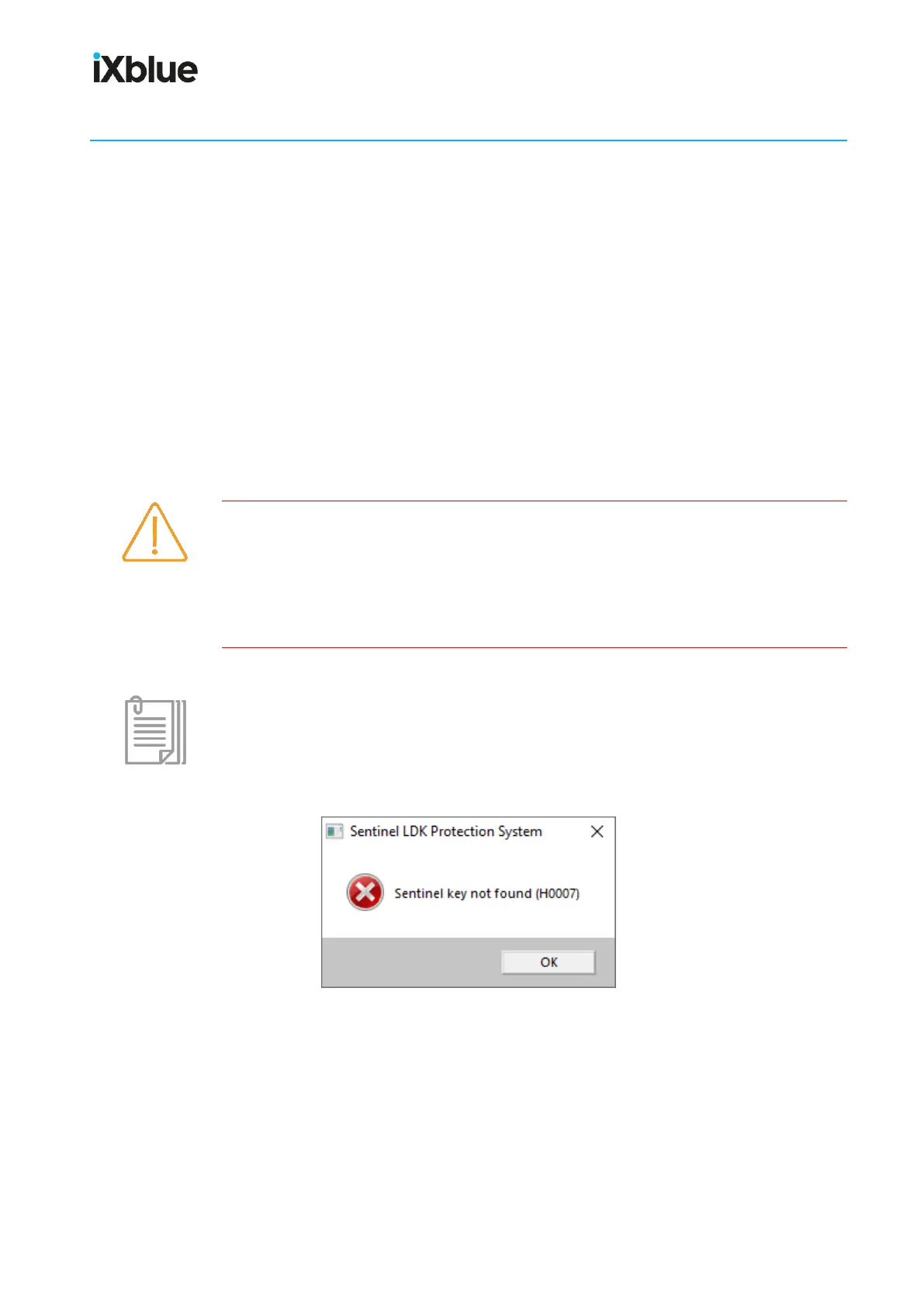
SeapiX software cannot start without SeapiX VPU dongle. Please check that the dongle is
correctly inserted into the USB port on the VPU; otherwise, you will get an error message:



 To Next Page