SeapiX – Operation Manual
SSD-C-1302 Ed. A – 01/2020 36
5.1.4 TOOLBARS & BUTTONS
5.1.4.1 Toolbars & Buttons Standard Display
There are 2 standard toolbars: Toolbar 1 and Toolbar 2.
If all icons do not fit on the screen – for instance on the vertical toolbar – shows at the
end to let you move up and down along the toolbar.
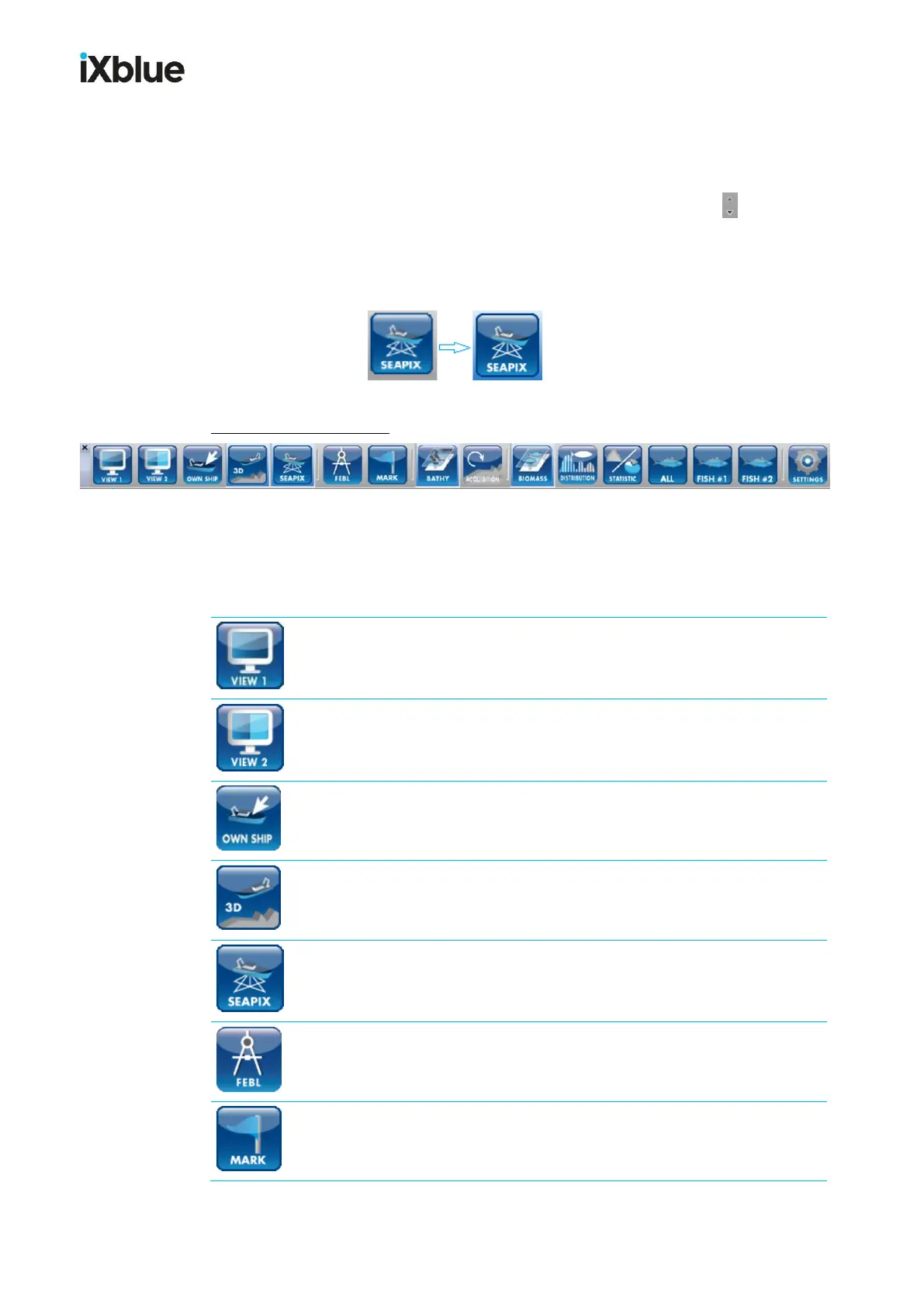
When a button is selected, its background color changes from grey to light blue:
HORIZONTAL TOOLBAR = Toolbar 1, with 16 buttons:
This toolbar provides navigation and layer information. You can use it to enable / disable
the different SeapiX-specific functions.
Toolbar 1
VIEW 1 (tooltip: Acoustics view)
Predefines the organization of the views on display, e. g. for acoustics.
VIEW 2 (tooltip: Biomass view)
Predefines the organization of the views on display, e. g. for biomass.
OWN SHIP (tooltip: Centre on Own Ship)
The view is centered on the ship.
3D (tooltip: 3D View)
It shows a 3D view.
SEAPIX (tooltip: Swaths Layer)
It shows 2D/3D swath layers.
FEBL (tooltip: Bearing Range Line...)
This navigation tool shows the range bearing line on the 2D map.
MARK (tooltip: Create Mark with Cursor...)
It creates a mark on the 2D map.



 To Next Page