SeapiX – Operation Manual
SSD-C-1302 Ed. A – 01/2020 66
5.3.3.2 Using the Biomass Analyzer
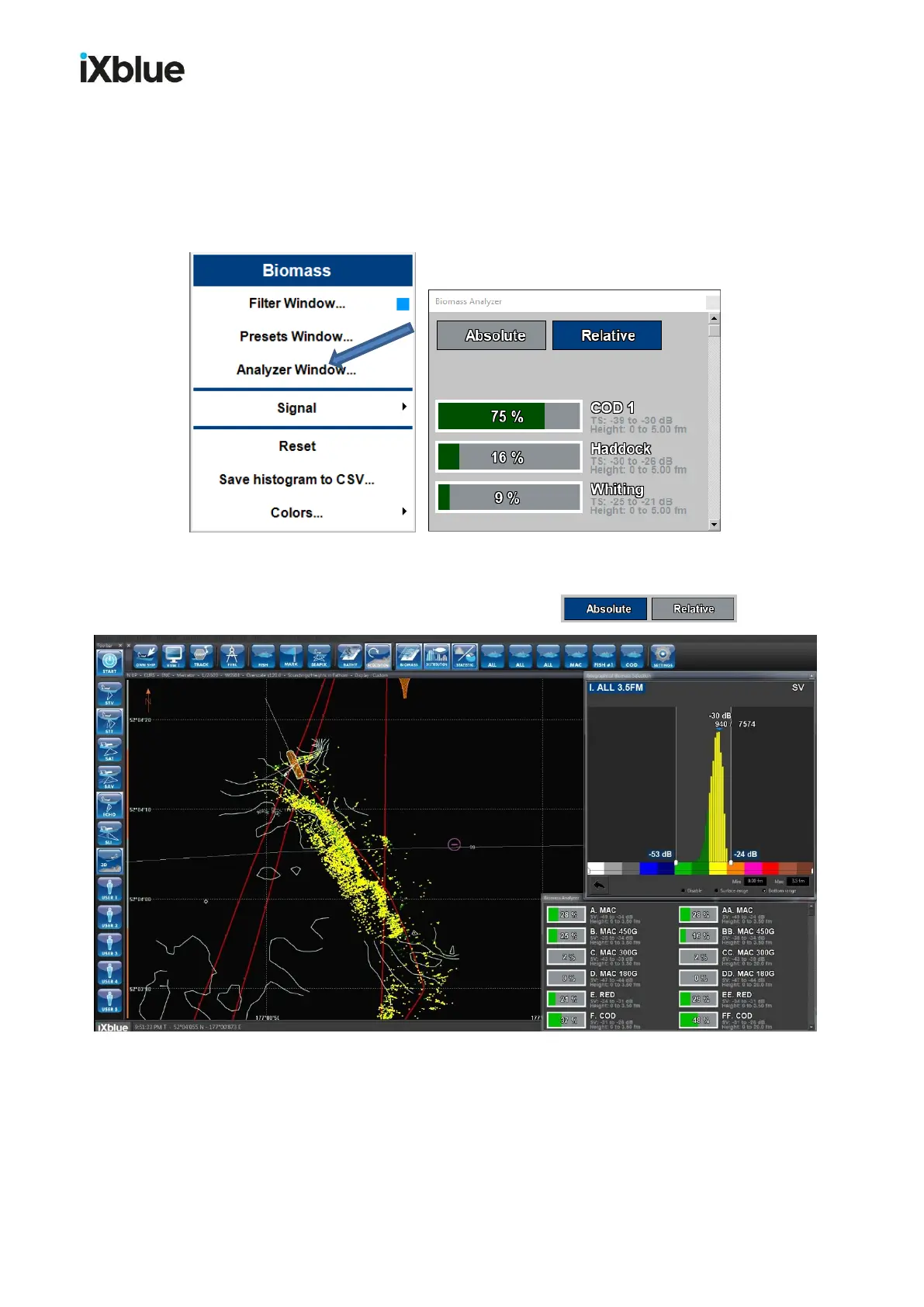
From the Geographical Biomass Selection view, right-click to display the Biomass menu
then click Analyzer window:
As in the example above, you can see the ratio of each class from the Biomass Analyzer.
And you can set class data as absolute or relative: .
Example of a view showing the shoal, its histogram and its ratio



 To Next Page