SeapiX – Operation Manual
SSD-C-1302 Ed. A – 01/2020 65
Important
Please note that 3 to 4 trawl hits are necessary to classify. You must bring in fish, examine
it then record it.
To add a button corresponding to the new class on the horizontal toolbar, follow the process
described in 5.1.4.2 Toolbars & Buttons Customization.
5.3.3.1 Calling an existing class
Click to open the Geographical Biomass Selection view.
Click one of the pre-configured classes:
to display the full spectrum and all the fish with their acoustic responses, or
to display the fish from the pelagic layer, or
to display the fish from the bottom layer.
Toggle between all existing classes – the 3 pre-configured ones and any other
customized classes.
Click to map the biomass – show fish detections - on the 2D/3D view.
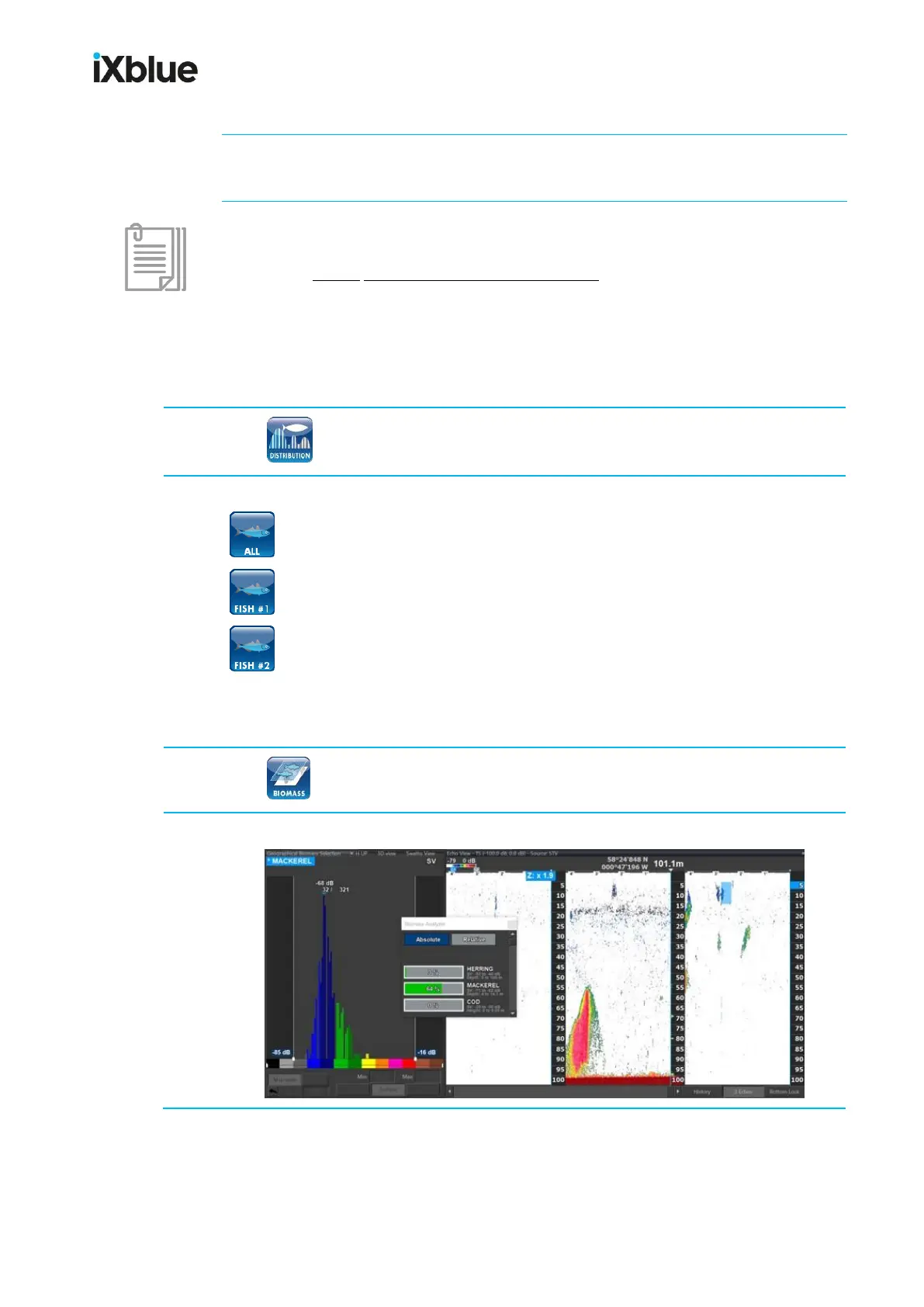
Below is an example of a pelagic layer view with fish distribution in the histogram:



 To Next Page