SeapiX – Operation Manual
SSD-C-1302 Ed. A – 01/2020 81
7 Troubleshooting
If you encounter a problem when using SeapiX, please refer to the following table:
SeapiX Software does not start
correctly.
SeapiX VPU dongle is not
connected.
1. Connect SeapiX VPU
dongle. It may take a few
minutes for the driver to
install.
2. If it still doesn’t work, try
another USB port.
The license files are not correctly
set.
If you updated your software
recently, check that you have
copied the license files in the new
software installation folder.
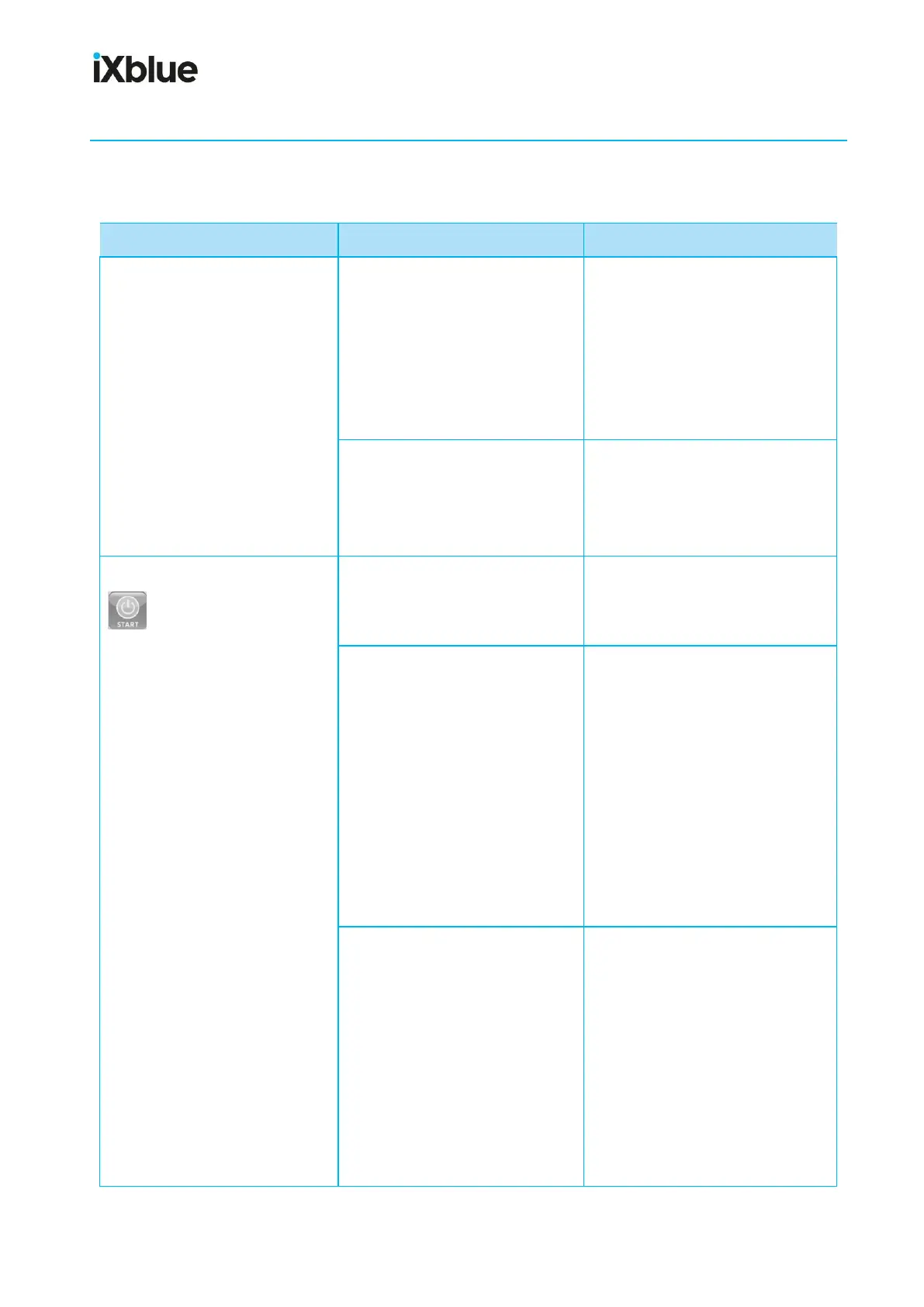
SeapiX Software Start button
is not available (appears
in grey and is not clickable).
BFU-VPU connection problem:
From SeapiX menu, click Service
Information item:
No Connections lines show up.
• The Ethernet link between
VPU and BFU is broken.
1. Check that the BFU is
powered.
2. Check that the BFU LAN
board is connected to the
VPU: it shall be blinking.
3. Check that the Ethernet
cable between VPU and
BFU is connected.
4. Reset the BFU.
• The BFU system has
encountered a fatal error.
1. Reset the BFU.
2. If it is still not working,
connect a screen at the
rear of the BFU for error
and status monitoring.



 To Next Page