SeapiX – Operation Manual
SSD-C-1302 Ed. A – 01/2020 59
5.2 Launching SeapiX Software then Transmitting
5.2.1 LAUNCHING SEAPIX SOFTWARE
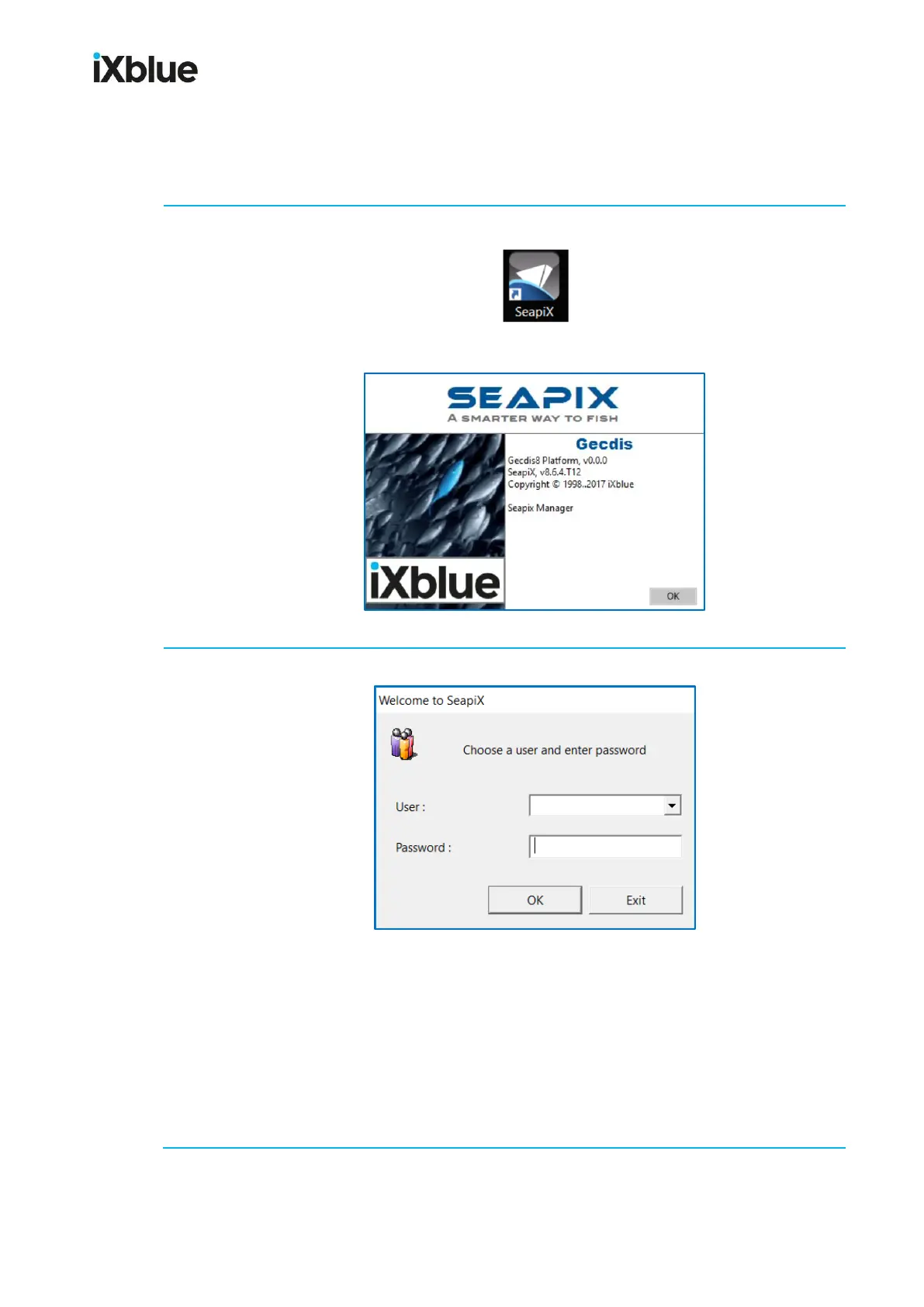
From Windows® desktop on the VPU, double-click the SeapiX icon:
A start-up splash screen briefly shows (can be seen later on from the Help menu):
At first start, a Welcome to SeapiX window opens:
In the User field, select the user you want to log on from the list (Administrator, Captain,
Guest, Navigator).
(Optional) In the Password field, enter a password.
Then click OK.
Note: If a password has been set - if different users can log on - you will go through this
identification step each time you log on. In all other cases, this identification step will be
ignored.



 To Next Page