SeapiX – Operation Manual
SSD-C-1302 Ed. A – 01/2020 31
Connect the trackball key to a USB port.
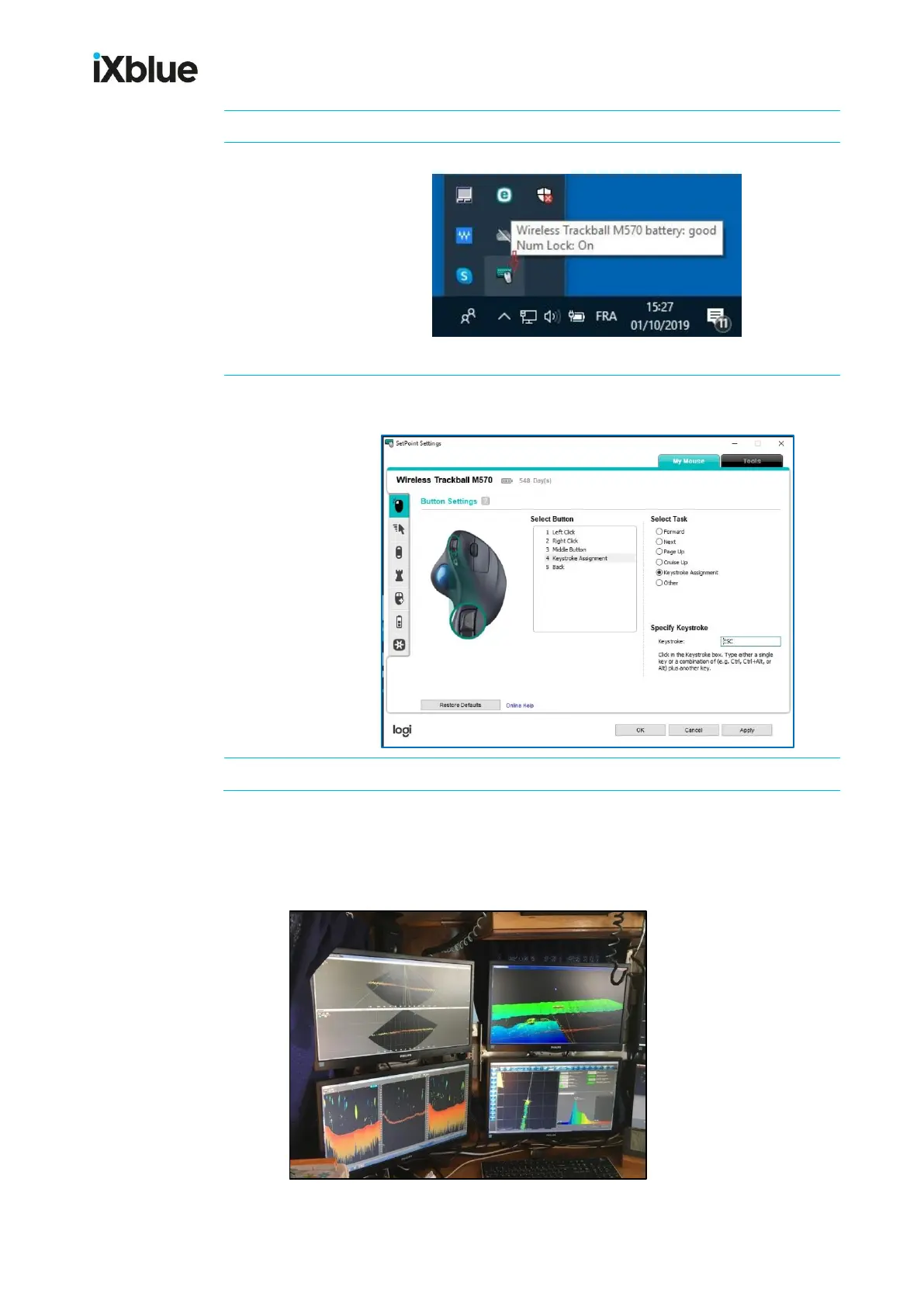
Once the mouse has been detected, double-click its icon:
The mouse program opens on SetPoint Settings menu, My Mouse tab.
Select the button that you want to customize, assign it a task then
press OK to confirm:
When all buttons have been customized, click Apply.
5.1.3 DISPLAYING THE INFORMATION
All of SeapiX software information can be seen on 1 display unit, but it is recommended to
operate 2 to 4 display units.
Example of a SeapiX system with 4 display units on a vessel's bridge



 To Next Page