SeapiX – Operation Manual
SSD-C-1302 Ed. A – 01/2020 32
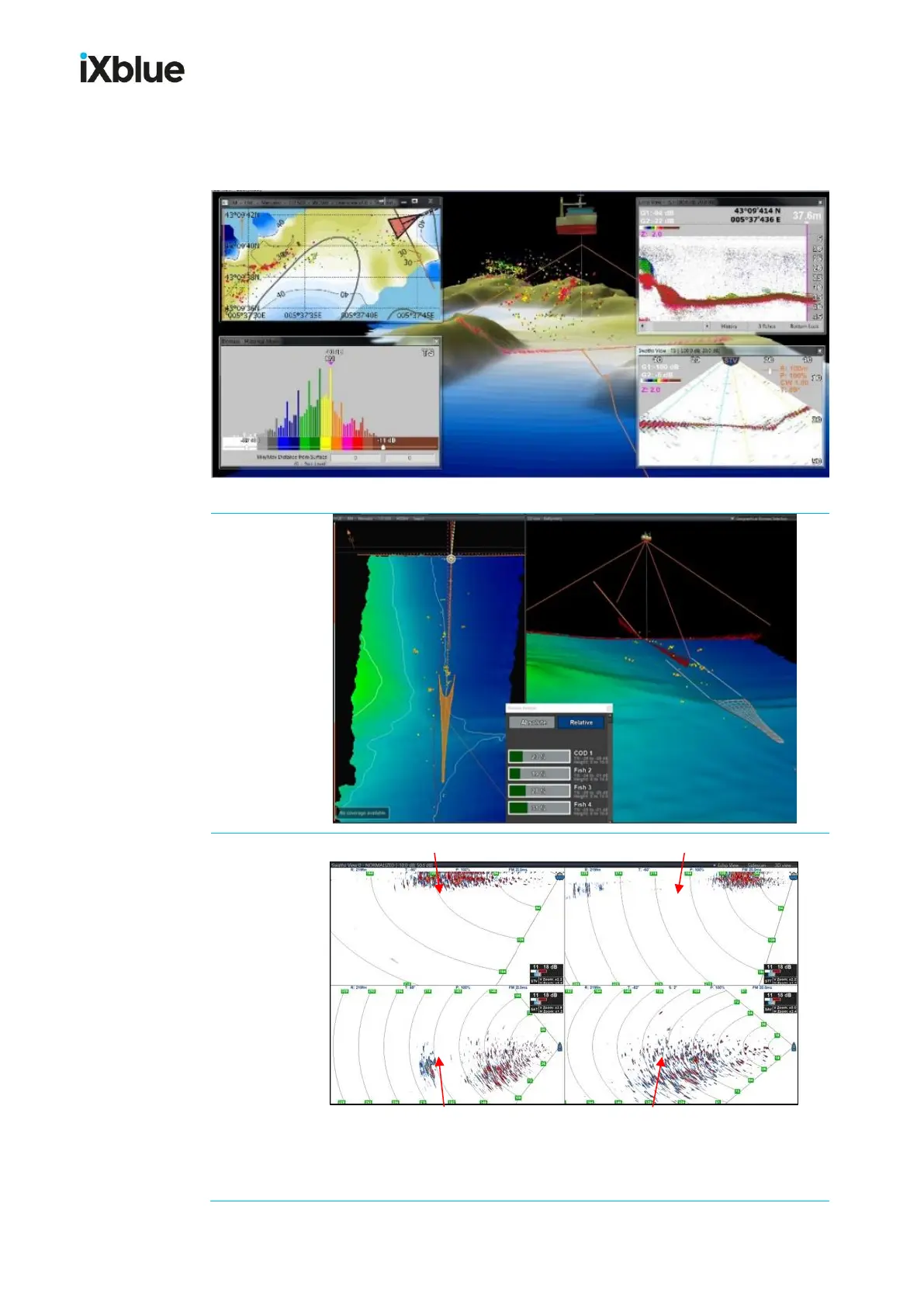
Display layout depends on the type of application.
Each window can be docked in a quarter corner of the main display or can be moved to an
extended display unit. Windows layout can be changed by dragging and dropping.
Transverse Vertical (STV) Transverse Tiltable (STT)
Axial Tiltable (SAT) Axial Volumetric (SAV)
Gain Min. (G1) and Max. (G2), Depth Range, Tilt, Power, Modulation,
Pulse are displayed on top of each view.



 To Next Page