From any swath view (STV, STT, SAT, SAV), select .
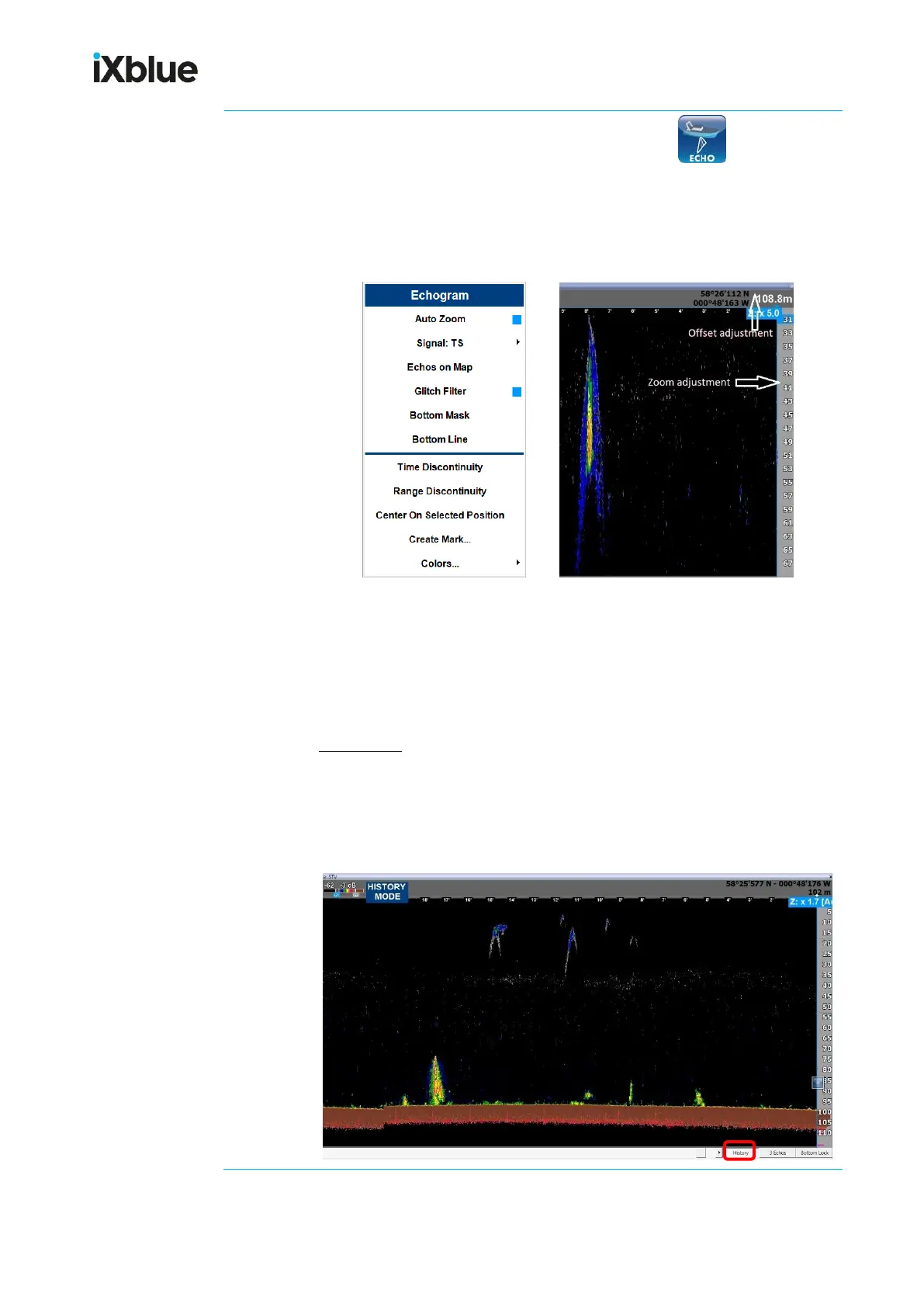
Default presentation view is a surface echogram, from surface to bottom,
with one (1) central beam sector. You can change views clicking one of the
3 tabs located in the lower right side of the view. Also, different parameters
can be set from the contextual Echogram menu when you right-click:
To show more detailed parts of the water column, you can zoom in (manual
zoom is 1:1, Auto Zoom is 1:7). You can also set up a range offset with the
zoom - from 30 to 67m in the example above – adjusted with the trackball
wheel.
History view
When you select History tab, depending on the ping rate and range, you
can go back from 2 to 6 hours earlier: the central echogram sector is shown
and the cursor lets you adjust the time scale and the expected event time
to study.



 To Next Page