SeapiX – Operation Manual
SSD-C-1302 Ed. A – 01/2020 60
5.2.2 STARTING-STOPPING SEAPIX TRANSMISSION
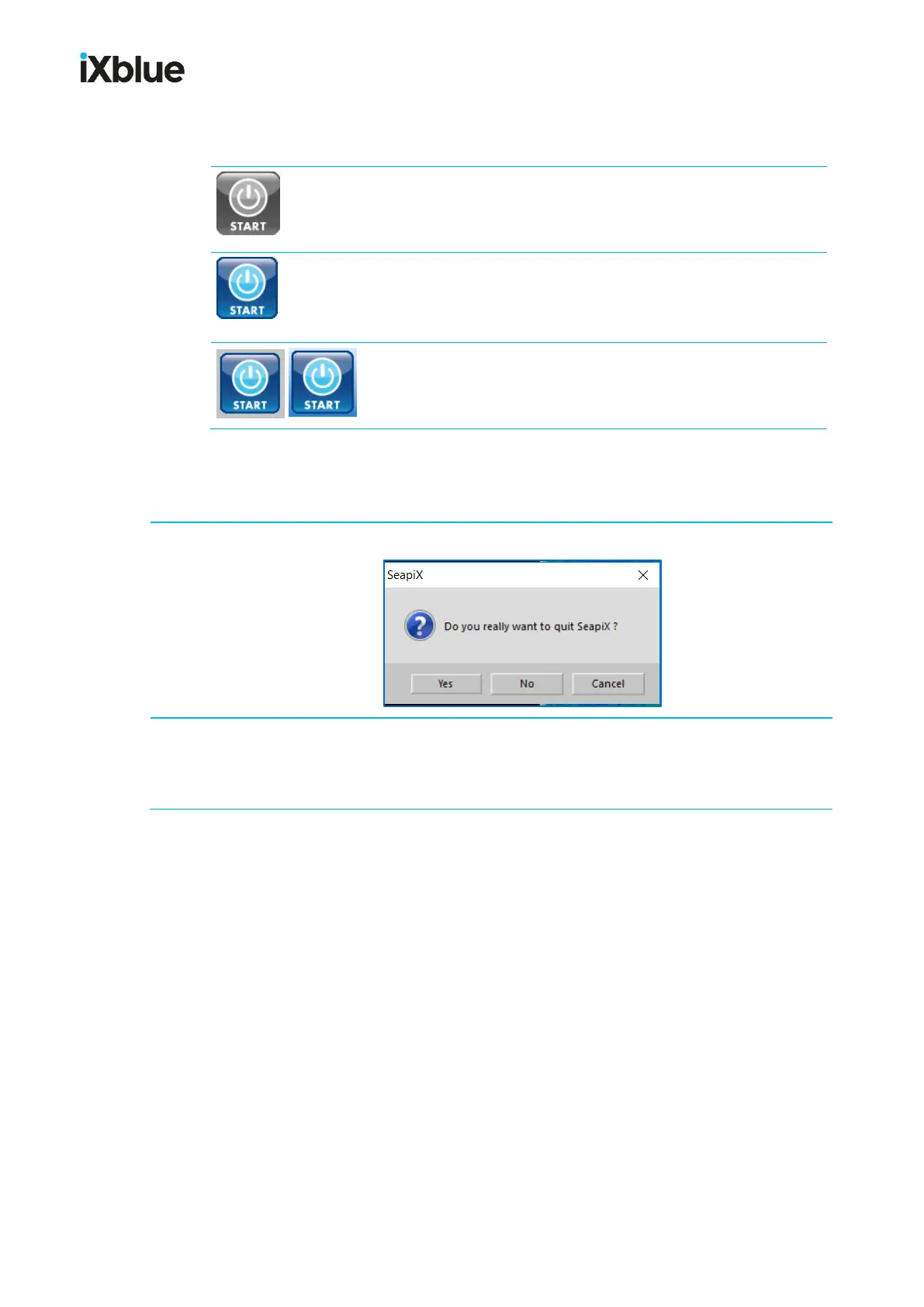
If the START button is grey, it means that the sonar system is
not ready to start – there is no communication with the antenna
(SAU).
If the START button is blue, it means that the sonar system is
ready to start: click it to start pinging.
If you need to pause, click it again.
If the START button is blue but with a grey background, it
means that the sonar system has been paused; click it to start
pinging again (its background turns back light blue).
5.2.3 CLOSING SEAPIX SOFTWARE
From the main menu, click System and then Exit; a confirmation window opens:
Click Yes.
Note: Before closing, the software saves all the parameters necessary to restart in the
same state.



 To Next Page