XT200 Setup XT200 User Manual
Janam Tech- nologies LLC Version 2, April 2020 XT200 Setup 3—10
Device Settings (continued)
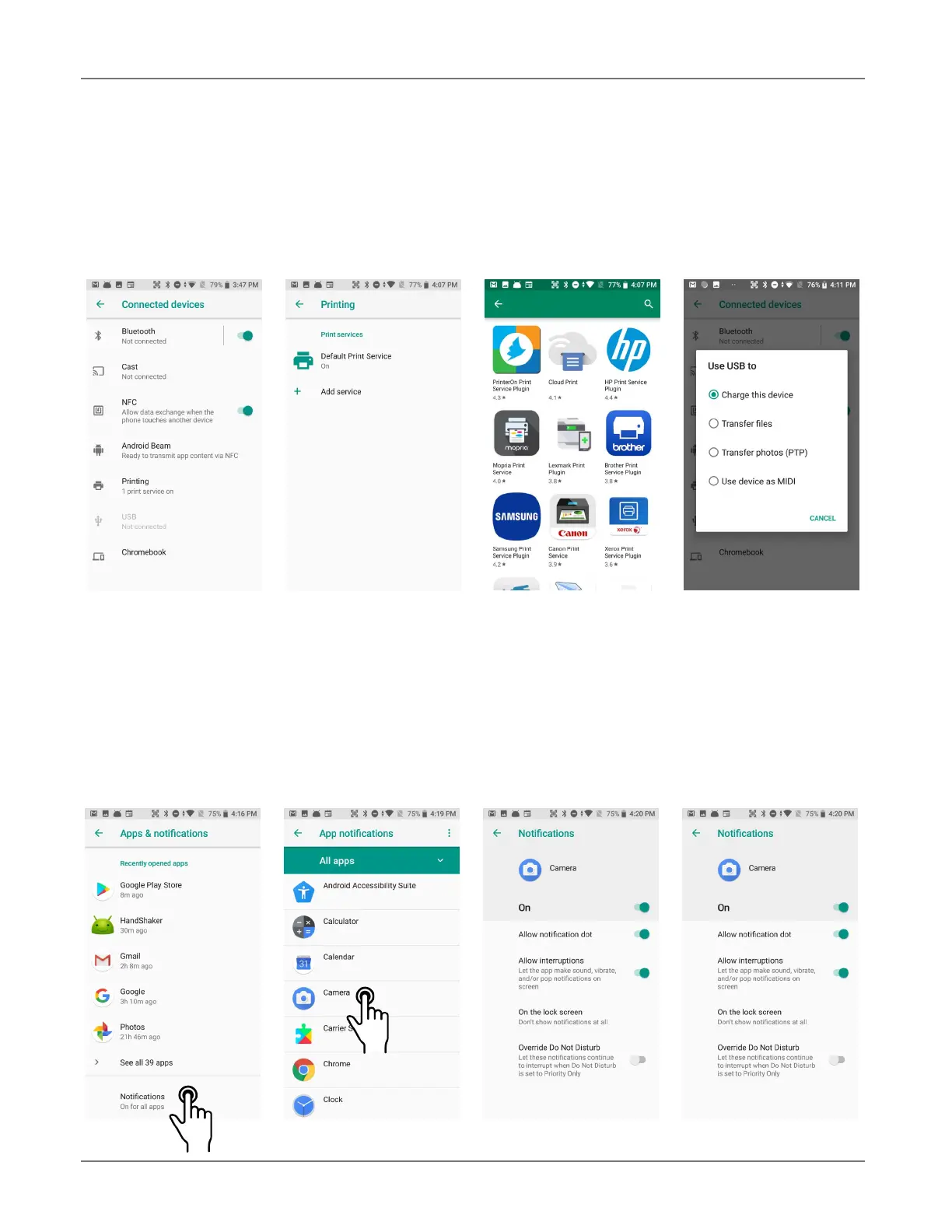
Connected devices
This is where the XT200’s ability to connect to other devices is enabled, configured or disabled. This
includes Bluetooth (see Chapter 5), Cast (enabling a wireless display), NFC (data exchange when
the XT200 touches another device),
Android Beam (transmitting via NFC), Printing, USB (setting
how to use USB) and Chromebook connectivity.
Apps & notifications
This screen shows a list of Recently opened apps, and when they were last opened. By default, no-
tifications are on for all apps. The Notifications screen allows the user to customize the type of no-
tification each individual app should perform, or whether an app is allowed to issue notifications at
all. The screen also sets what kind of information should be shown on the lock screen (all, hide sen-
sitive information, none). The screen also allows selection of a Default notification sound.



 To Next Page