Getting Started XT200 User Manual
Janam Technologies LLC Version 2, April 2020 Getting Started 2-1
Getting Started
Unpacking the XT200 Rugged Touch Computer
Make sure you have the following:
— XT200
— Screen protector for the XT200
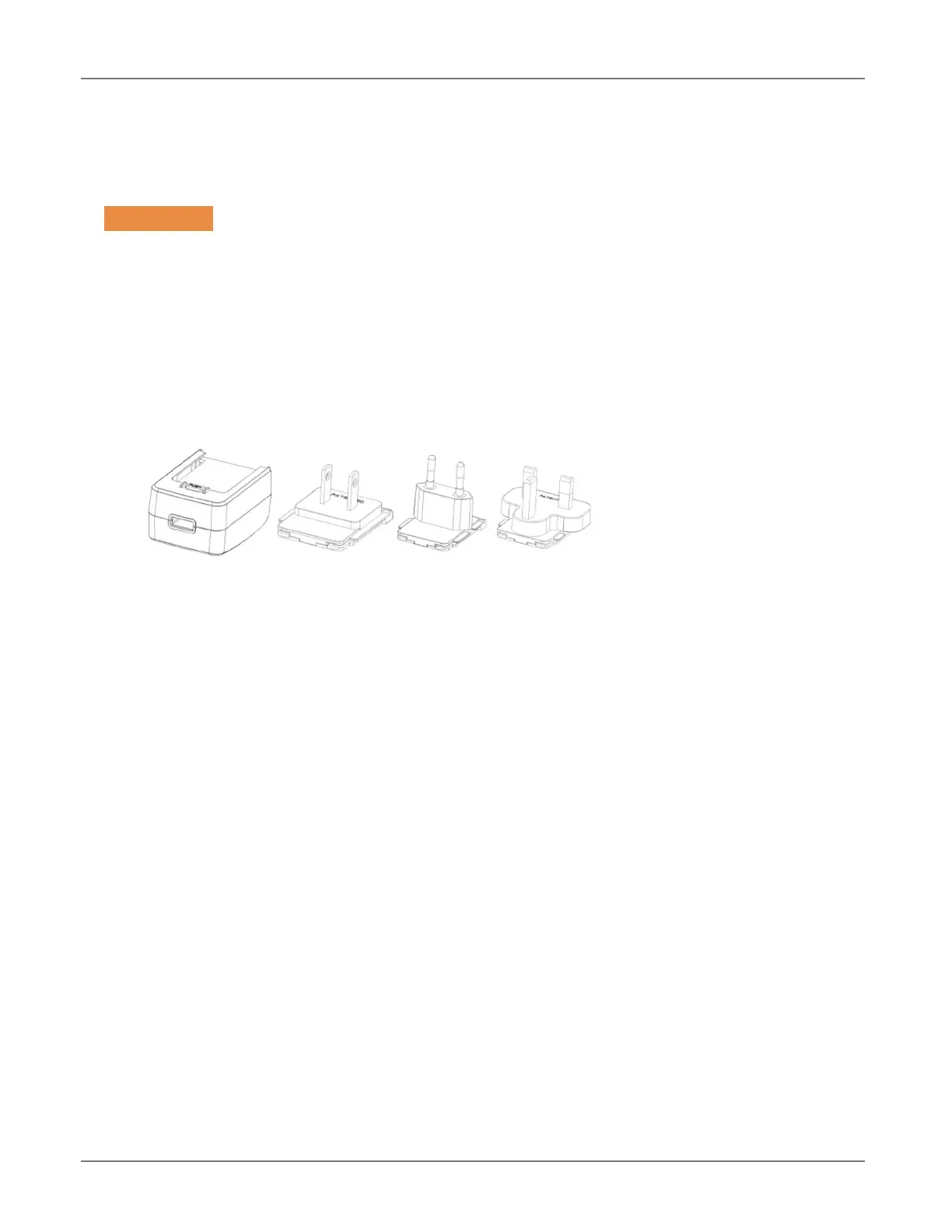
— Power Supply (includes US Type A, Europe CEE 7/7, UK BS89/13 adapters)
Recommended Host Computer Requirements
— Microsoft® Windows®-compatible host computer with USB port
— Microsoft Windows 10, Windows 8/8.1, Windows 7
— 3GB RAM minimum, 8GB recommended, 1280 x 800 minimum resolution
— If installing the Android™ SDK, 2 GB disk space for the Android SDK,
4GB recommended
XT200 SDK
The XT200 Software Development Kit enables programmers to develop applications for XT200
rugged mobile computers running the Android™ operating system. It contains details and
instructions for developing applications that access the XT200 embedded scanner.
The development kit, which can be downloaded from Janam’s Product Zone (login required), is
designed for use with the publicly available Android SDK.
2



 To Next Page