XT200 Setup XT200 User Manual
Janam Technologies LLC Version 2, April 2020 XT200 Setup 3—17
Device Settings (continued)
System: Date & time
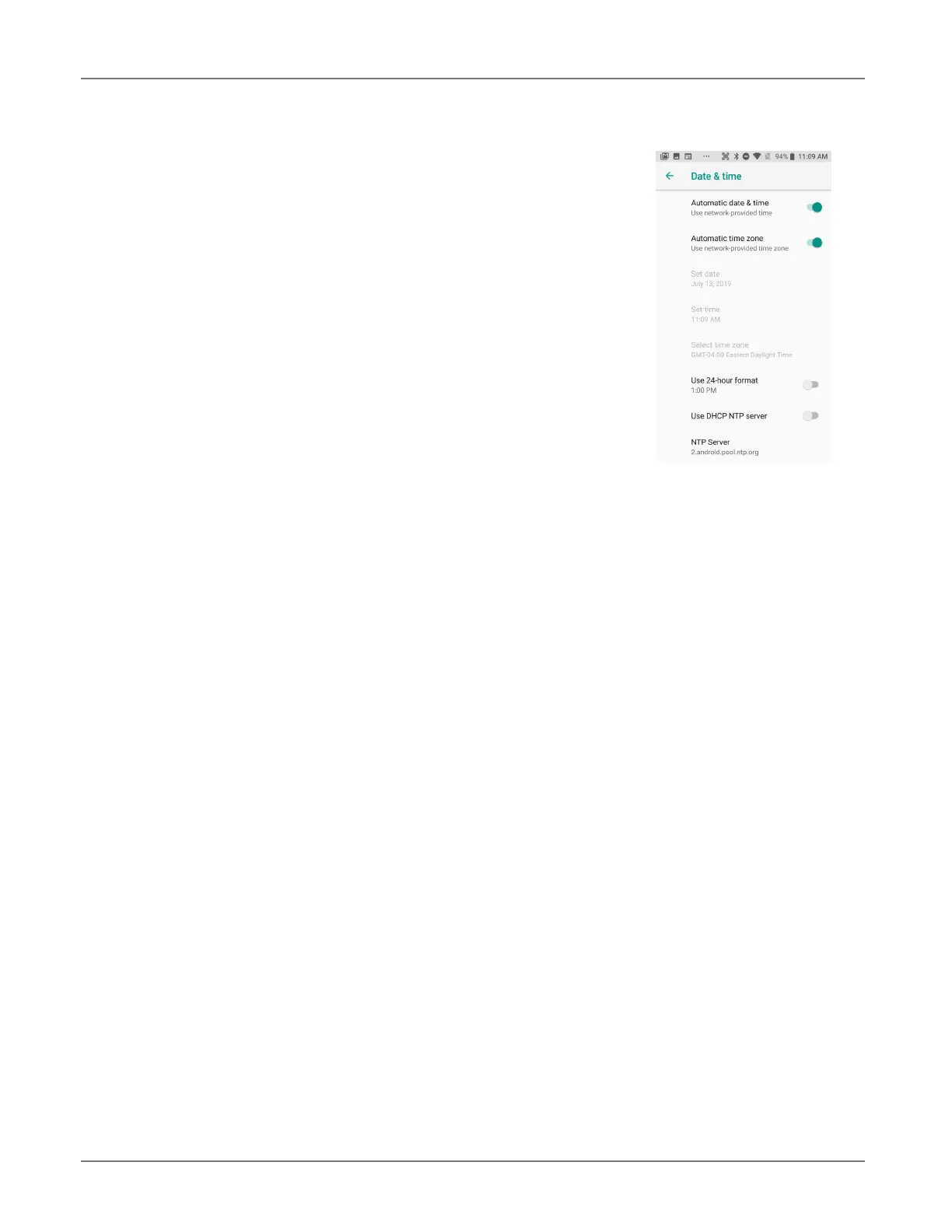
To set date and time, go to Settings > System and tap Date & time.
Here you can configure the date, time, time zone, time format, and
date format.
You can set the device to synchronize the date and time using a net-
work connection by checking the Automatic date & time box or you
can manually enter the values by touching Set date, Set time, or Se-
lect time zone (note that if the Automatic option is checked, the Set
date, Set time, and Select Time zone time menu options are grayed
out).
To modify how the time is displayed on the screen, check the Use 24-
hour format box to switch from a 12-hour cycle to a 24-hour cycle.
In a 24-hour time cycle, 1:00 pm displays as 13:00 pm. You may also
opt to use an NTP (Network Time Protocol) server.



 To Next Page