30
VX6020
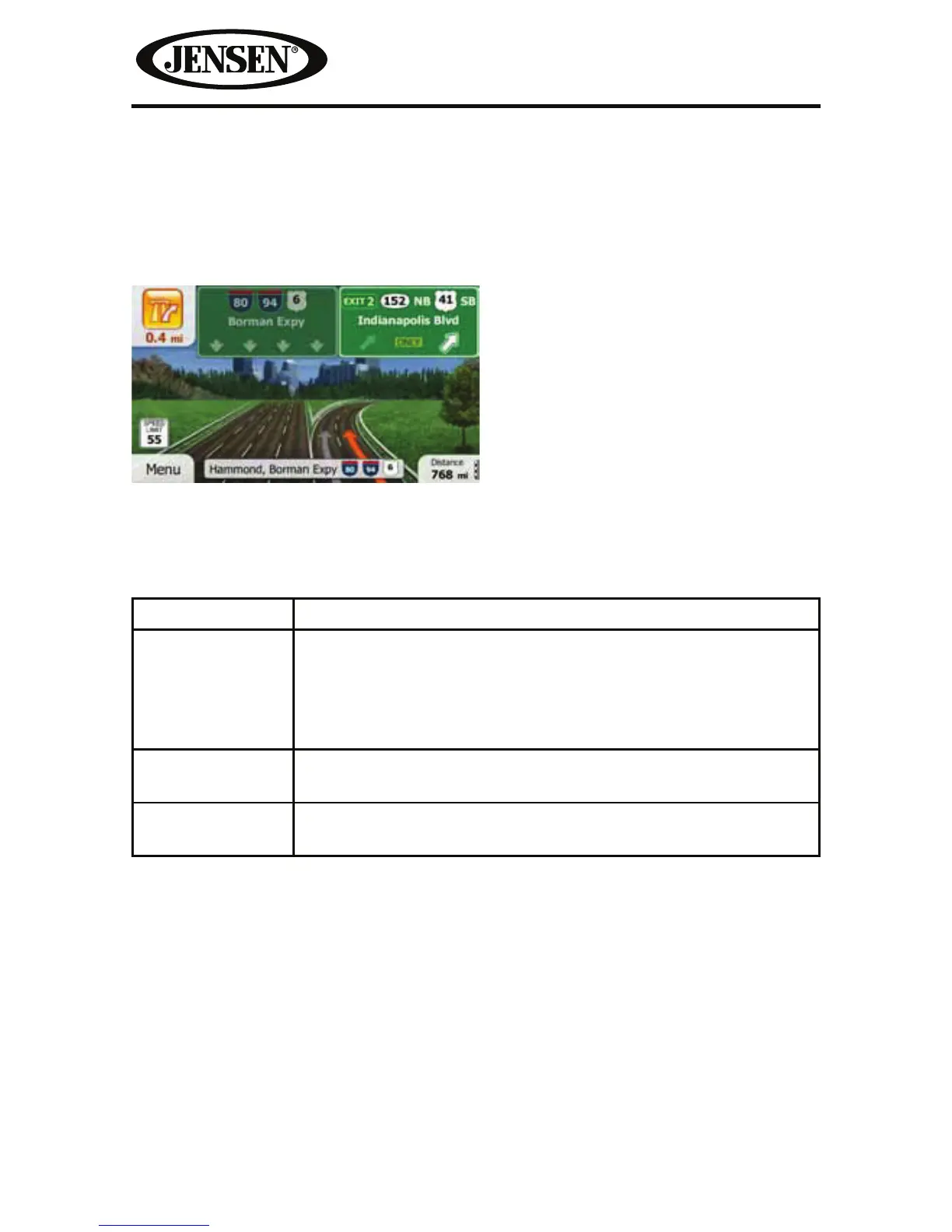
Junction View
If you are approaching a freeway exit or a complex intersection and the needed
information exists, the map is replaced with a 3D view of the junction. The lanes
you need to take are displayed with arrows. Signposts can also be present if
information is available.
3D Object Types
iGO primo supports the following 3D object types:
Type Description
3D terrain 3D terrain map data shows changes in terrain, elevations or
depressions in the land when you view the map in 2D, and
use it to plot the route map in 3D when you navigate. Hills
and mountains are shown in the background of the 3D map,
and illustrated by color and shading on the 2D map.
Elevated roads Complex intersections and vertically isolated roads (such as
overpasses or bridges) are displayed in 3D.
3D landmarks Landmarks are 3D artistic or block representations of
prominent or well-known objects.



 To Next Page