NT–2000 REF Manual
Typical NAVTEX Message Screen
1-3
1. Typical NAVTEX Message Screen (
continued – 3/5
)
1.1. Introduction (
continued – 3/4
)
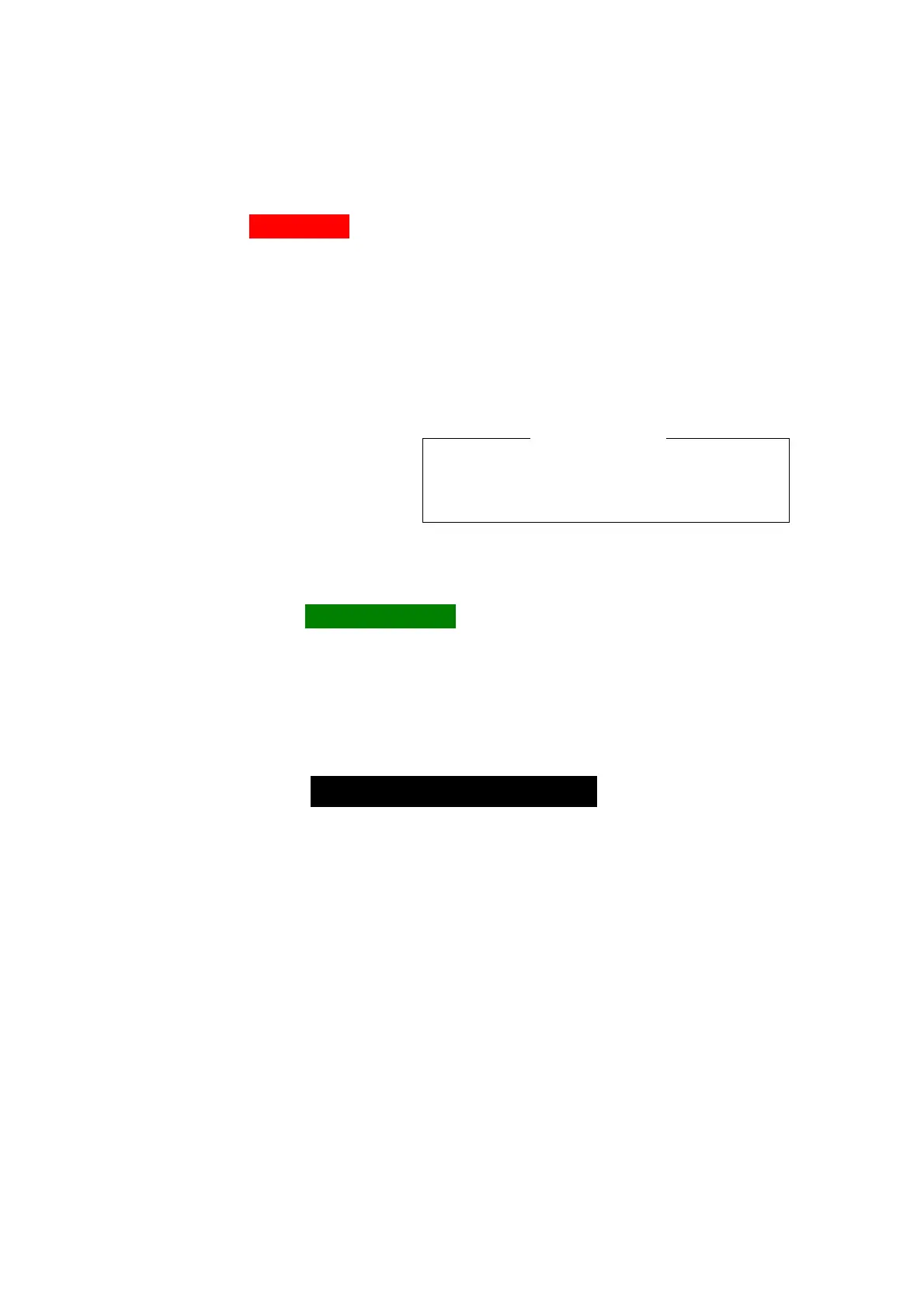
⑦ Alarm Tag IIALARM!III
This tag represents a visual alarm and is turned on when a NAVTEX message of
one of the following types has been received.
・ Type–A Message:
Navigational warning ( initially disabled).
・ Type–B Message:
Weather warning (initially disabled).
・ Type–D Message:
Search and rescue (SAR) information, piracy and armed robbery
warnings. All text characters will be displayed in red to
distinguish it from other alarm messages.
・ Type–L Message:
Additional navigational warning (initially disabled)
NOTE: When a type–D message
has been received, an audible
alarm will also be turned on,
beeping at approx. 1 second
intervals. To silence the alarm
sound, press
.
The alarm for the message types A, B and L is initially disabled. It can be enabled
via
SYSTEM MENU – 9:TURN ON/OFF MESSAGE ALARM. See paragraph 4.13 for details.
⑧ New Message Tag IINEW MESSAGEII
This indication ( tag) shows that the currently displayed NAVTEX text is a new
message that you have not yet read or acknowledged.
To acknowledge it, simply press
or
, turning the tag off.
If two or more new messages have been left unread, the following caution message
will be displayed at the screen bottom, prompting you to read them. Press
again to display, or scroll the text up to, the next one by pressing
/
.
The NEW MESSAGE tag for the current message will be automatically turned off
24 hours after its reception, if it is left unacknowledged (i.e. if
is not pressed).
⑨ NAVTEX Message
If the message text exceeds the screen display area, you can scroll it line–by–line by
pressing
/
. Holding down either key accelerates the scroll.
To read other messages, press
/
(for message–by–message scrolling).
Holding down either key accelerates the scroll.
Type D messages (search–and–rescue, piracy or armed robbery information) will be
displayed in red.
NOTE: Forced carriage return:
When the number of characters in a line exceeds 40, an internally generated
carriage return symbol, shown above, will be automatically inserted in the 40th
character position to divide the last word, forcing the rest of the characters in the
word to shift to the top of the next line. This symbol will be replaced by an
underscore ( _ ) when it is printed or output to an INS device via the RS–422 port.
(
continued on next page
)
Silencing the audible alarm constitutes
your acknowledgement of the current
alarm message.
< CAUTION >
MORE NEW MSG LEFT !



 To Next Page