NT-2000 REF Manual
Customizing Operation via Menu System
4-17
4.10.7. Outputting All Displayed NAVTEX Messages
If you wish to output all messages currently displayed, follow the steps given below.
NOTE: A forced carriage return
(
)
will be replaced by an underscore
( _ ) (
hex 5F
)
when it
is output to a PC terminal or a printer
.
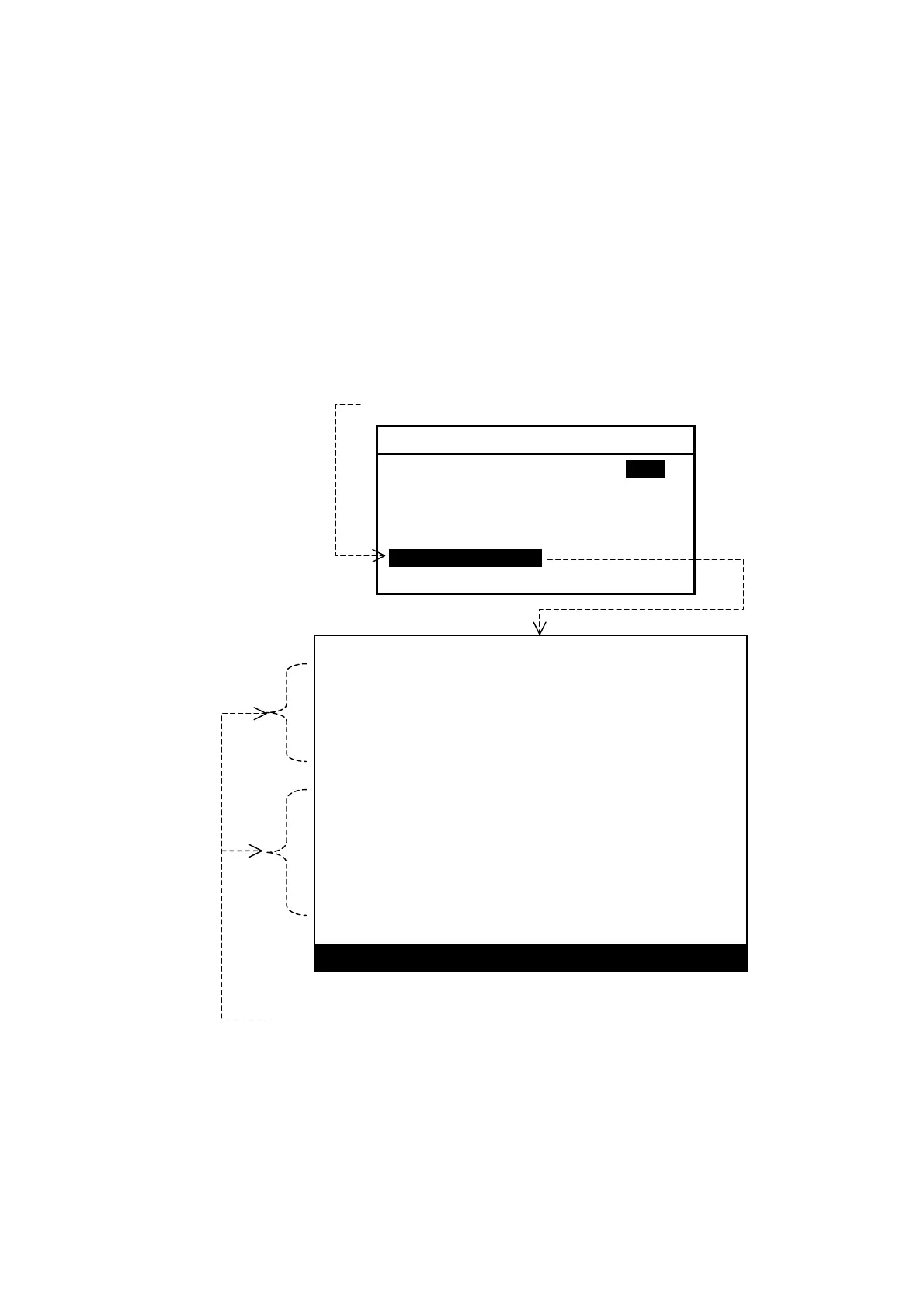
(1) Highlight “ 6:DISPLAYED MSG” on the SELECT OUTPUT MESSAGES submenu,
and then press
. This turns all menus off, showing the current message screen,
as in the example illustrated below.
Figure 4-24 Outputting All Currently Displayed Messages – Example
(2) Press
to output all the displayed messages, or
to cancel the function.
The previous message screen will return automatically upon completion of the
output.
KB53
020310 UTC JUL 05
IMPORTANT WARNING FOR KUSHIRO NAVTEX AREA.
STATIONARY FRONT FROM 37N 115E TO 37N 120E,
37N 130E TO 36N 142E
NNNN
STORED (CER= 00%)
IA27
020240 UTC JUL 05
SAR EXERCISES BY AEROPLANES, STARTING AT
2300Z TO 1800Z, DAILY FROM 30 JUN TO JUL.
AREA BOUNDED BY 33-46N 134-45E, 33-46N 135-08E,
33-30N 135-22E, 33-24N-135-45E, 32-44N 135-52E.
NNNN
STORED (CER= 00%)
PRESS
ENT
TO OUTPUT OR
CLR
TO EXIT
ll currently displayed messages will be output by pressing
Select this option with
/
, and then press
.
6: SELECT OUTPUT MESSAGES
1: RECEIVING MSG ON IOFFI
2: ALL STORED MSG
3: MSG SELECTED BY FREQUENCY
4: MSG SELECTED BY STATION
5: MSG SELECTED BY TYPE
6: DISPLAYED MSG
7: SELECTED MSG



 To Next Page