NT–2000 REF Manual
Basic Operating Procedure
3-2
3. Basic Operating Procedure –
2/7
3.3. Adjusting Screen Brightness
・ The screen brightness level can be changed in a total of eight steps to suit the
ambient lighting condition by repeatedly pressing
.
・ To extend the service life of the backlighting lamp, the level can be changed in two
steps automatically after a user–preset time period. See paragraph 4.5 for detailed
information on the screen sleep mode.
・ The screen background is initially white. You can change it to black or blue via the
instructions given in paragraph 4.3.
3.4. Adjusting Keypad Backlighting Level
・ The keypad backlighting level can be changed in a total of eight steps to suit the
ambient lighting condition by repeatedly pressing
.
・ The last used level will be stored in memory. However, if the minimum level was
used last time, it will return to the maximum level on next power–up.
3.5. Switching First and Second Receivers
・ The message display initially shows first receiver page, showing the NAVTEX
message received on the first (518 kHz) receiver.
・ To display the second receiver page to show messages received on the second receiver
(
*490 kHz or *4209.5 kHz ), press
. A second keypress will switch the display
back to the first receiver page.
・ Pressing
will also return you to the first receiver page when you are making
settings via the menu system.
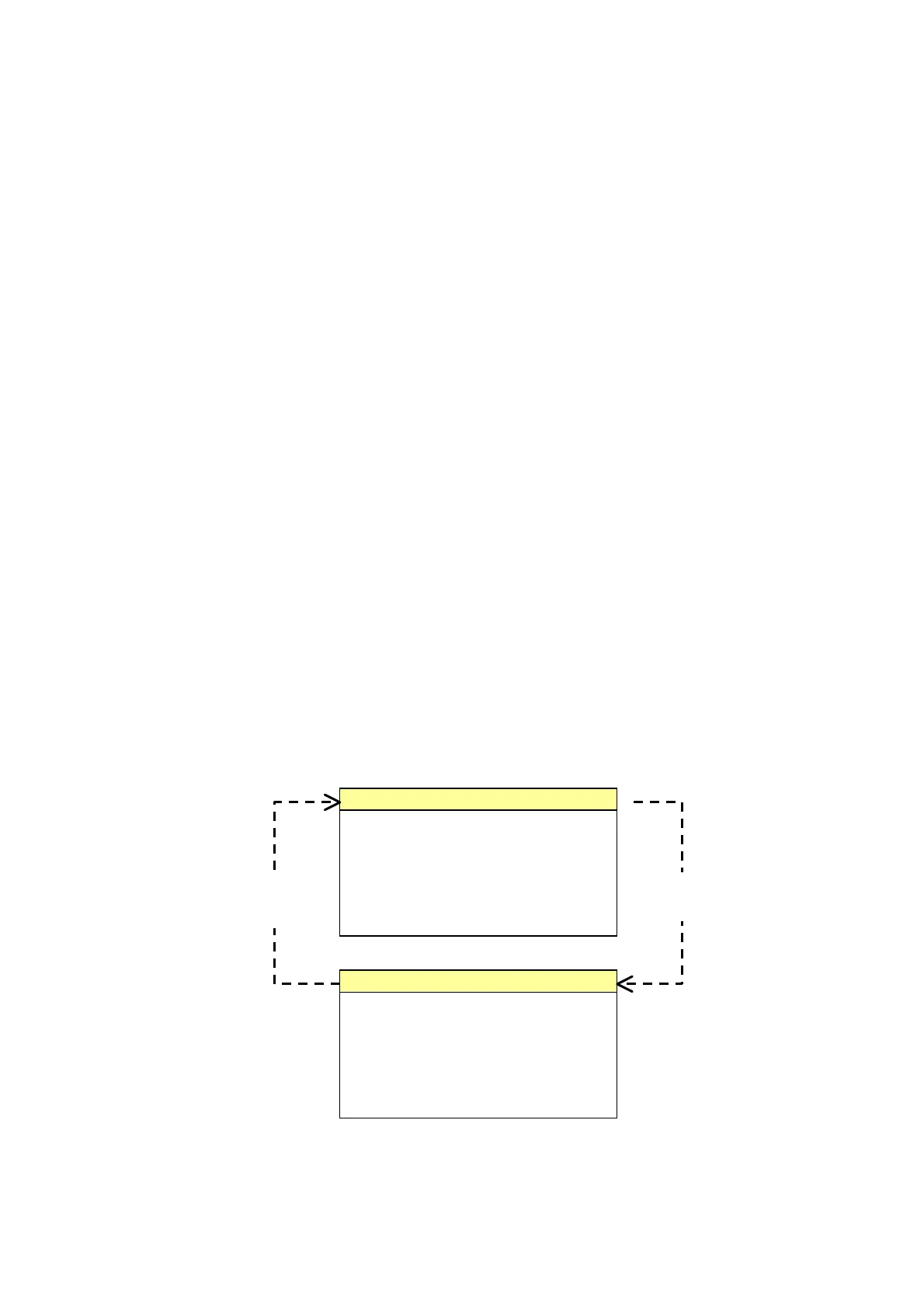
Figure 3-3 Switching First and Second Receivers
*
Frequency Indication
:
・ RCVR1 =
490 kHz
・ RCVR2 =
4209.5 kHz
See paragraph 4.6 for
instructions.
(
continued on next page
)
IB07
210520 UTC JUN 05
・・・・・・・・・・・・・・・・・・・・・・・・・・・・・・・・・・
・・・・・・・・・・・・・・・・・・・・・・・・・・・・・・・・・・
NNNN
STORED (CER=00%)
First Receiver Page
KA23
210635 UTC JUN 05
・・・・・・・・・・・・・・・・・・・・・・・・・・・・・・・・・・
・・・・・・・・・・・・・・・・・・・・・・・・・・・・・・・・・・
NNNN
STORED
CER=00%
Second Receiver Page



 To Next Page