NT–2000 REF Manual
Typical NAVTEX Message Screen
1-1
1. Typical NAVTEX Message Screen
1.1. Introduction
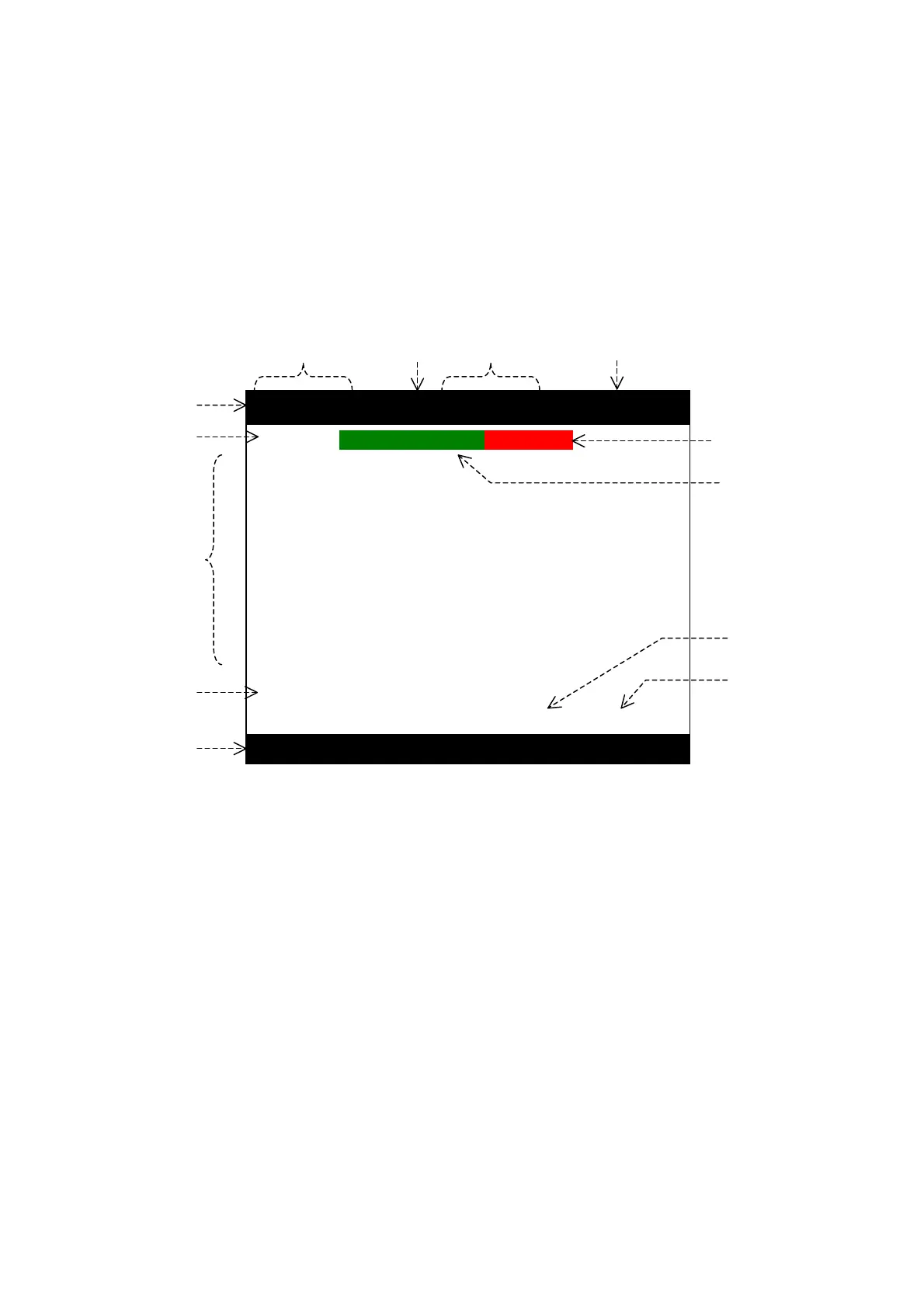
The illustration below represents a typical NAVTEX message screen, showing a new
message received on the first (518 kHz) receiver. A similar screen will show up when
the equipment is switched to receive a second receiver (490 kHz or 4209.5 kHz) message.
A brief description of on–screen indications is given below and in the following pages.
Figure 1-1 Typical NAVTEX Message Screen (First Receiver Page)
① Indication of Receiver in Use to Display Current Messages
・ 1ST RCVR: First receiver, 518 kHz
・ 2ND RCVR1: Second receiver, 490 kHz or 2ND RCVR2:4209.5 kHz
The two receivers can be switched by pressing
.
② Message No. and Total No. of Messages Stored
The message number of the currently displayed message along with the total
number of stored messages is indicated in the following format:
Examples:
・ 12/12: Message #12 (newest message ) of 12 messages stored
・ 1/12: Message #1 (oldest message) of 12 messages stored
③ Message Scrolling Keys
The keys that can be used to scroll messages on the current screen are indicated.
・
: Line–by–line scrolling by pressing
/
・
: Message–by–message scrolling by pressing
/
(
continued on next page
)
1ST RCVR MSG (12/12)
STANDBY
ID21 INEW MESSAGEIIALARM!II
091230 UTC AUG 05
COLLISION NO, 223
KAISHIN MARU/JL5989 COLLIDED WITH
MALTESE VESSEL WEI HANG. MALTESE
VESSEL SANK AT POSITION 35-32.03N
140-47.08E AT 212010 UTC.
16 CREWMEN WERE RESCUED AND 5 OTHERS
ARE STILL MISSING.
SHIPS IN THE VICINITY ARE REQUESTED TO
KEEP A SHARP LOOKOUT AND REPORT ANY
INFORMATION TO THE COAST GUARD.
CANCEL COLLISION NO. 221.
NNNN
STORED (CER= 00%)
MORE NEW MSG LEFT !
① ② ③ ④
⑤
⑥
⑨
⑩
⑬
⑦
⑧
⑪
⑫



 To Next Page