NT–2000 REF Manual
Basic Operating Procedure
3-6
3. Basic Operating Procedure –
7/7
3.8.3. Removing Protection Tag
The protection tag on a specific message can be removed via the following steps:
(1) Using
/
and/or
/
, display the message from which you wish to
remove the tag.
(2) Press
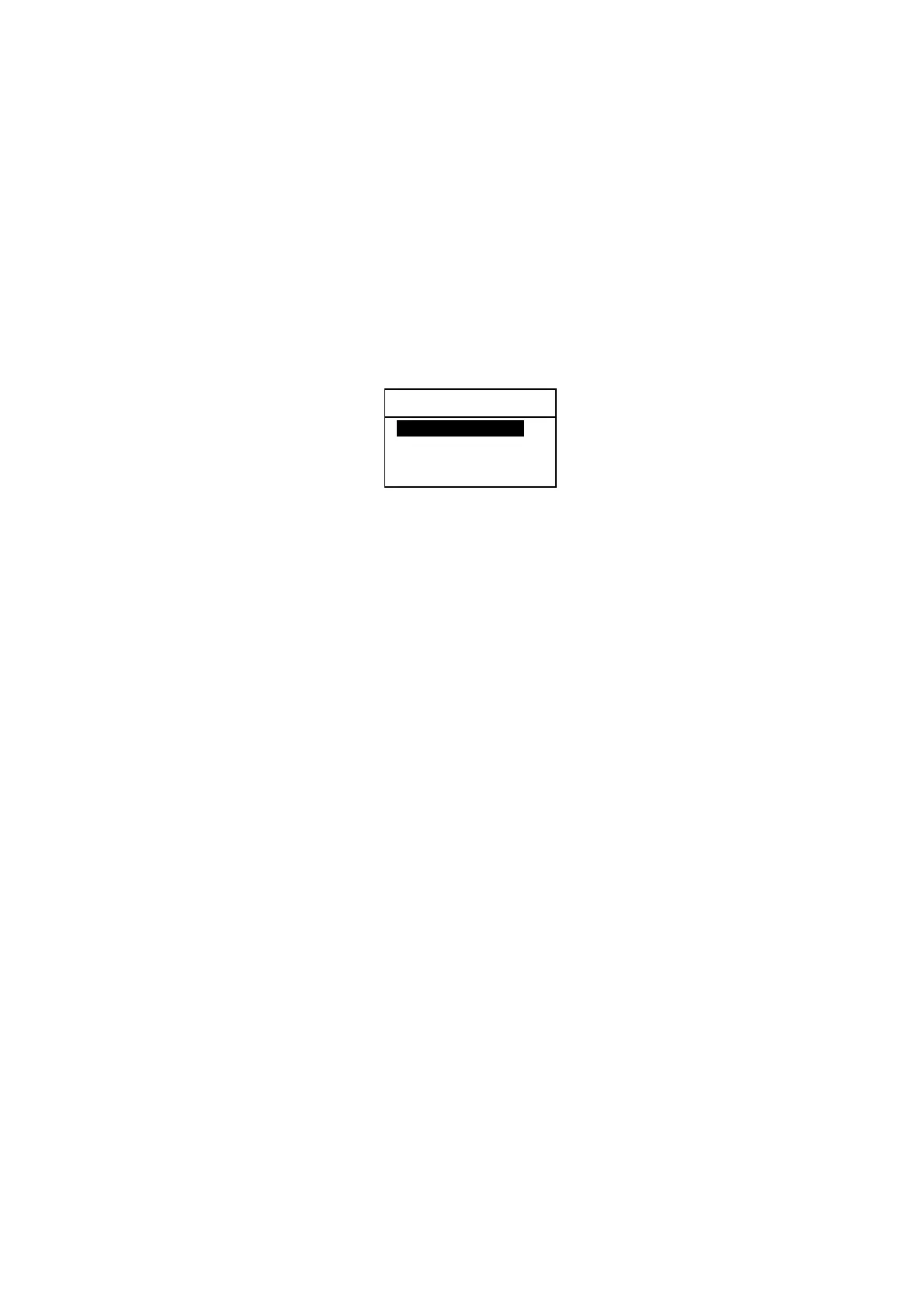
. This will cause the following caution window to pop up, asking you to
confirm your action.
(3) Press
or
to highlight option “2:YES (EXECUTE)” and then press
.
(4) If there are more messages you wish to remove the protection tag from, repeat the
above steps.
RE YOU SURE ?
1: NO (CANCEL)i
2: YES (EXECUTE)
[▲] [
▼
] [ENT]



 To Next Page