NT–2000 REF Manual
Customizing Operation via Menu System
4-4
4.5.3. Setting Times to Reduced Brightness Levels
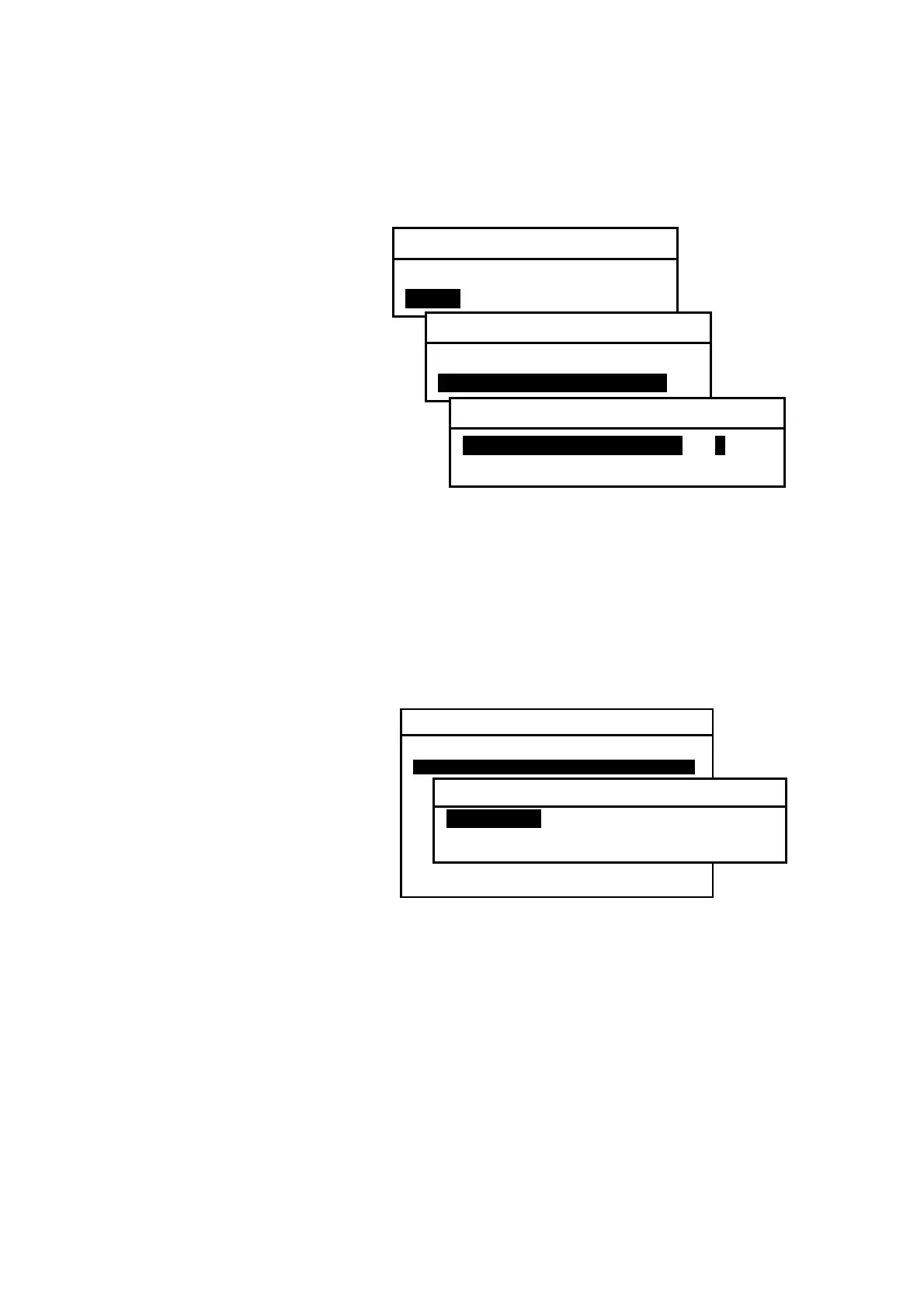
Figure 4-6 Setting Times to Reduced Brightness Levels
If you wish to set the times to
the reduced brightness levels,
follow the steps given below.
(1) Select option “2:ON.”
(2) Select option “USER–DEFINED
MODE.”
(3) Highlight option “1:TIME TO
BRT LEVEL 1” by pressing
/
.
(4) Select the desired time period in one–minute steps by pressing
/
.
(5) Highlight option “2:TIME TO BRT LEVEL 2” by pressing
/
.
(6) Select the desired time period in one–minute in the same manner.
4.6. Selecting Frequencies for Second Receiver
Figure 4-7 Selecting Second Receiver Frequencies
The following two frequencies
are selectable for the second
receiver operation:
・ 490 kHz
・ 4209.5 kHz
Initially the second receiver is
set to 490 kHz. Several
countries, including Canada,
France, Portugal and U.K., are
currently broadcasting
national
language messages on this channel, catering mainly for local users. The NAVTEX
service on 4209.5 kHz is primarily intended for users in tropical regions, and is
currently available on an experimental basis. This shortwave frequency can be chosen
via the following steps:
(1) Highlight option “2:SELECT 2ND RECEIVER FREQUENCIES” by pressing
/
,
followed by
.
(2) Highlight option “2: 4209.5KHZ,“and then press
.
(3) Press
or
to return to the text screen.
(
continued on next page
)
SYSTEM MENU
1: MAKE DISPLAY SETTINGS
2: SELECT 2ND RECEIVER FREQUENCIES
3: SELECT 2ND RECEIVER LANGUAGES
4: TURN ON/OFF KEYPRESS BEEP
5: MAKE SEL /REJ SETTINGS
6. SELECT OUTPUT MESSAGES
7. SET OUTPUT PORTS
8. START SELF–DIAGNOSTIC TESTS
9: TURN ON/OFF MESSAGE ALARM
0. RESET TO FACTORY DEFAULTS
2: SELECT 2ND RECEIVER FREQUENCIES
1: 490KHZI
2: 4209.5KHZ
2:TURN ON/OFF SLEEP MODE
1: OFF
2: ONI
2:TURN ON/OFF SLEEP MODE
1: STANDARD
2: USER–DEFINED MODEi
2:USER–DEFINED MODE
1:TIME TO BRT LEVEL 1I 1 MIN
2:TIME TO BRT LEVEL 2 15 MIN



 To Next Page