NT–2000 REF Manual
Customizing Operation via Menu System
4-8
4.8.2. Selecting and Rejecting Message Types
Initially the following NAVTEX message types are rejected, making it impossible for the
equipment to receive any messages of those types under the initial factory settings:
Figure 4-13 Initially Rejected Message Types
G I M N O P Q R S T U W X Y
The following procedure allows you to reject certain message types that are not of
concern to your navigational or operational needs or that you do not wish to receive for
any reason. The rejected message types can be checked by simply pressing
while
on the message screen. To reject a specific message type, execute the following
step–by–step procedure:
(1) Highlight option “ 4: MAKE SEL/REJ SETTINGS” by pressing
/
,
followed by
. This opens a submenu (Figure 4–9) with the following options:
1: SYNCHRONIZE BOTH RECEIVERS:
Applies same settings to both receivers.
2: FIRST RECEIVER
(
518KHZ
)
:
Makes settings for first receiver alone.
3: SECOND RECEIVER:
Makes settings for second receiver alone.
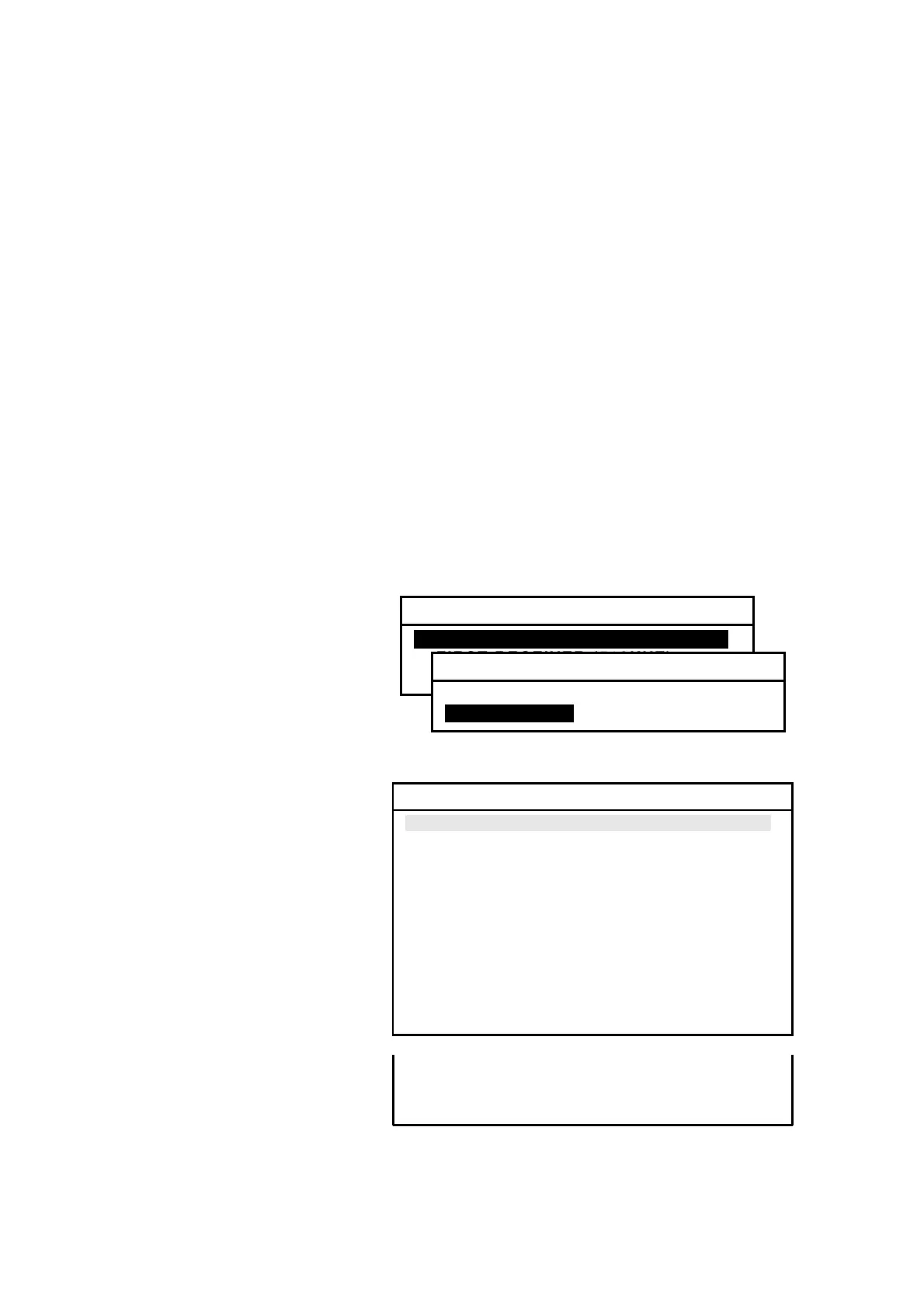
Figure 4-14 Rejecting Message Types – Step 1
(2) Highlight the desired
option, and then press
. The example at right
shows that you selected
option “
1: SYNCHRONIZE
BOTH
RECEIVERS” to
apply the same settings to
both the first and second
receivers.
Figure 4-15 Partial List of NAVTEX Message Types
(3) Highlight “2:MESSAGES”
and then press
. This
displays a partial list of
the NAVTEX message
types and their current
settings, as shown at right.
The status of a message
type that is currently
selected is shown in green.
The rest of the message
types (M through Z) can
be checked by repeatedly
pressing
/
.
(
continued on next page
)
4: MAKE SEL/REJ SETTINGS
1: SYNCHRONIZE BOTH RECEIVERSI
2: FIRST RECEIVER (518KHZ)
3: SECOND RECEIVER
1: SYNCHRONIZE BOTH RECEIVERS
1: STATIONS
2: MESSAGESI
2: MESSAGES
A: NAVIGATIONAL WARNING SELECTED
B: METEOROLOGICAL WARNING SELECTED
C: ICE REPORT SELECTED
D: SEARCH AND RESCUE INFORMA– SELECTED
TION/PIRACY & ARMED ROBBERY SELECTED
E: METEOROLOGICAL FORECAST SELECTED
F: PILOT SERVICE MESSAGE SELECTED
G: AIS REJECTED
H: LORAN–C MESSAGE SELECTED
I: PRESENTLY NOT USED REJECTED
J: SATNAV MESSAGE SELECTED
K: OTHER ELECTRONIC NAVAID MSG. SELECTED
L: ADDITIONAL NAV. WARNING SELECTED
M: MESSAGE TYPE M REJECTED
・・・・・・・・・・・・・・・・・・・・・・・・・・・・・・・・・・・・・・・・
・・・・・・・・・・・・・・・・・・・・・・・・・・・・・・・・・・・・・・・・
Z: NO MESSAGE ON HAND SELECTED



 To Next Page