NT–2000 REF Manual
Customizing Operation via Menu System
4-10
4.9. Searching Memory for Stored Messages
NAVTEX messages stored in non–volatile memory are searchable by station and/or
message type via the following steps.
(1) Highlight option “ 5: SEARCH STORED MESSAGES ” by pressing
/
,
followed by
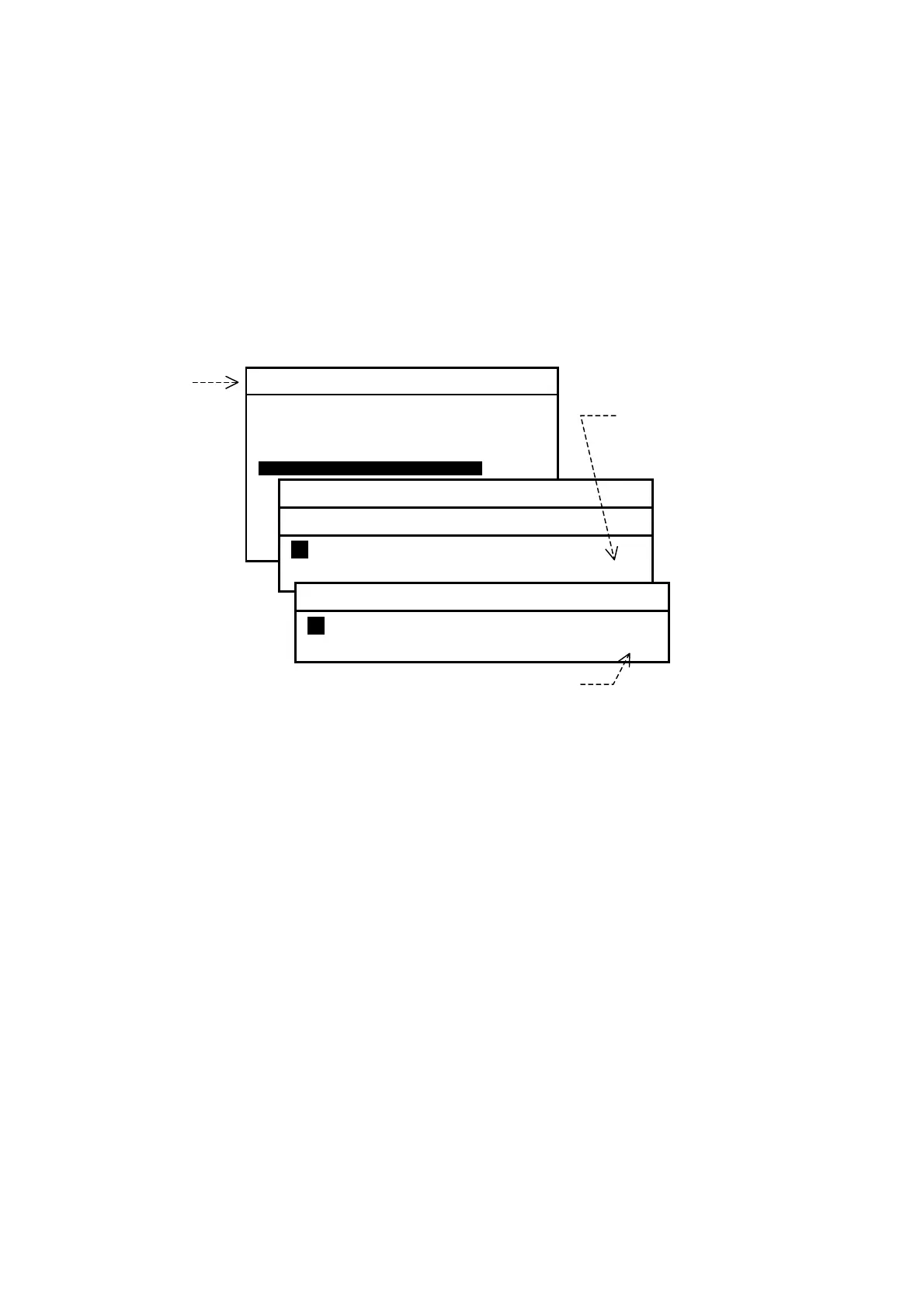
. This opens a submenu with a list of all station IDs, as shown
below. The wild card character (*) represents all station IDs.
Figure 4-17 Searching for Stored Messages
(2) Using
/
/
/
, select the station of which messages you wish to search
for.
For example, if you wish to search for all stored messages sent from station A,
highlight
A . If you wish to search for messages of a specific type from all stations,
highlight the wild card character (*) which represents all transmitter IDs.
(3) Press
. This opens a menu listing all the message types. The wild card (*)
represents all message types.
(4) Using
/
/
/
, select the desired message type. If you wish to specify all
message types from the station selected at step (2), highlight *.
(5) Press
. This allows all messages to be displayed that meet the conditions you
set at above steps (2) and (4).
The displayed messages can be scrolled line–by–line by pressing
/
or
message–by–message by pressing
/
.
To return to the menu, press
. To return to the text screen, press it once
again.
Wild Card representing
all stations
SYSTEM MENU
1: MAKE DISPLAY SETTINGS
2: SELECT 2ND RECEIVER FREQUENCIES
3: TURN ON/OFF KEYPRESS BEEP
4: MAKE SEL/REJ SETTINGS
5: SEARCH STORED MESSAGESI
6. SELECT OUTPUT MESSAGES
7. SET OUTPUT PORTS
8. START SELF–DIAGNOSTIC TESTS
9: TURN ON/OFF MESSAGE ALARM
0. RESET TO FACTORY DEFAULTS
5: SEARCH STORED MESSAGES
SEARCH BY STATION
Ai B C D E F G H I J K L M
N O P Q R S T U V W X Y Z
*
SEARCH BY MESSAGE TYPE
Ai B C D E F G H I J K L M
N O P Q R S T U V W X Y Z
*
Wild Card representing all message types



 To Next Page