NT-2000 REF Manual
Customizing Operation via Menu System
4-22
4.11.4. Selecting Bit Formats and Data Transfer Rates
4.11.4.1. Introduction
The following instructions allow you to select the correct bit format (number of data bits,
stop bits, parity bit status) and bit rate (baud rate: 110, 4800, 9600 etc.) that are
required by the application using each I/O port for correct data transfer.
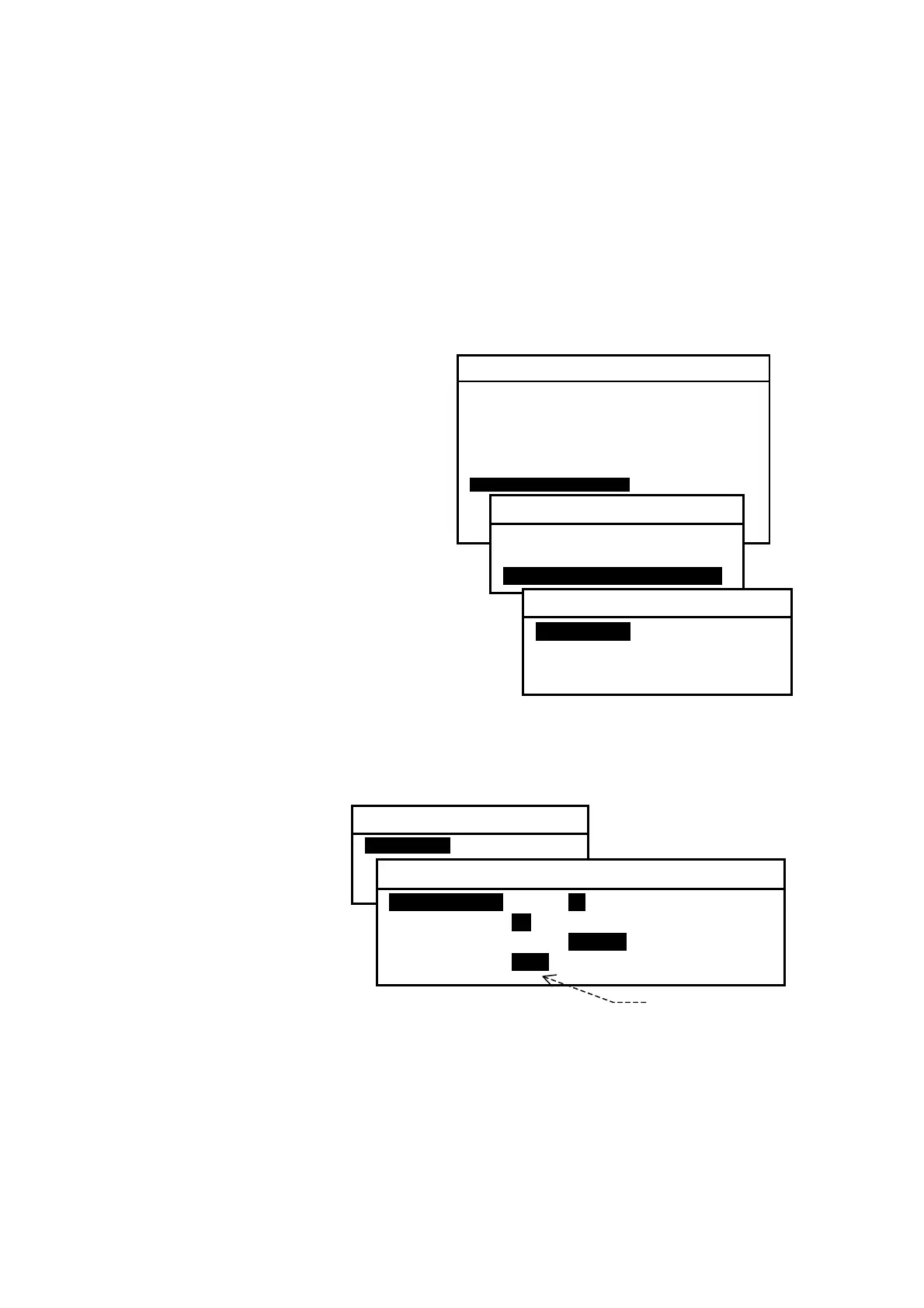
Figure 4-32 Accessing Submenu for Selection
of Bit Formats and Rates
(1) Highlight option “3:SET BIT
FORMAT & RATE” on the SET
OUTPUT PORTS submenu, and
then press
.
Another submenu (SET BIT
FORMAT & RATE) will then be
turned on as shown at right to
specify the port for which you
wish to select those para–
meters.
(2) Using
/
, select the desired port.
The procedure given below assumes that
the SET BIT FORMAT & RATE submenu
is currently displayed.
4.11.4.2. Selecting Parameters for RS–232C Port
The parameters for the RS–232C port are initially set as follows:
Figure 4-33 Checking Current Parameters for RS–232C
・ Data Bits: 8 bits
・ Stop Bits: 1 bit
・ Parity: None
・ Bit Rate: 110 baud
The current parameter
values can be checked by
selecting “1:RS–232C” as
shown at right.
If your RS–232C application requires a different set of parameters, select the
appropriate values by following the steps given below:
NOTE: If an optional
PR–900
printer is plugged into the
RS–232C
connector, be sure to
select the following parameters:
DATA BITS = 8, STOP BITS = 1, PARITY = NONE, BIT RATE = 0.11 (110 baud)
(continued on next page)
SYSTEM MENU
1: MAKE DISPLAY SETTINGS
2: SELECT 2ND RECEIVER FREQUENCIES
3: TURN ON/OFF KEYPRESS BEEP
4: MAKE SEL / REJ SETTINGS
5: SEARCH STORED MESSAGES
6. SELECT OUTPUT MESSAGES
7. SET OUTPUT PORTS
8. START SELF–DIAGNOSTIC TESTS
9: TURN ON/ OFF MESSAGE ALARM
0. RESET TO FACTORY DEFAULTS
7: SET OUTPUT PORTS
1: SET PORTS ON/OFF
2: SELECT PROTOCOLS
3: SET BIT FORMAT & RATE
3: SET BIT FORMAT & RATE
1: RS–232C
2: RS–422
3: I/O DATA
3: SET BIT FORMAT & RATE
1: RS–232C
2: RS–422
3: I/O DATA
1: RS–232C
1: DATA BITSI 7 I8I
2: STOP BITS I1I 2
3: PARITY ODD INONEI
4: BIT RATE i0.11 4.8 9.6 19.2 38.4
0.11= 11 0 baud



 To Next Page