NT–2000 REF Manual
Customizing Operation via Menu System
4-11
4.10. Selecting Output Messages
4.10.1. Introduction
The NAVTEX message that is currently being received or previously received messages
stored in memory can be output to external devices ( e.g., a printer, an INS/IBS device)
via the rear panel interface connectors (I /O ports , i.e. RS–232C, RS–422, I/O DATA).
The execution of the following instructions allows you to selectively output the desired
messages by specifying various parameters, such as live (on–line) or recall–
from–storage mode, receiver type, transmitter ID and message type.
(1) Press
, opening the SYSTEM MENU.
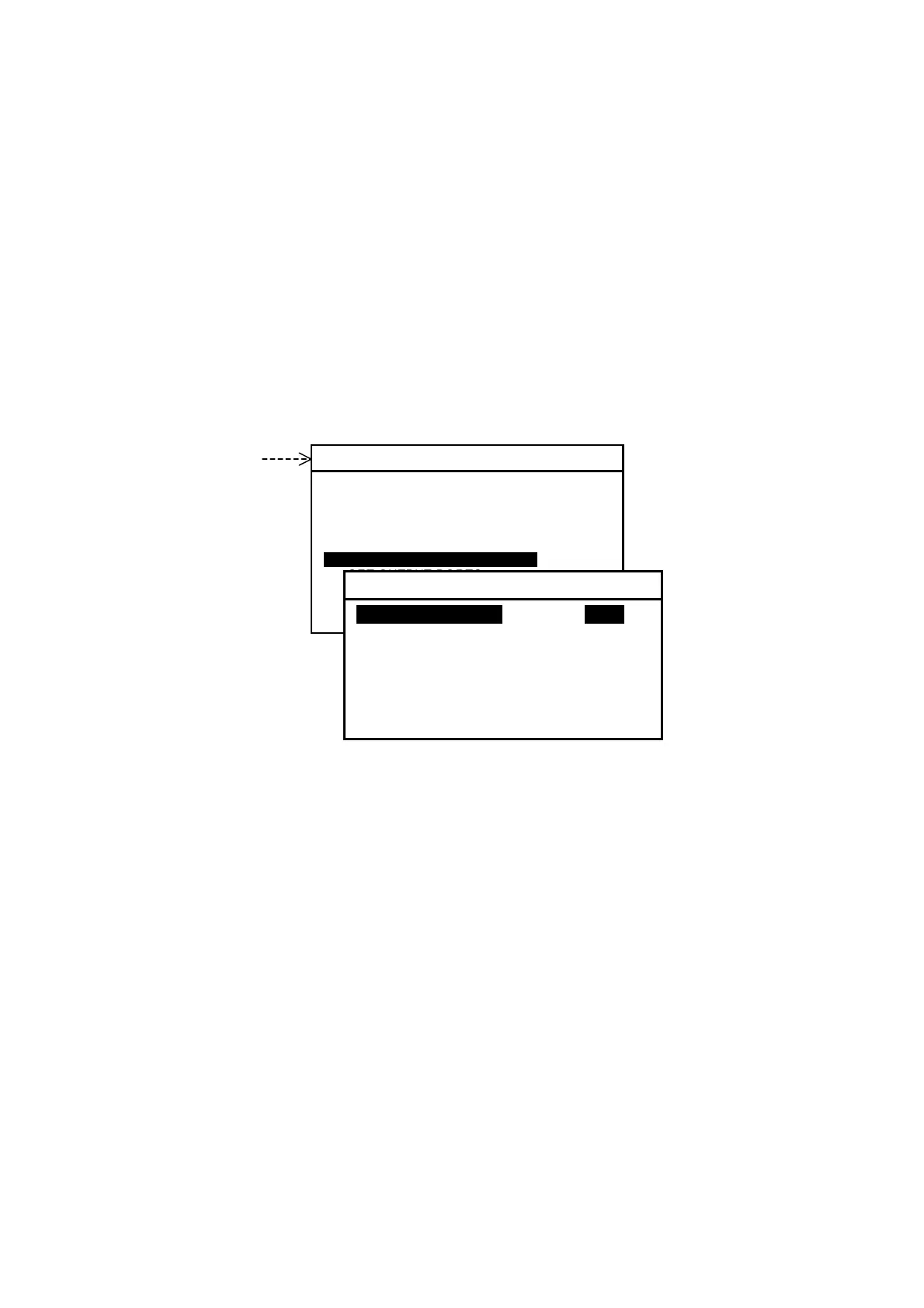
Figure 4-18 Accessing Output Selection Menu
(2) Highlight “6: SELECT OUTPUT MESSAGES” by pressing
/
,
followed
by
. This opens a submenu as illustrated above, with the following output mode
options:
1: RECEIVING MSG: Message currently being received
2: ALL STORED MSG: All stored messages
3: MSG SELECTED BY FREQUENCY: Messages selected by specifying receiver
4: MSG SELECTED BY STATION: Messages selected by specifying transmitter
5: MSG SELECTED BY TYPE: Messages selected by specifying message type
6: DISPLAYED MSG: All messages currently displayed
7: SELECTED MSG: Individual messages selected from those
appearing on display
Before the desired output can be obtained, the target output connector (output port)
must be enabled (set to ON) via the instructions in paragraph 4.11. Note that all ports
are initially enabled unless set otherwise previously by your dealer.
NOTE: A forced carriage return
(
)
will be replaced by an underscore
( _ ) (
hex 5F
)
when it
is output to a PC terminal or a printer
.
SYSTEM MENU
1: MAKE DISPLAY SETTINGS
2: SELECT 2ND RECEIVER FREQUENCIES
3: TURN ON/OFF KEYPRESS BEEP
4: MAKE SEL/REJ SETTINGS
5: SEARCH STORED MESSAGES
6. SELECT OUTPUT MESSAGES
7. SET OUTPUT PORTS
8. START SELF–DIAGNOSTIC TESTS
9: TURN ON/OFF MESSAGE ALARM
0. RESET TO FACTORY DEFAULTS
6: SELECT OUTPUT MESSAGES
1: RECEIVING MSGi ON IOFFI
2: ALL STORED MSG
3: MSG SELECTED BY FREQUENCY
4: MSG SELECTED BY STATION
5: MSG SELECTED BY TYPE
6: DISPLAYED MSG
7: SELECTED MSG



 To Next Page