NT–2000 REF Manual
Customizing Operation via Menu System
4-1
4. Customizing Operation via Menu System
4.1. Introduction
The equipment should work normally with the initial factory settings. Some of the
settings, such as keypress beep on/off, screen background color, rejection of certain
transmitters or message types and alarm on/off, however, may be changed to suit your
specific operating needs via the menu system.
4.2. Accessing the Menu System
Figure 4-1 System Menu
The menu system can be accessed
by simply pressing
. The
menu shown at right should then
be turned on, indicating that you
have activated the menu system.
To turn the menu off, press
again or *
1
.
*
1
:
Pressing
returns you to the
first receiver page, if you are
operating on the second receiver.
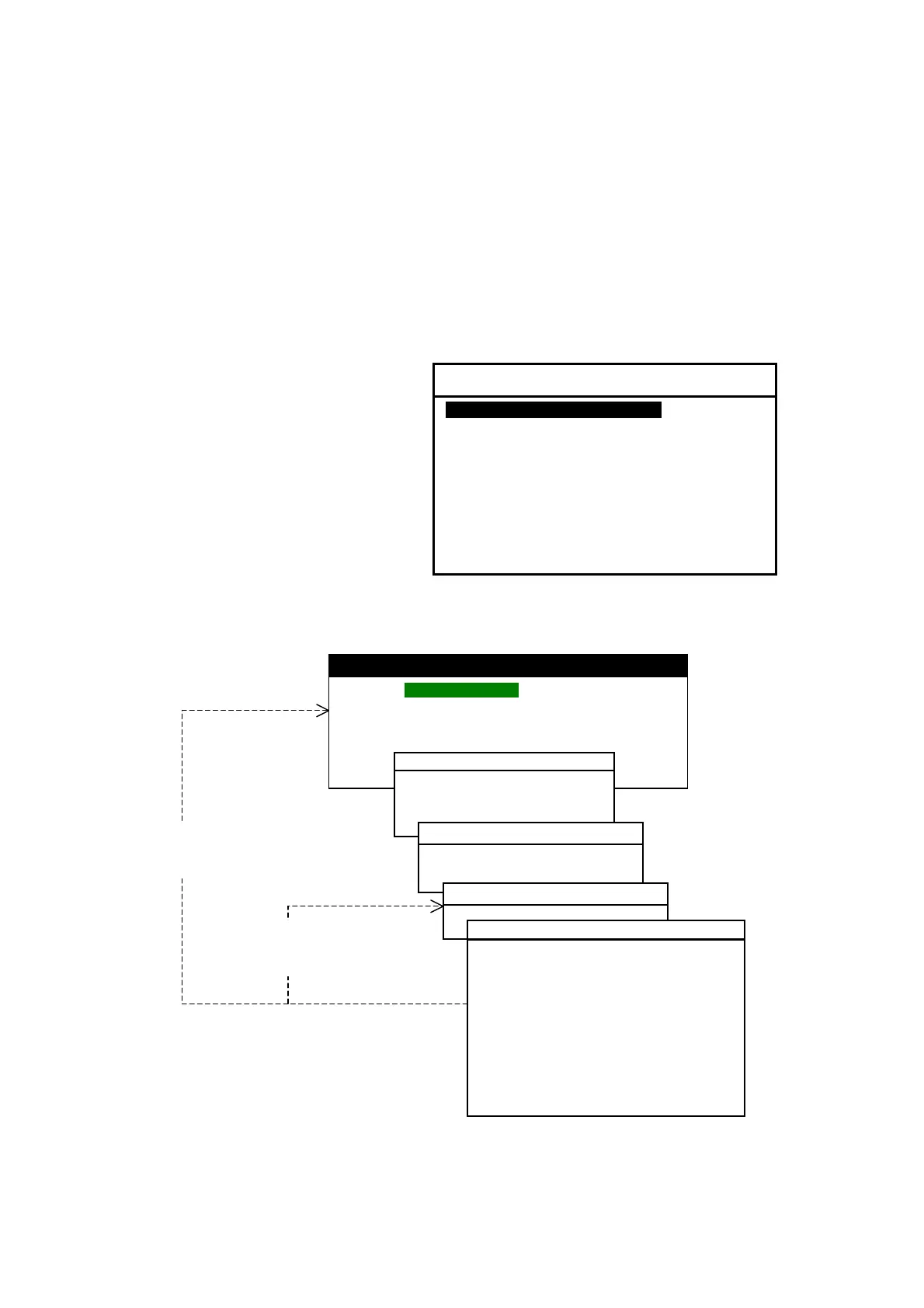
Figure 4-2 Returning to Previous Menu or Directly to Message Screen
Menu options can be selected by pressing
/
, followed by
.
(
continued on next page
)
SYSTEM MENU
1: MAKE DISPLAY SETTINGS
2: SELECT 2ND RECEIVER FREQUENCIES
3: TURN ON/OFF KEYPRESS BEEP
4: MAKE SEL/REJ SETTINGS
5: SEARCH STORED MESSAGES
6. SELECT OUTPUT MESSAGES
7. SET OUTPUT PORTS
8. START SELF–DIAGNOSTIC TESTS
9: TURN ON/OFF MESSAGE ALARM
0. RESET TO FACTORY DEFAULTS
IA05 NEW MESSAGE
220603 UTC
FOG INFORMATION AS OF220600UTC
・・・・・・・・・・・・・・・・・・・・・・・・・・・・・・・・・・・・・・・・・・・・・・
・・・・・・・・・・・・・・・・・・・・・・・・・・・・・・・・・・・・・・・・・・・・・・
NNNN
STORED (CER=00%)
1:SELECT BACKGROUND COLORS
・・・・・・・・・・・・・・・・・・・・・・・・・・・・・・・・
・・・・・・・・・・・・・・・・・・・・・・・・・・・・・・・・・
0:RESET TO FACTORY DEFAULTS
5:MAKE SEL/REJ SETTINGS
1:SYNCHRONIZE BOTH RECEIVERS
2:FIRST RECEIVER (518 KHZ)
3:SECOND RECEIVER
1:SYNCHRONIZE BOTH RECEIVERS
1:STATIONS
2:MESSAGES
: NAVIGATIONAL WARNING
B: WEATHER WARNING
C: ICE REPORT
D: SEARCH AMD RESCUE INFORMATION,
PIRACY/ARMED ROBBERY
E: WEATHER FORECAST
F: PILOT SERVICE MESSAGE
G: AIS
H: LORAN–C MESSAGE
I: AIS MESSAGE
J: SATNAV MESSAGE
K: OTHER ELECTRONIC NAVAID MSG
L: ADDITIONAL NAV
WARNING



 To Next Page