NT–2000 REF Manual
Customizing Operation via Menu System
4-5
4.7. Turning on/off Keypress Beep
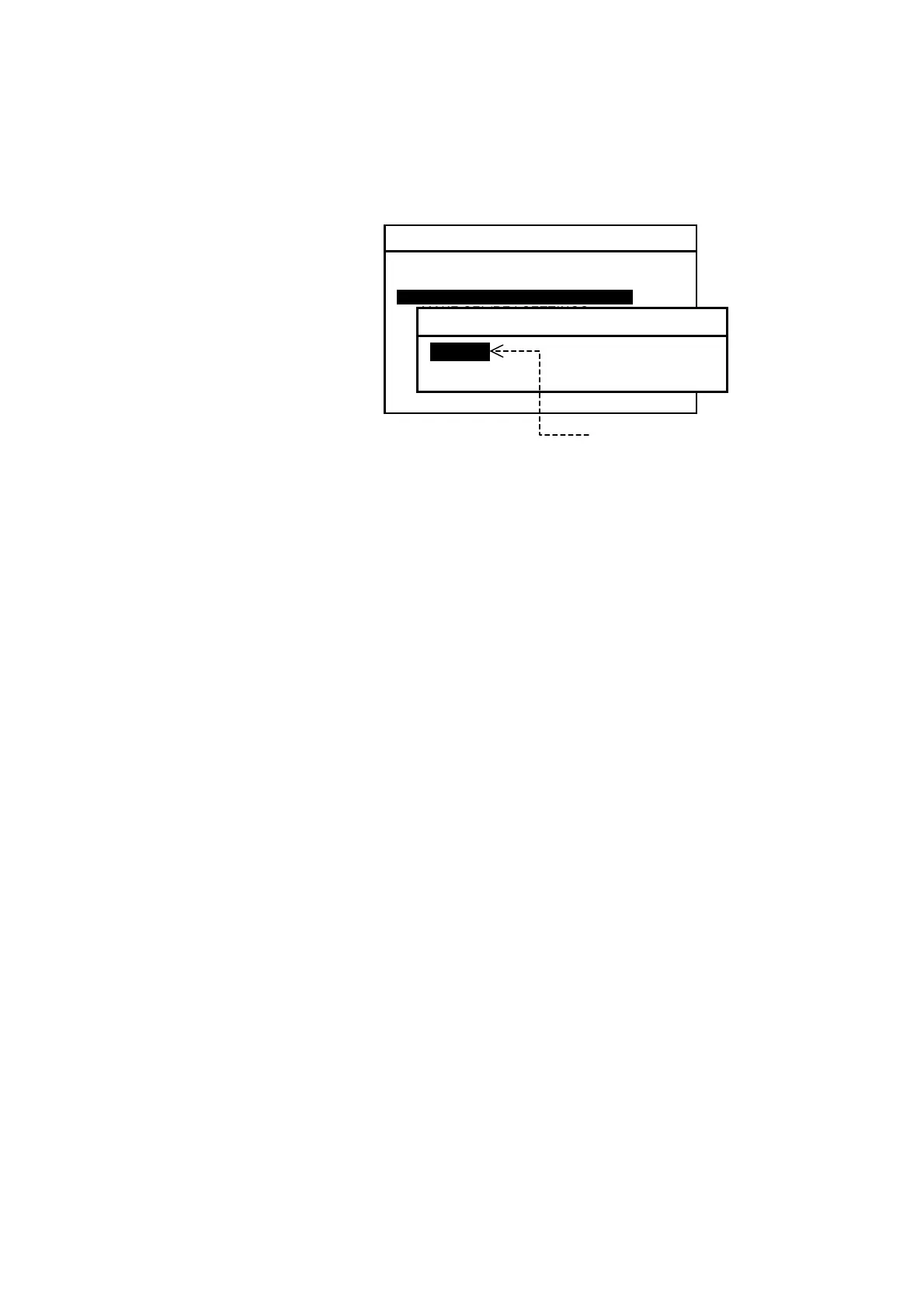
Figure 4-8 Turning on/off Keypress Beep
Pressing a front panel key
causes the equipment to beep,
indicating proper actuation
of that key; this is the initial
setting.
If you wish to turn off the
keypress beep, follow the
steps given below.
(1) Highlight option “2: OFF” by pressing
/
,
followed by
.
(2) Press
or
to return to the text screen.
(
continued on next page
)
SYSTEM MENU
1: MAKE DISPLAY SETTINGS
2: SELECT 2ND RECEIVER FREQUENCIES
3: TURN ON/OFF KEYPRESS BEEP
4: MAKE SEL/REJ SETTINGS
5: MAKE SEL /REJ SETTINGS
6. SELECT OUTPUT MESSAGES
7. SET OUTPUT PORTS
8. START SELF–DIAGNOSTIC TESTS
9: TURN ON/OFF MESSAGE ALARM
3: TURN ON/OFF KEYPRESS BEEP
1: OFF
2: ON
To silence keypress
beep, select this option
and press
.



 To Next Page