NT-2000 REF Manual
Customizing Operation via Menu System
4-15
4.10.5. Outputting NAVTEX Messages of Specific Station
If you wish to output all messages received from a specific NAVTEX transmitting
station, carry out the following step–by–step procedure:
NOTE: A forced carriage return
(
)
will be replaced by an underscore
( _ ) (
hex 5F
)
when it
is output to a PC terminal or a printer
.
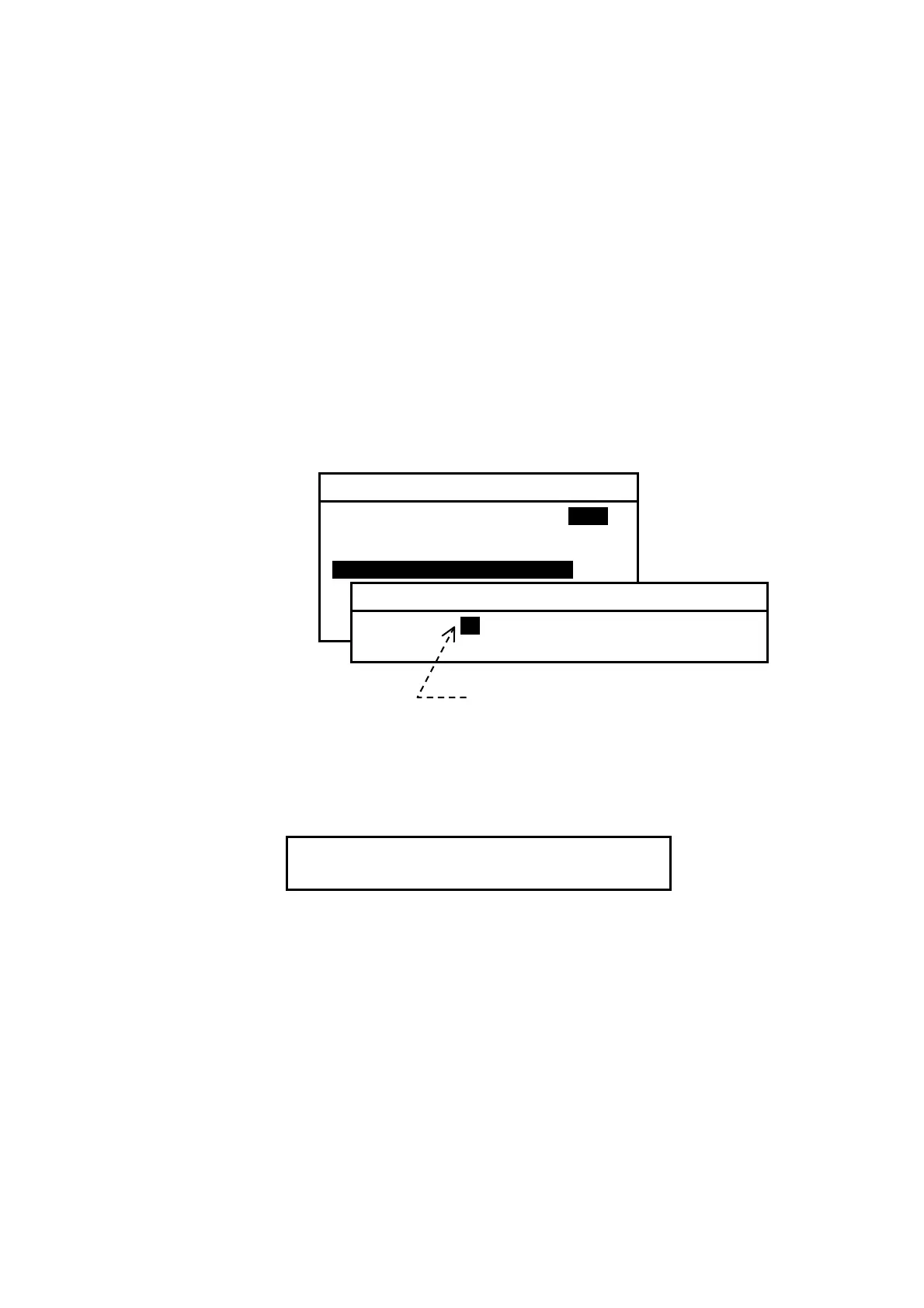
(1) Highlight option “ 4:MSG SELECTED BY STATION” on the SELECT OUTPUT
MESSAGES submenu, and then press
. This turns on another submenu with a
list of station IDs, enabling you to select the desired transmitter, as in the example
illustrated below:
Figure 4-22 Outputting Stored Messages Received from Station D – Example
(2) Using
/
, highlight the desired ID, and then press
. The following
window will pop up to indicate the outputting action in progress.
The window will be turned off automatically upon completion of outputting.
To cancel the action, press
.
(3) Press
to return to the previous menu or
to return to the first receiver
message screen.
Select desired station ID with
/
,
and then press
.
6: SELECT OUTPUT MESSAGES
1: RECEIVING MSG ON IOFFI
2: ALL STORED MSG
3: MSG SELECTED BY FREQUENCY
4: MSG SELECTED BY STATIONi
5: MSG SELECTED BY TYPE
6: DISPLAYED MSG – ALL
7: DISPLAYED MSG – SPECIFIC
4:MSG SELECTED BY STATION
A B C iDi E F G H I J K L M
N
O P Q R S T U
W
Z
OUTPUTTING ALL STORED MESSAGES.
TO CANCEL, PRESS
[
CLR
]
.



 To Next Page