NT-2000 REF Manual
Customizing Operation via Menu System
4-24
4.11.4.4. Selecting Parameters for I/O DATA Port
The parameters for the I/O DATA port are initially set as follows:
・ Data Bits: 8 bits
・ Stop Bits: 1 bit
・ Parity: Odd parity
・ Bit Rate: 4800 baud
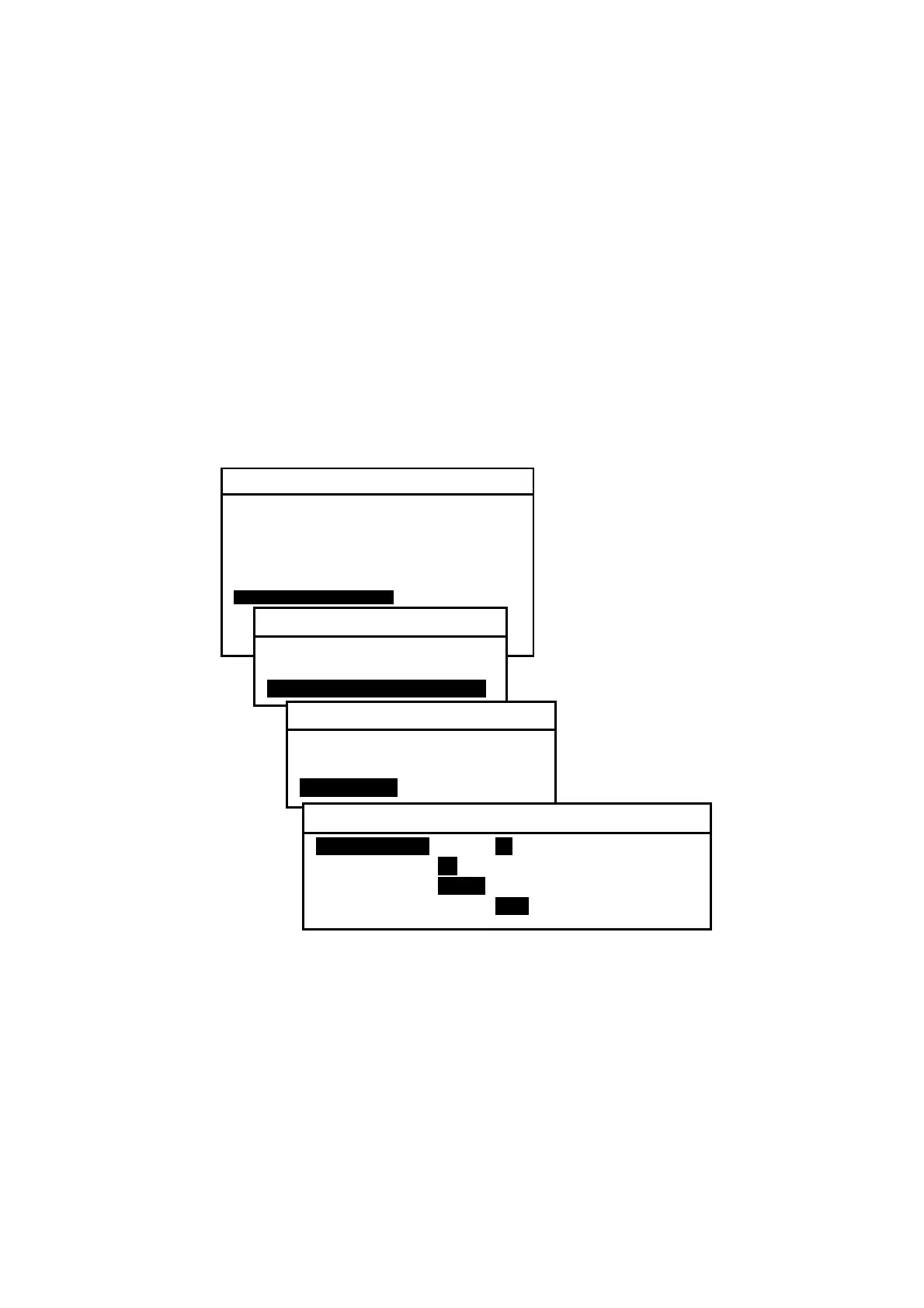
The current parameter values can be checked by selecting “3:I/O DATA” on the SET BIT
FORMAT & RATE submenu, as shown below.
Figure 4-36 Checking Current Parameters for I/O DATA Port
Each parameter value can be changed using
/
and
/
in the same man–
ner as in the example given in paragraph 4.11.4.2.
Be sure to press
after selecting the desired value.
SYSTEM MENU
1: MAKE DISPLAY SETTINGS
2: SELECT 2ND RECEIVER FREQUENCIES
3: TURN ON/OFF KEYPRESS BEEP
4: MAKE SEL / REJ SETTINGS
5: SEARCH STORED MESSAGES
6. SELECT OUTPUT MESSAGES
7. SET OUTPUT PORTS
8. START SELF–DIAGNOSTIC TESTS
9: TURN ON/ OFF MESSAGE ALARM
0. RESET TO FACTORY DEFAULTS
7: SET OUTPUT PORTS
1: SET PORTS ON/OFF
2: SELECT PROTOCOLS
3: SET BIT FORMAT & RATE
3: SET BIT FORMAT & RATE
1: RS–232C
2: RS–422
3: I/O DATA
3: I/O DATA
1: DATA BITSI 7 I8I
2: STOP BITS i1i 2
3: PARITY iODDi NONE
4: BIT RATE 0.11 I4.8I 9.6 19.2 38.4



 To Next Page