29
Remark: The tightening force is necessary to ensure the preload of the spring plate.
Ø Turn on the machine.
Ø It is required to perform the following calibration steps: C115, C84, C88.
Ø Check if the machine works fi ne.
Ø Turn off the balancer.
Ø Mount the protection underneath the Vibratory assembly.
Ø Mount the spring plates protection.
Ø Mount the weight tray.
4.14 CHECK AND REPLACEMENT OF OPTOENCODER BOARD OF THE MAIN SHAFT
" : Medium and big Phillips screwdriver, scissors.
6 : 1h
i : Defective optoencoder board may cause the following malfunctions:
1. The balancer shows error codes with module C10.
2. The wheel balancer shows 001021
TO CHECK THE OPTOENCODER BOARD
Ø Turn on the balancer.
Ø Check the encoder with service code C74, C54, C75
REPLACEMENT OF THE OPTOENCODER BOARD
Ø Turn the machine off .
Ø Disconnect power supply.
Ø Remove the weight tray.
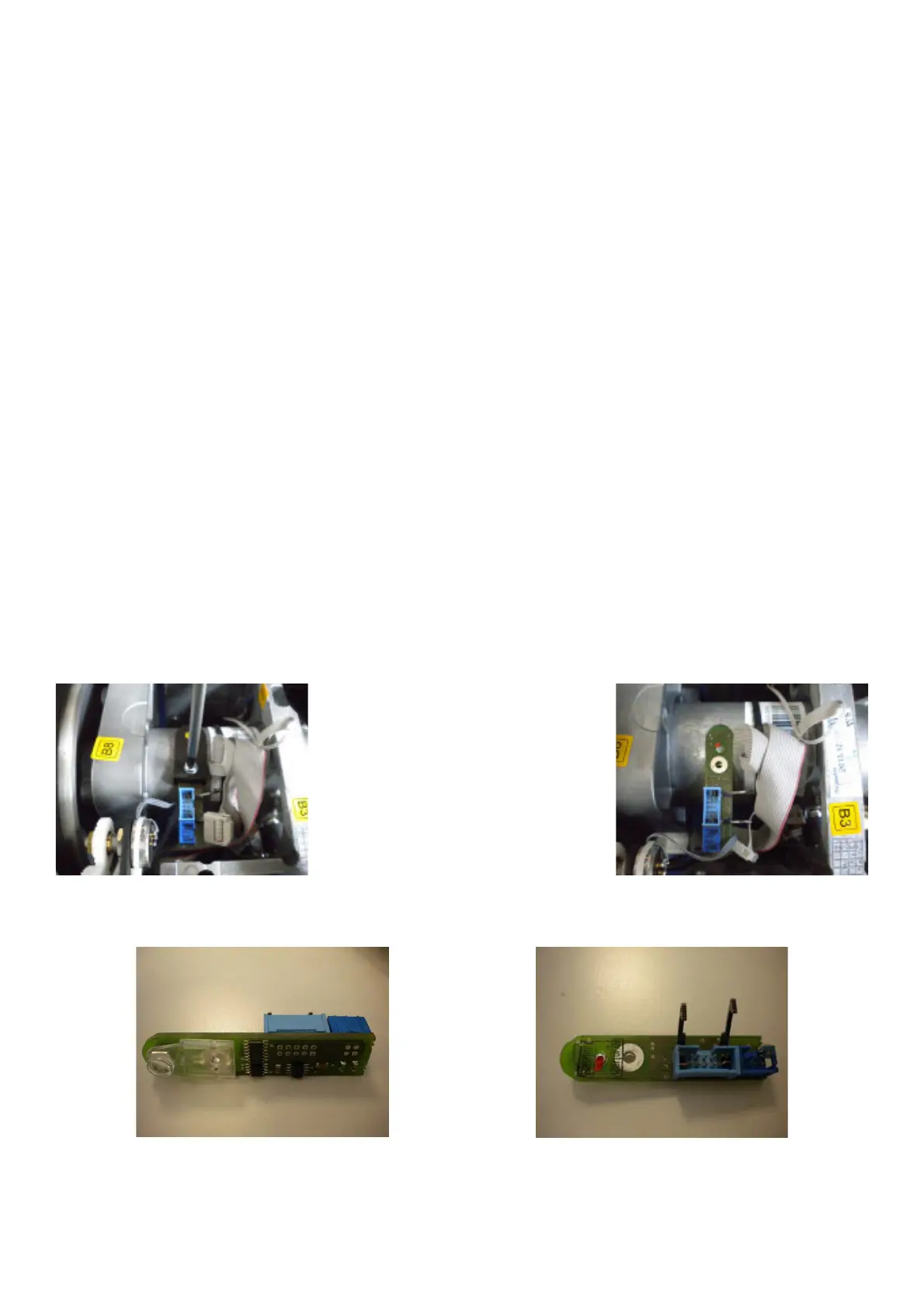
Ø Disconnect the 10 Pin ribbon cable from the encoder PCB.
Ø Remove all dirt from the region where the Optoencoder is positioned, preferably with a moisturized cloth.
Ø Remove the phillip screw holding the encoder PCB to the shaft tube.
Ø Clean the encoder board lens.
Ø Clean the polygon ring



 To Next Page