ACU-5000 Operations Manual
Interoperability Now 3-3
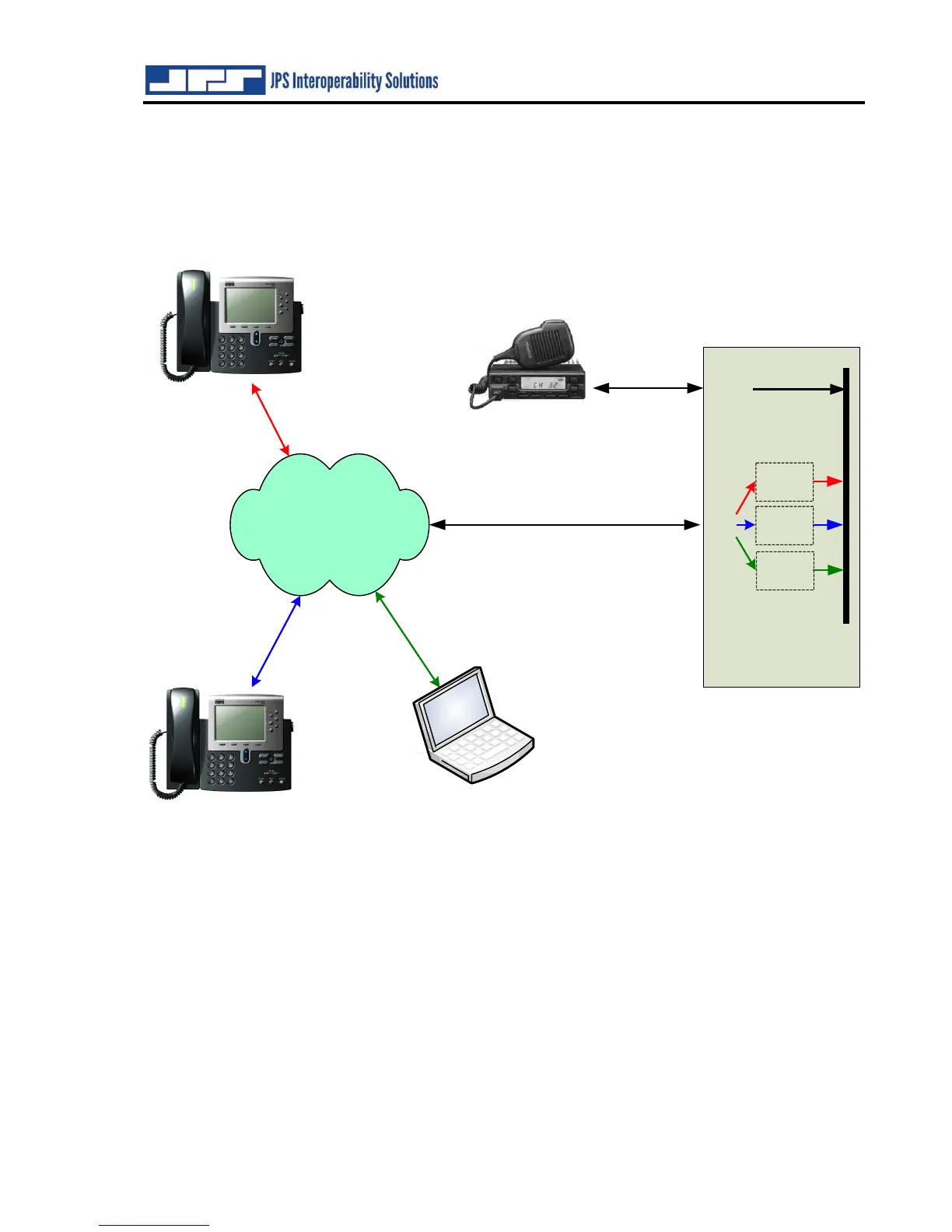
The figure below shows four of the ACU-5000’s channels engaged in a conference call. Note
that this system diagram could also be depicting a pair of two party connections. Note also that
the laptop (shown in the figure as operating as a soft phone) could also be browsing to the IP
address of the ACU-5000, so if the computer’s operator has the proper permissions, this operator
could be monitoring status, controlling cross-connections, or configuring the ACU-5000.
Figure 3-3 Conference Call



 To Next Page