ACU-5000 Operations Manual
Interoperability Now 6-5
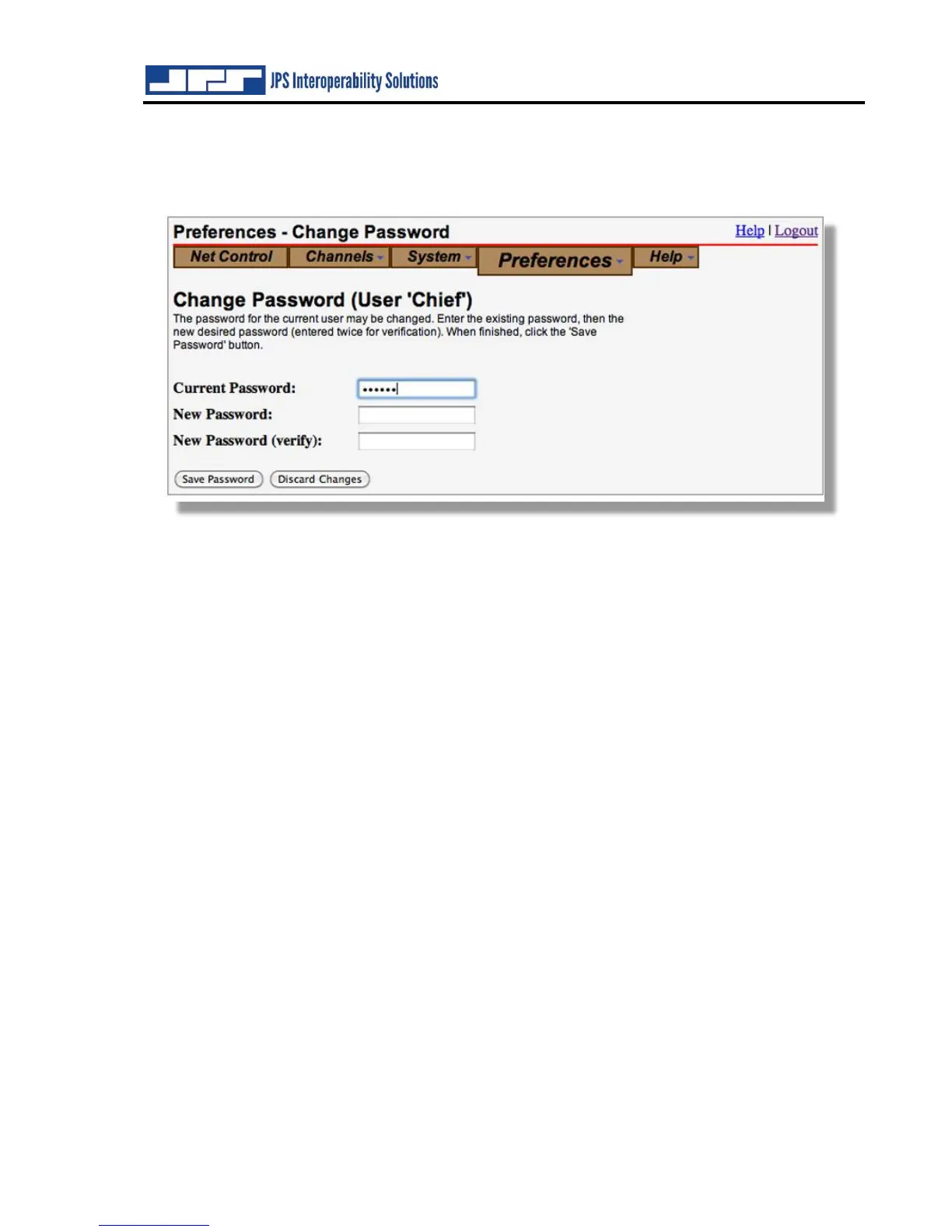
6.3 Preferences – Change Password
All users have the capability of changing their own passwords. This is operation is performed in
the typical fashion as shown below.
6.4 Preferences – System Memory Settings
The System Memory Settings preferences set what the ACU-5000 will retain under various
conditions. If ‘Restore Nets on Power Up is set to ‘No’, all channels will be disconnected and
moved to the Free Row at power-up. If set to ‘Yes’, then interoperability nets that were in
operation when the power was cut off will be restored when power is returned. Note that VoIP
and PSTN connections will require additional actions for complete restoration of the initial nets
– that is, the operator (or external user) will have to call back to restore the external connection.
Whether and how the system retains Dial Out Destinations is also configurable. An example of
a “Dial Out Destination” is a phone number entered in the NET Control GUI to call a phone
number using a PSTN channel. Similar dial out destinations are IP addresses typed in to connect
SIP or RoIP channels. Another example is a phone number or IP address entered by an external
telephone or SIP User (see Section 9.3 regarding operation by remote DTMF).
If the ACU-5000 is set to retain the Dial Out Destinations, appropriate numbers will be accessible
when the operator of the Net Control GUI initiates a connection. By “appropriate” that means
that, when the operator initiates a phone call, phone numbers will be accessible, not IP addresses.



 To Next Page