ACU-5000 Operations Manual
5-4 Interoperability Now
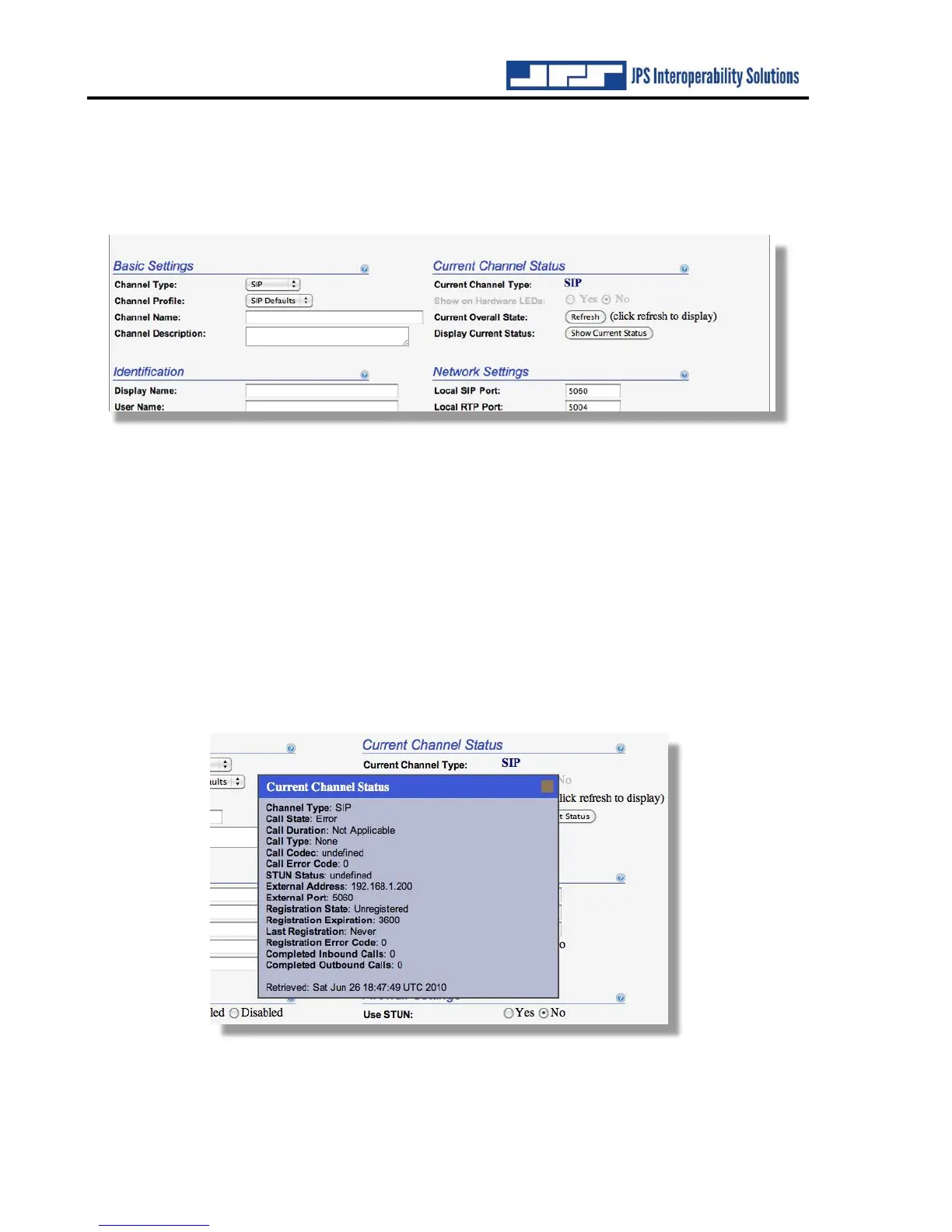
5.3 Channel Configuration – Current Status
Information related to each channel’s current status is available via this section in the top right
of each channel configuration page alongside the Basic Settings. As with other configuration
selections, context-sensitive help is available.
The status information applies to the existing condition of the channel, irrespective to other
settings changes (such as channel type) that are “in progress” but have not yet been put into effect
by clicking on Save Configuration.
The ACU-5000 front panel has a set of LEDs that may be useful in system set up & optimization.
The COR, PTT, and Signal LEDs may be associated with any of the unit’s channels via the Show
on Hardware LEDs selection.
A wide variety of channel-specific status can be displayed. Click Refresh to show the current
overall state of the channel (useful for quickly identifying if this channel is currently having a
problem or is in a call). Click Display Current Status to display a window with the current
detailed status of the channel. Below is the Current Channel Status report associated with a SIP
channel.



 To Next Page