ACU-5000 Operations Manual
Interoperability Now 4-1
4 Web-Based Configuration
The unit is configured via its web-based Graphical User Interface (GUI). The GUI is carefully
designed to provide a range of easily accessible context-sensitive help information. Note: Due to
ongoing upgrades and enhancements to the ACU-5000, the unit’s web pages may not be identical
to those shown in this manual. Check Section 10 for upgrade information.
The ACU-5000 is standards-compliant and supports standards-compliant web browsers,
including the recent and latest versions of Internet Explorer, Firefox, Chrome, Safari, and Opera.
4.1 Log In
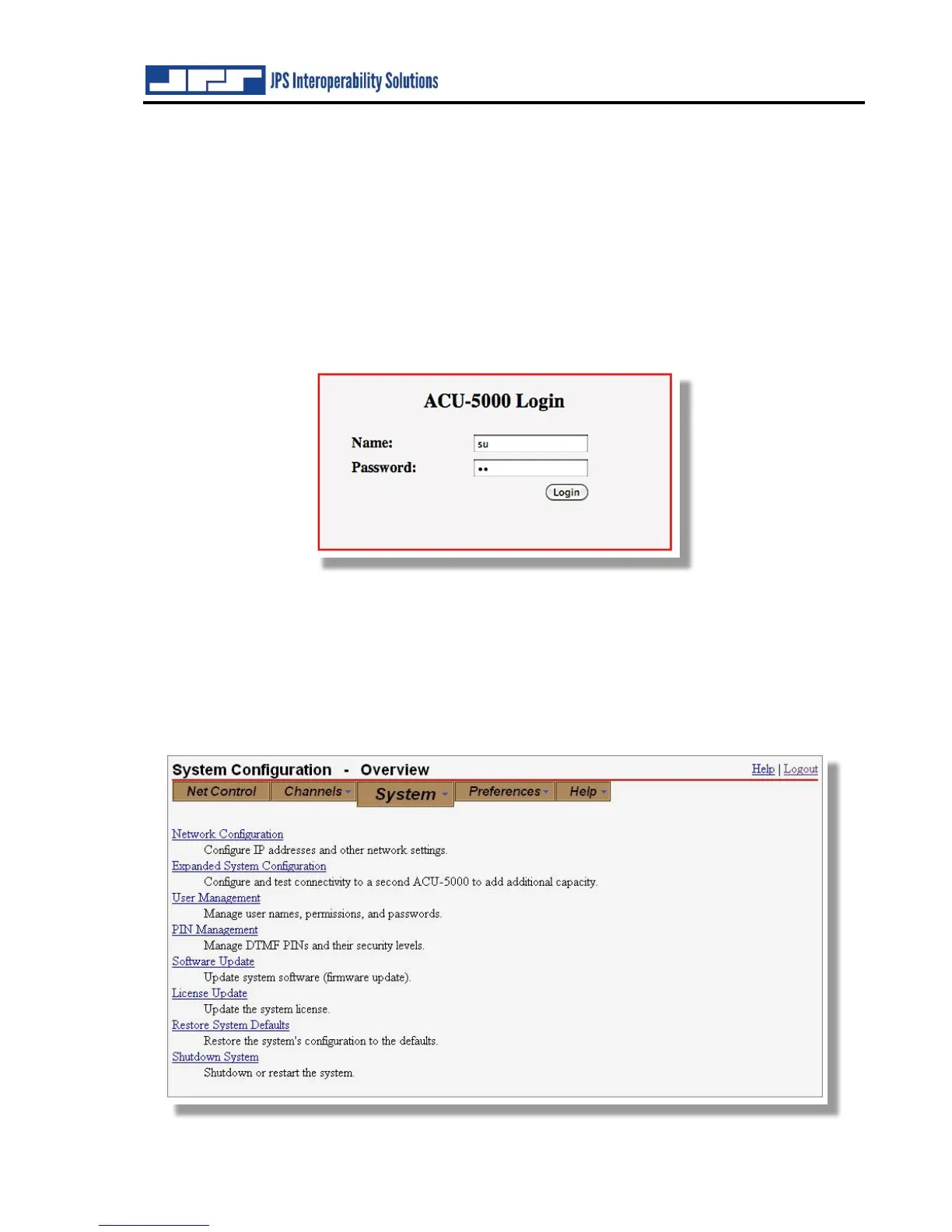
Upon browsing to the unit’s IP address, the login screen will appear. Default IP address is
192.168.1.200, with a default subnet mask of 255.255.255.0. Default name and password are
both “su” for superuser with superuser permission set. Further explanation, including instructions
for changing these defaults, is provided in the following sections.
Log-In remains valid for six hours following the last change in operation.
4.2 System Configuration



 To Next Page