ACU-5000 Operations Manual
6-8 Interoperability Now
6.7 Preferences – Manage Channel Profiles
Channel profiles are a means of saving different sets of settings for channels ahead of time. These
settings can then be applied to the channel, preventing the need to manually configure them every
time you change the channel type. For example, once a set of settings is optimized for a particular
radio type, a profile can be created and quickly applied for that radio type.
You can access the channel profile management tool from the ‘Preferences’ menu, under
‘Manage Channel Profiles’. The Create/Modify Channel Profiles permission is required.
Once created, the channel profile may be selected from a list of channel profiles (of the same
channel type) on the individual channel’s configuration page. Continuing with our example, if
the same type of radio is attached to another channel (or simply used again in the future), the
profile for that radio can be selected from the list of radio profiles on the configuration page.
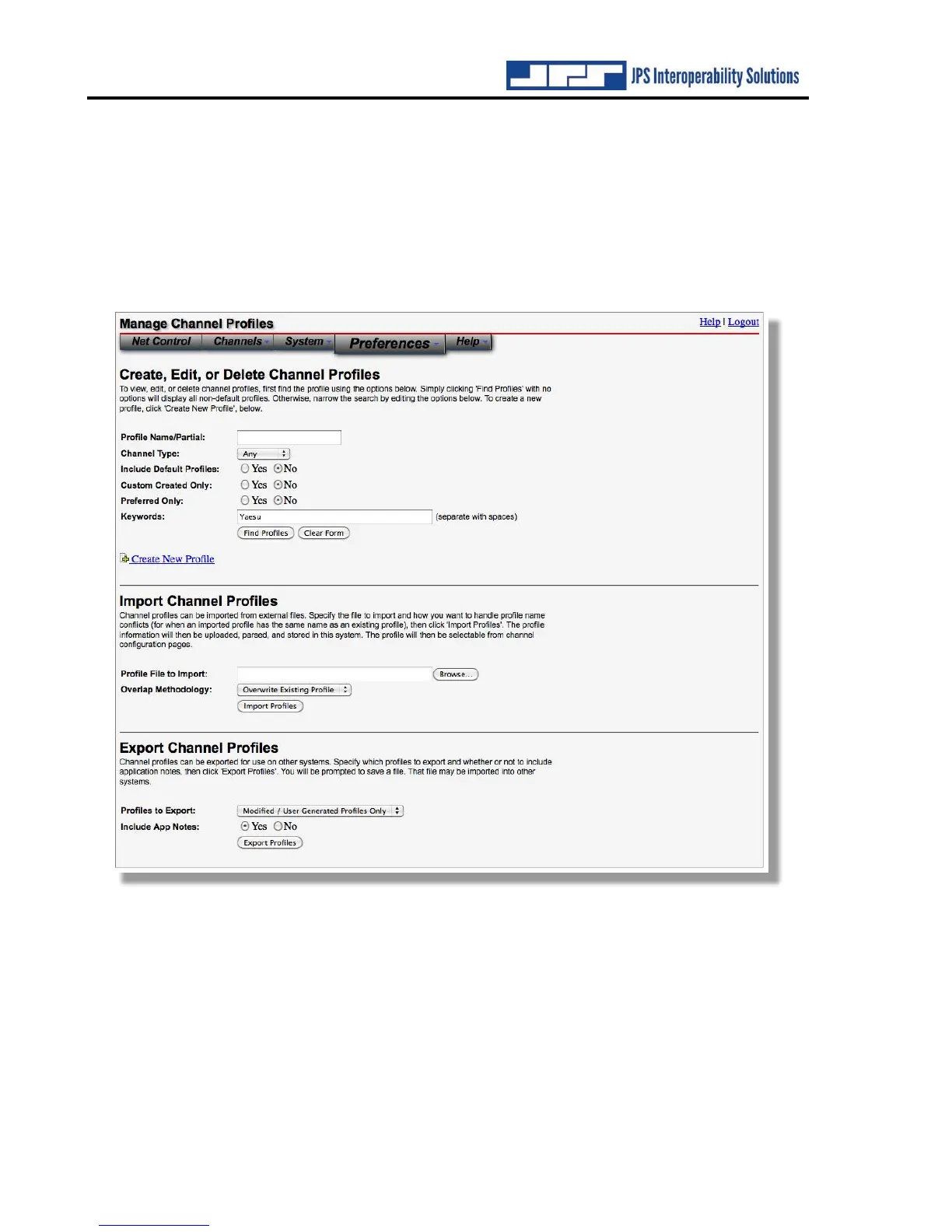
You can search for existing profiles or click on ‘Create New Profile’ to create a new profile.
Multiple tools are available to assist the search function. See above; a search for any Yaesu
related profiles is about to be made



 To Next Page