ACU-5000 Operations Manual
Interoperability Now 6-7
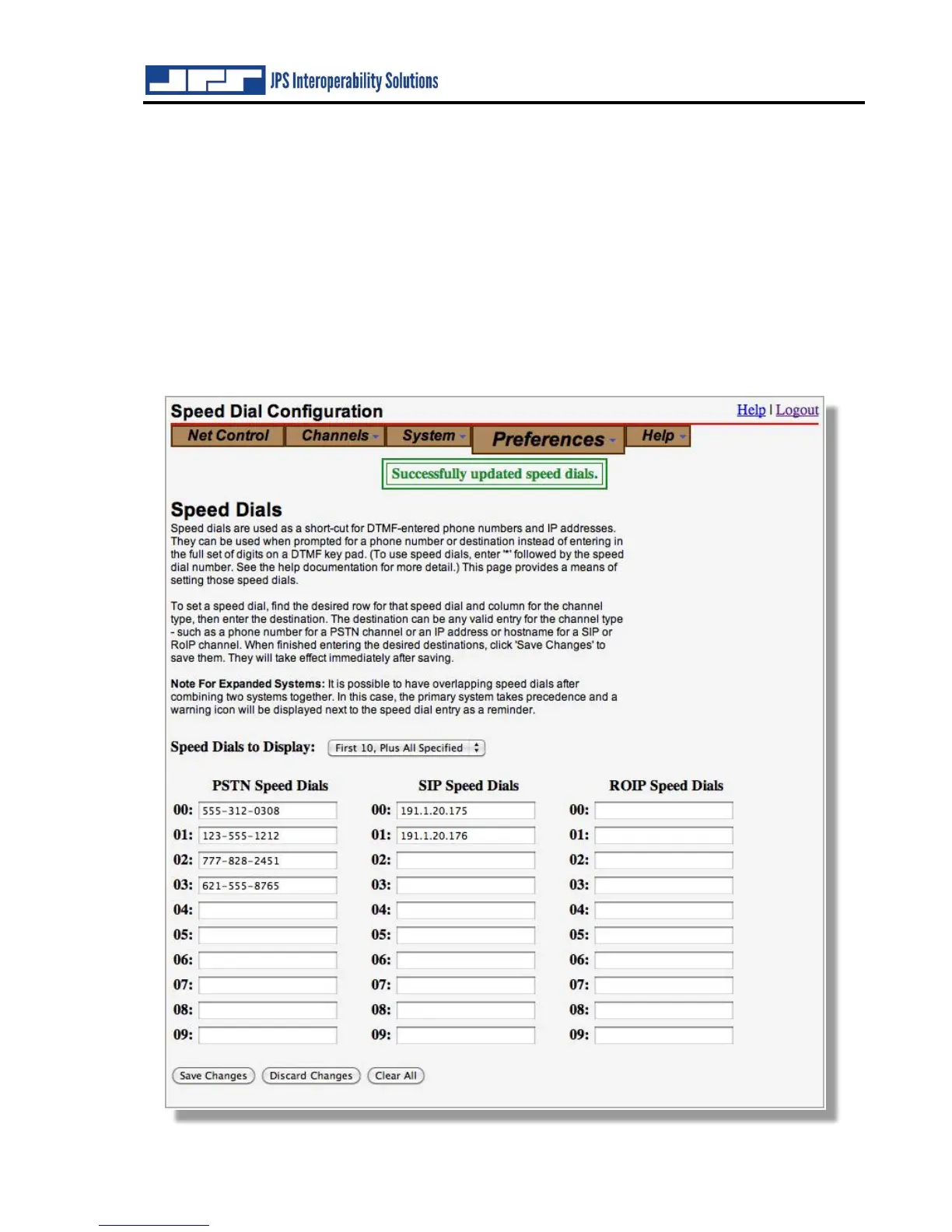
6.6 Preferences – Speed Dials
If enabled, speed dials enable remote users to enter a two-digit ‘speed dial’ instead of a full
destination. When a remote user is prompted for a phone number or destination, instead of
entering the full number, he may enter ‘*’ followed by a speed dial number. The number
configured for that speed dial will be dialed automatically. See Section 9.3 for information
regarding remote user control via DTMF input to the ACU-5000.
Speed dials are channel-type specific. That is, there is a set of speed dials for PSTN channels, a
set for SIP channels, and a set for RoIP channels. Speed dials apply to all channels of a given
type, not to individual channels. For example, if an ACU-5000 has both Channel 1 and Channel
2 set up as PSTN channels, a remote radio user calling in on Channel 6 would use the same PSTN
Speed Dial information for connections to either channel



 To Next Page