ACU-5000 Operations Manual
Interoperability Now 7-1
7 System Help
7.1 Help Types
The ACU-5000 contains a wide array of Help features; most is context sensitive and can be
reached without changing the current GUI page.
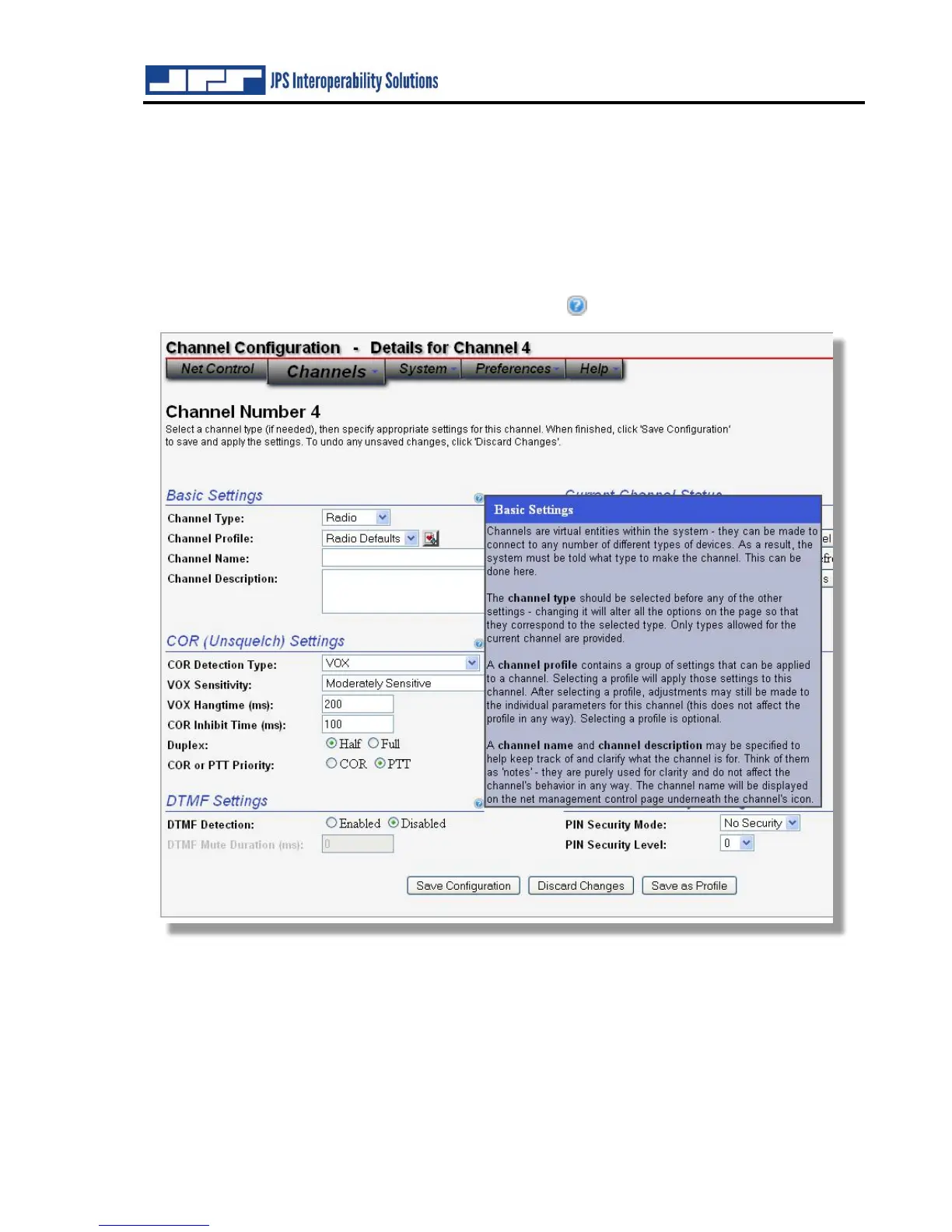
For example, the channel configuration pages include context-sensitive help available by
hovering over the adjacent circular blue question mark.
At any time, you may also hover over or click on the ‘Help’ link in the upper-right hand corner
of the page to get help related to the tool you are currently using. A simple help utility (shown
below) is also provided that provides access to all help topics on the system. This can be found
by clicking on the “Help” tab (to the right of “preferences”) and selecting “Help Contents.”



 To Next Page