ACU-5000 Operations Manual
Interoperability Now 4-11
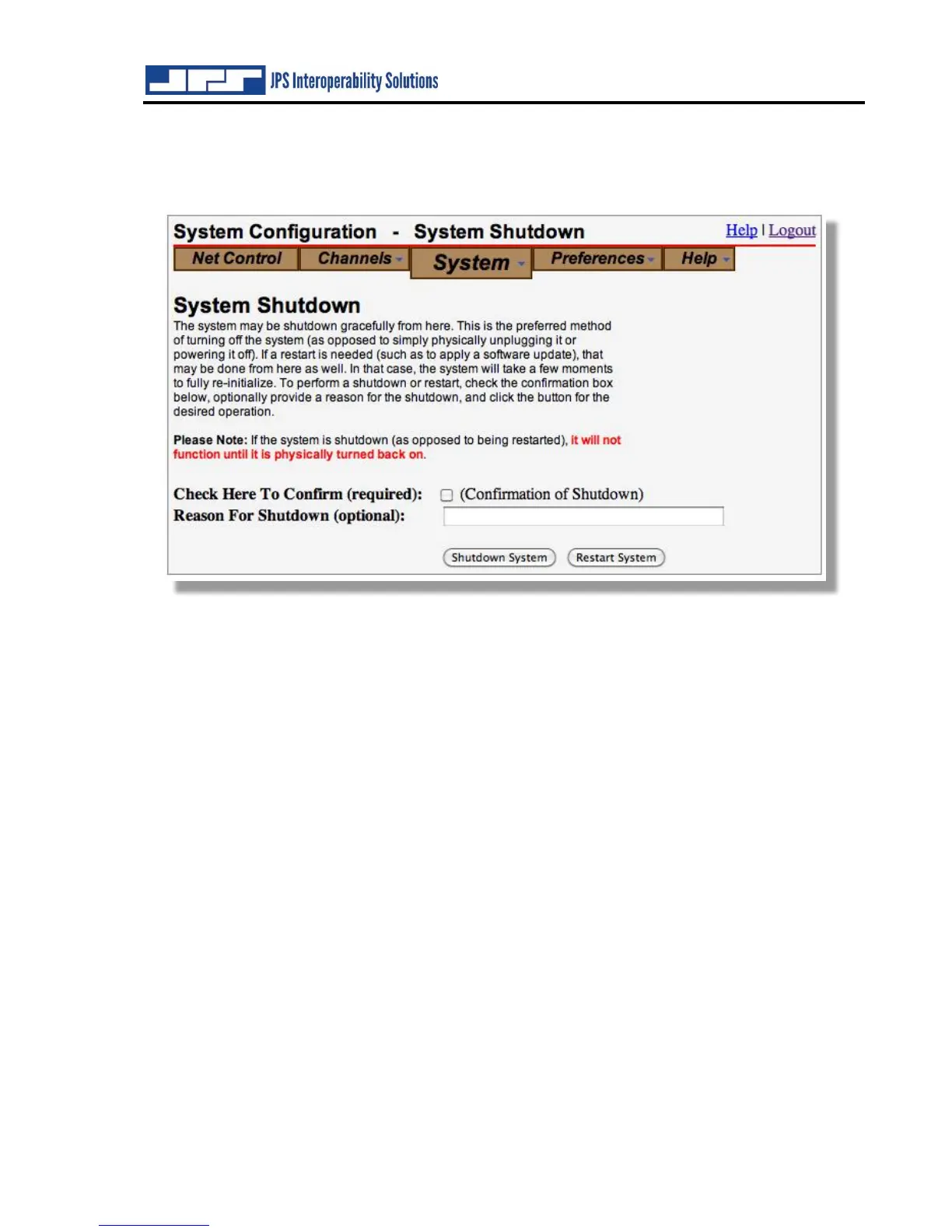
4.2.8 System Shutdown
Use this page to restart or shutdown the ACU-5000. There is a single-board computer within the
unit, and as with any computer, it’s best to shut down through software control.
Note that, if the system is shut down, the ACU-5000’s front panel power switch must be cycled
to bring the unit back on. This is similar to shutting down any other computer; while it is shut
down, there is no web interface and therefore no capability to respond to web commands.
The optional “Reason For Shutdown” entry allows any possible causes or user activity prior to a
shutdown to be logged. This is purely optional. It could be used to help diagnose unwarranted
shutdowns if they are found to occur.



 To Next Page