ACU-5000 Operations Manual
4-8 Interoperability Now
4.2.5 Software Update
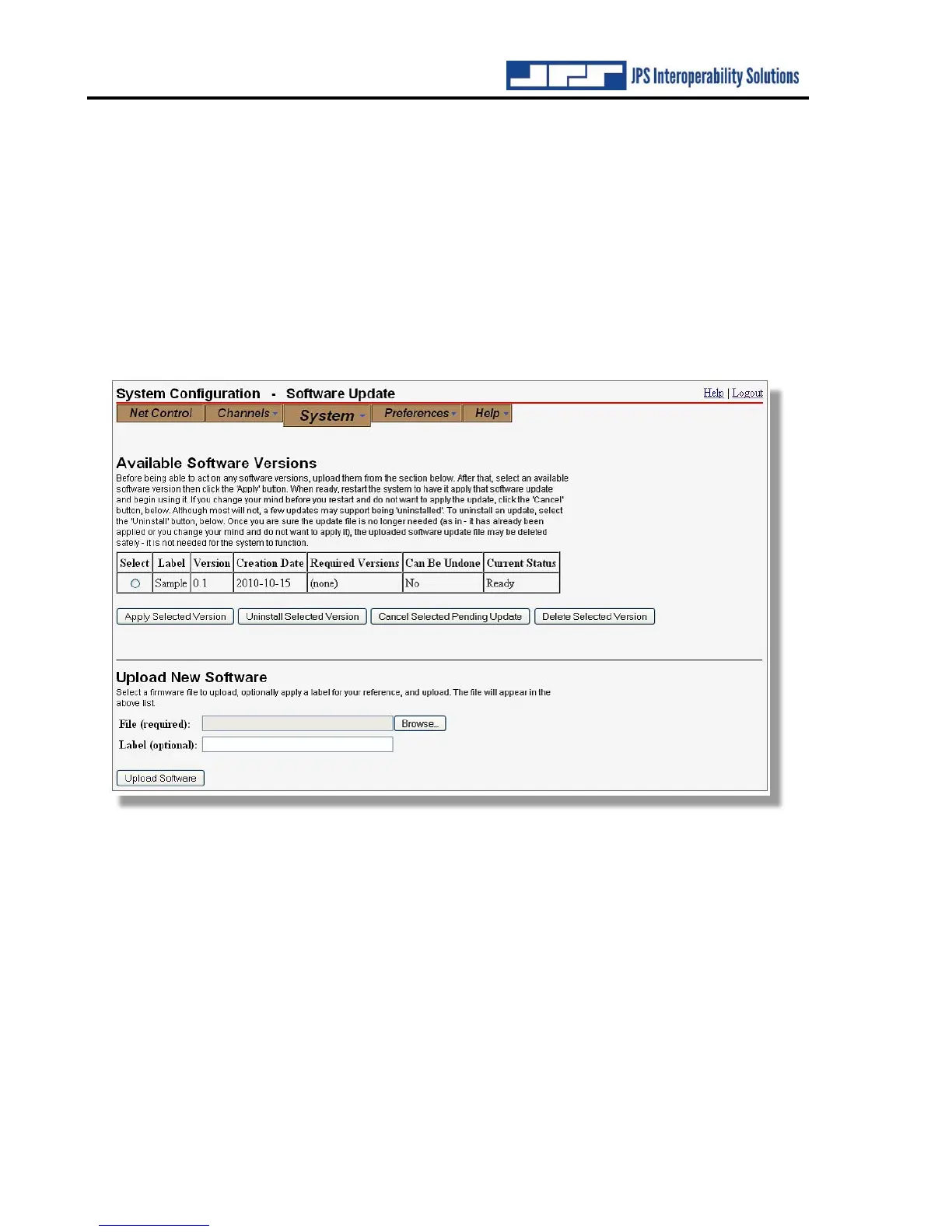
The ACU-5000 may have software updates to add features or to fix errant behaviors. The
Software Update tool provides a means for applying these updates. Use the ‘Upload New
Software’ tool at the bottom of the page to upload a new software load to the system. After the
software has been uploaded, it will be displayed in a chart with any other uploaded software
releases. To apply a software update, select it from the list, then click ‘Apply Selected Version’.
The software will be applied on the next system restart. After the software update has been
applied, the software update package may be deleted from the system, if desired.



 To Next Page