ACU-5000 Operations Manual
Interoperability Now 9-15
9.1.12 Status Indicators on Channel Icons
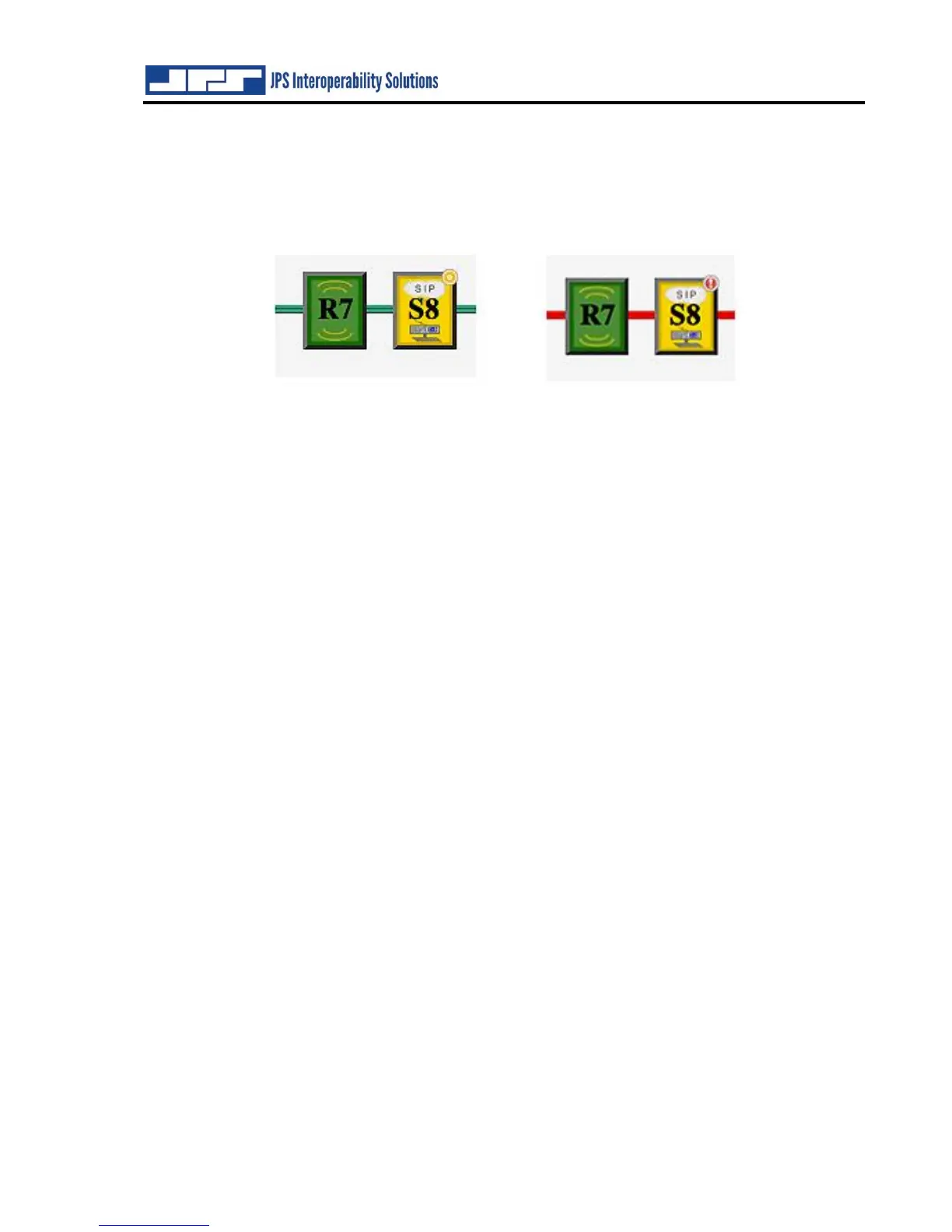
Note the small circle in the upper right corners of some of the channel icons in the previous
image, with enlarged examples below. These small indicator icons provide additional
information of a channel’s overall current state.
Multiple indicator icons available, each describes a different channel state:
o No icon – The channel is idle, with no errors. On a Radio or Handset channel,
this is the standard state. On other channels (PSTN, SIP, and RoIP), this means
the channel is not in any active calls and is available for use.
o Yellow With Dot – The channel is in progress of doing something. Typically, it
is in this state very briefly while it is making or answering a call. [As in Channel
S8 above left.]
o Yellow Waves – The channel is ringing because an outside party has called into
the system. This channel may be answered using the ‘Answer’ button. This only
applies to PSTN and SIP channels.
o Solid Green – The channel is in an active call. This only applies to PSTN, SIP,
and RoIP channels.
o Red With Exclamation – There is an error with this channel, or it was unable to
make a requested connection (e.g., there was no dial tone on a PSTN line).
Depending on the cause of the situation, you may be able to clear this status by
clicking on the ‘Hang Up’ button, then clicking on the channel. [As in Channel
S8 above right.]
o Red With Dash – This channel is offline. Something is wrong with this channel.
Typically, this is only seen when an expansion system loses connectivity (and
thus the channels are unreachable).



 To Next Page