– 87 –
3
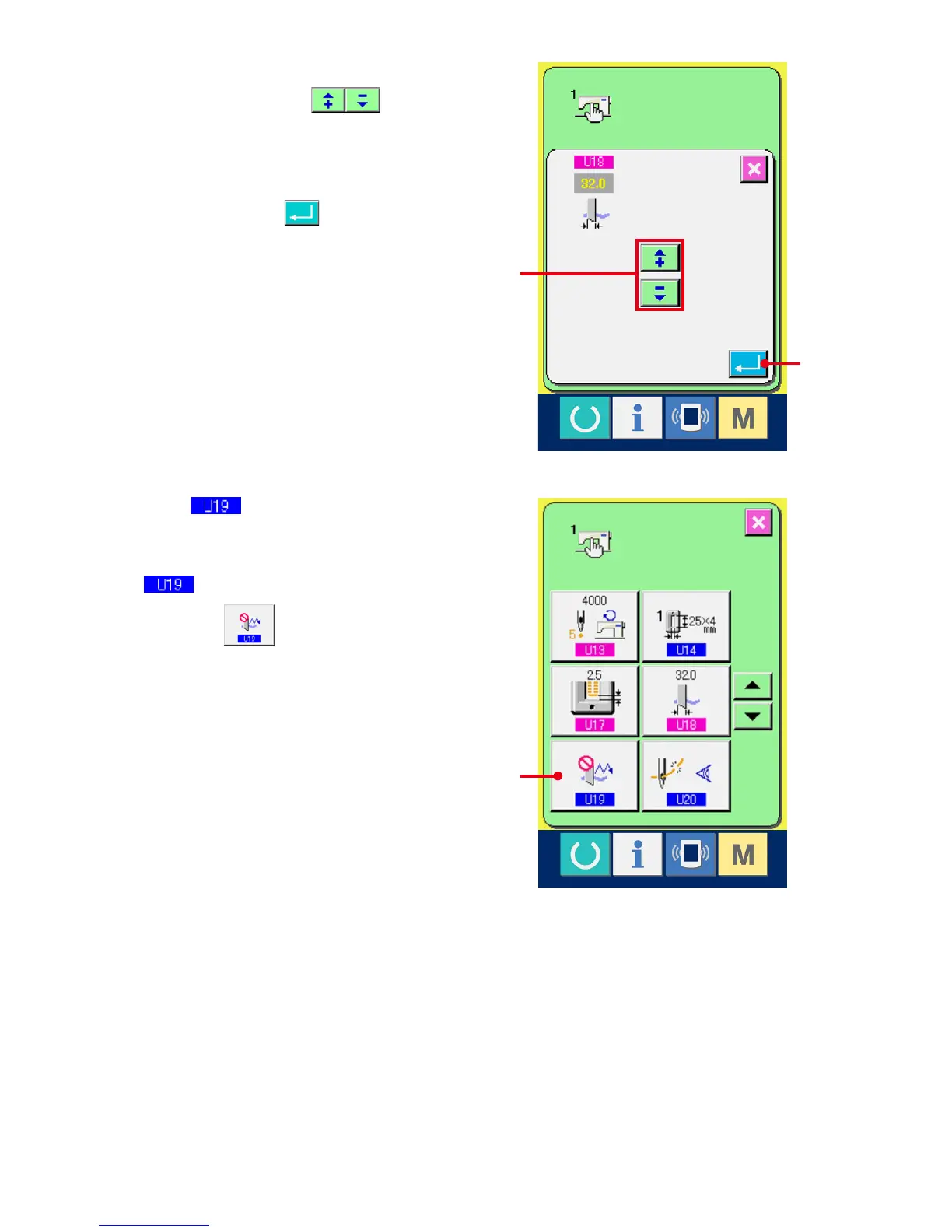
Input the cloth cutting knife size.
Press plus/minus buttons (D) and
input the size of knife attached.
4
Determine the cloth cutting knife size.
When ENTER button (E) is pressed, the
cloth cutting knife size input screen is closed and
the input has been completed.
Then the screen returns to the memory switch list
screen.
5
Select Function of plural motions of
cloth cutting knife button.
Press UP/DOWN SCROOL button and select
Function of plural motions of cloth cutting
knife button (F). The function of plural
motions of cloth cutting knife selection screen is
displayed.
F
D
E



 To Next Page