3 Operation and visualization
54
Texts in the right column can only be edited here, in the current batch report.
After calling up the function, the field to be modified can be selected using the
and buttons. How the field is modified, depends on
the field type.
Activate the button to modify the field using the text editor.
Activate the button to select an entry from the text list.
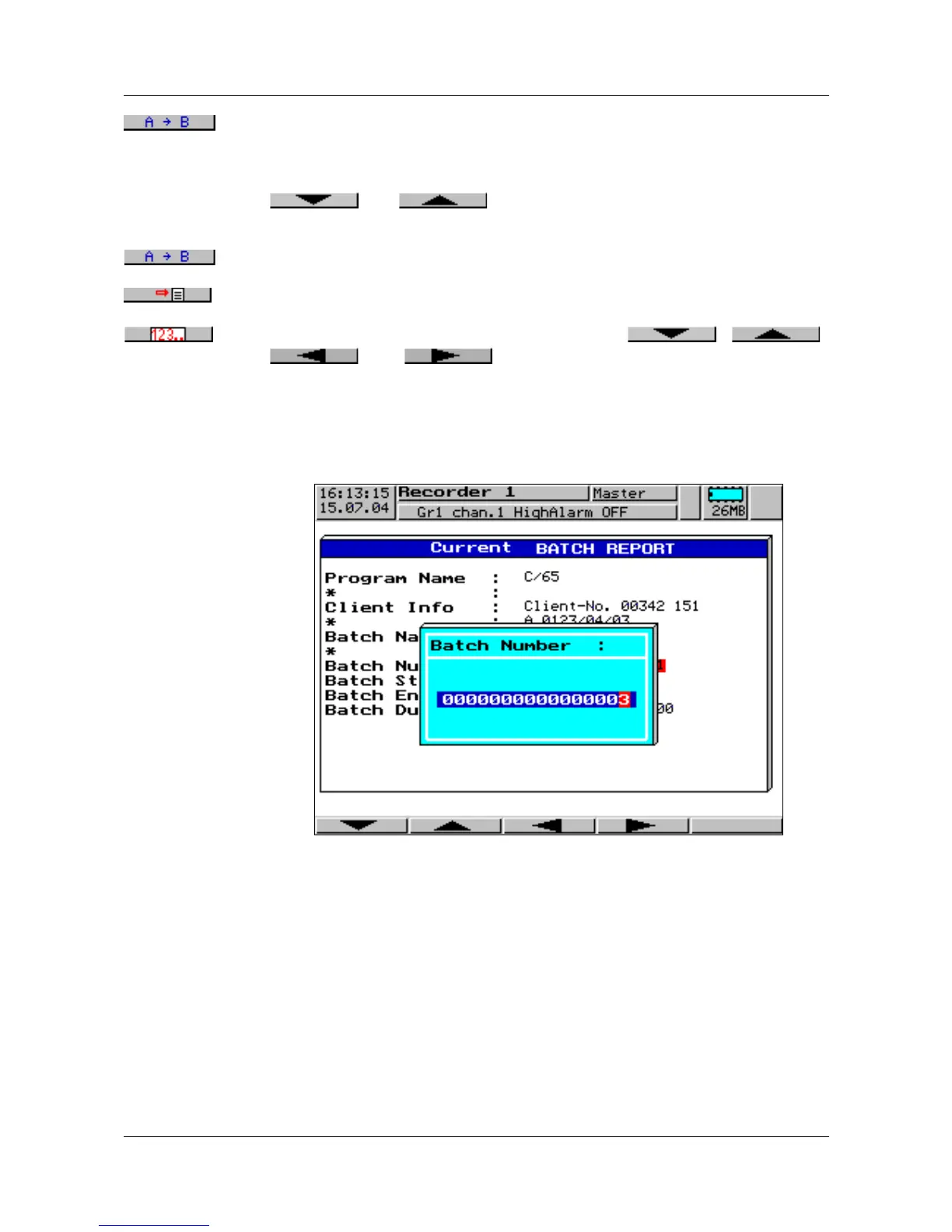
Activate the button to modify the field using the , ,
, and buttons.
The editing options are only displayed if the present field type allows it. Each
entry is completed by pressing
E. D cancels the editing procedure.
Example:
Editing the
batch
number



 To Next Page